Joe Danger + Joe Danger 2: The Movie Bundle
$24.99


 اضافة للسلة
 الصفحة الرئيسية
 PC Games
Aquatic Store Simulator
PC Games
Aquatic Store Simulator
 اضافة للسلة

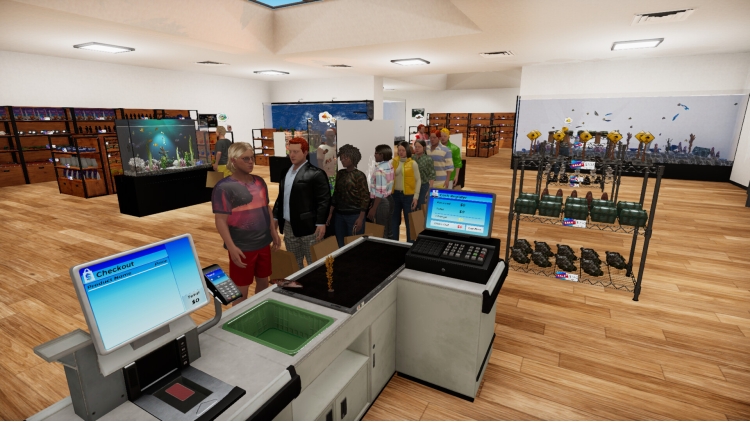
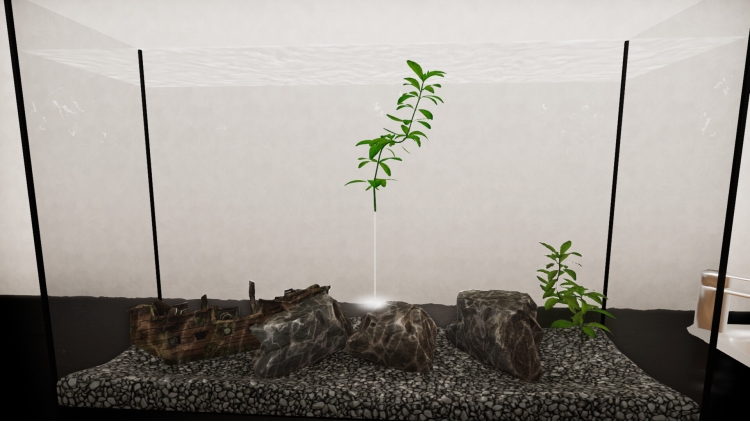
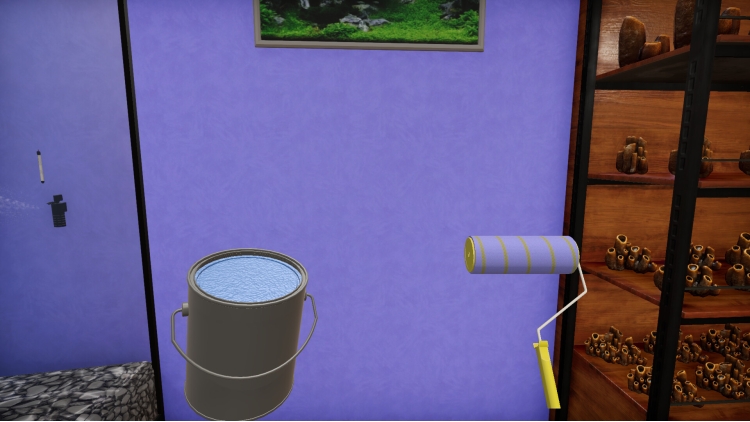
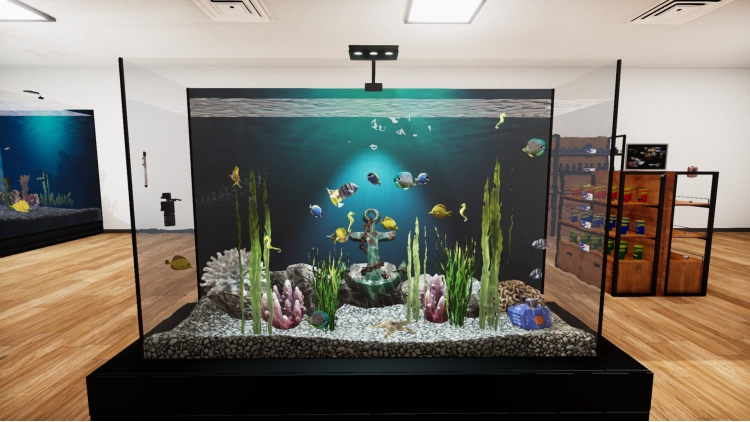
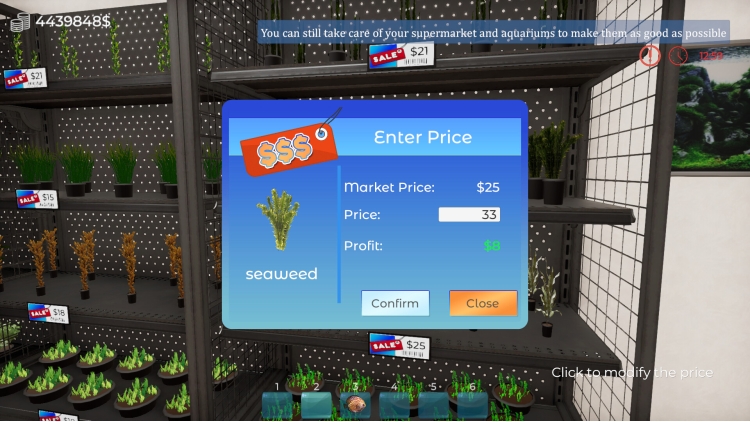
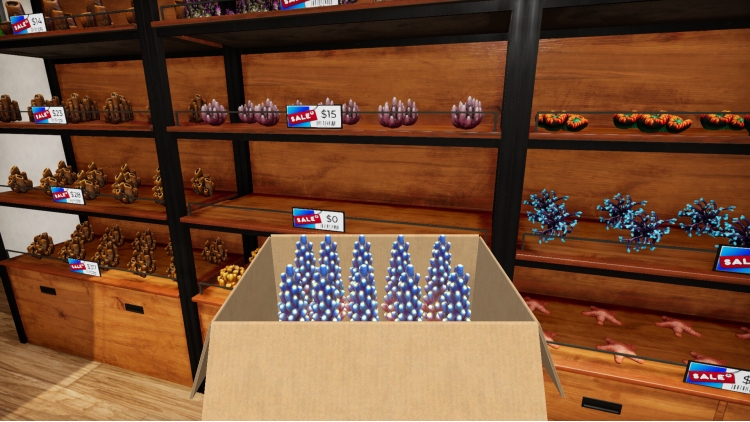
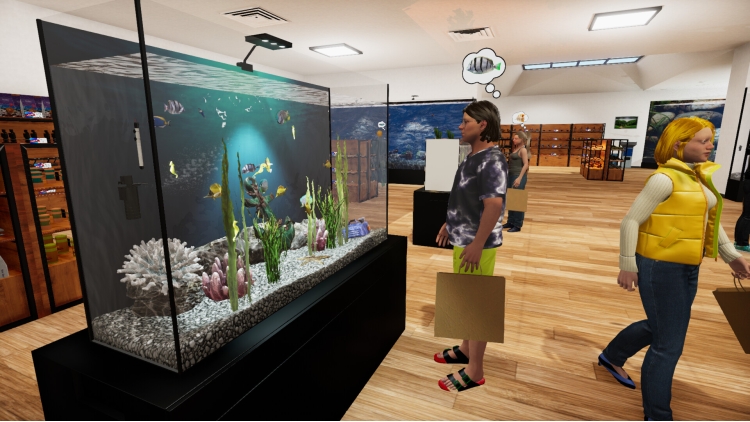
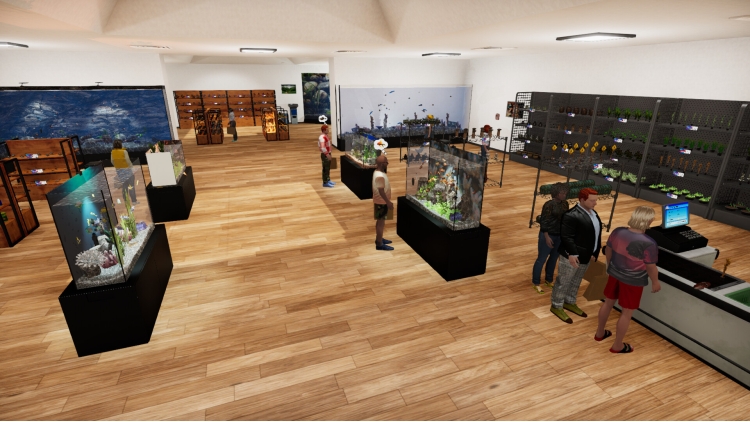
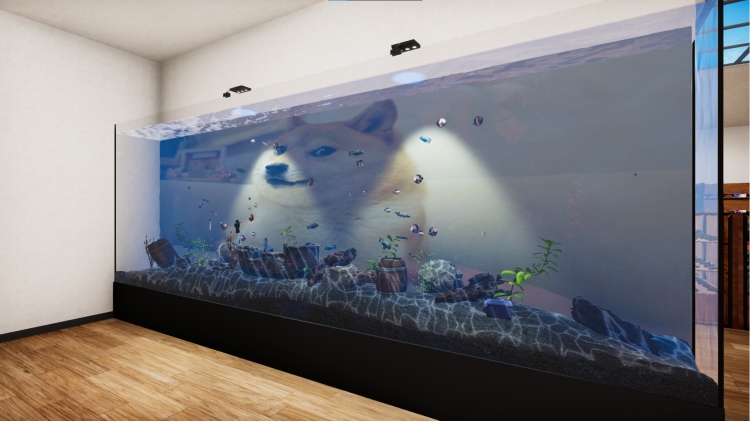
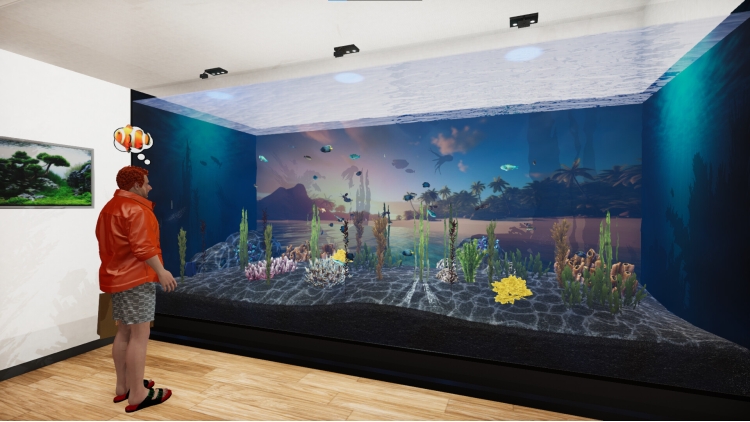
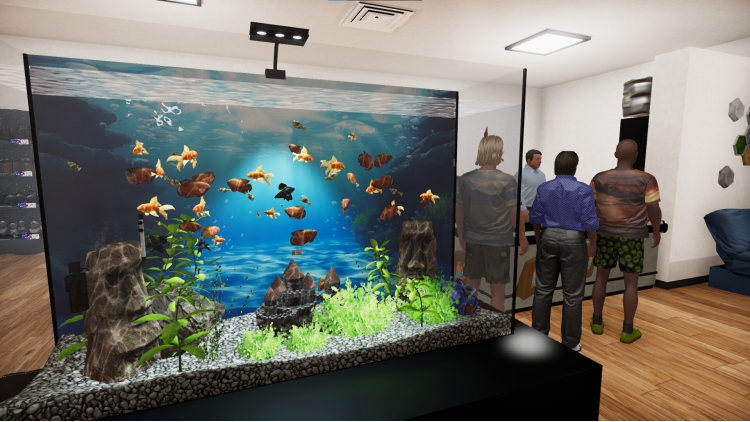
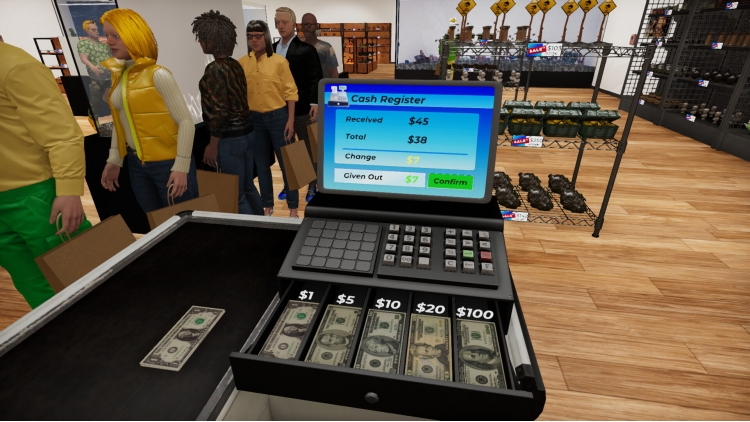
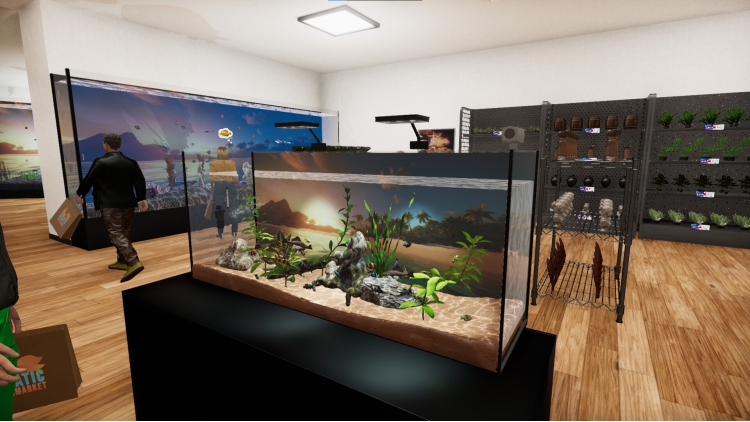
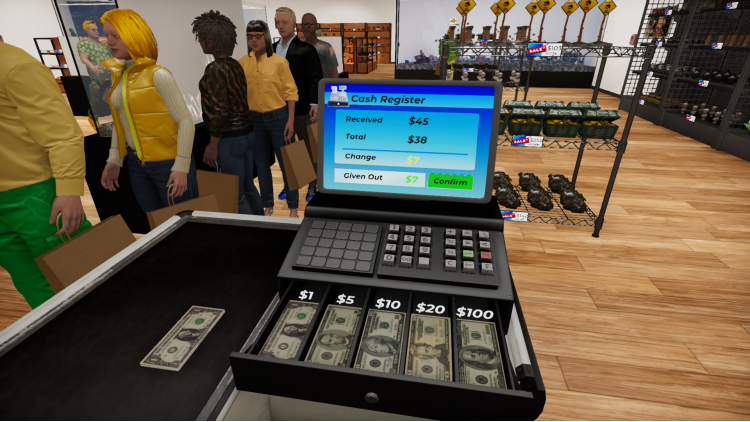
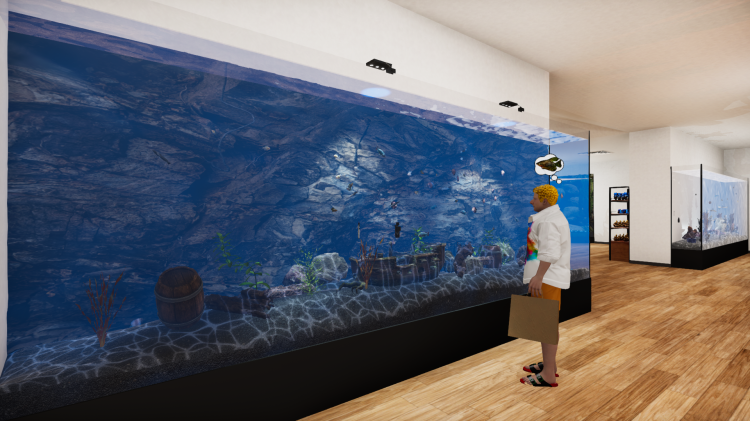
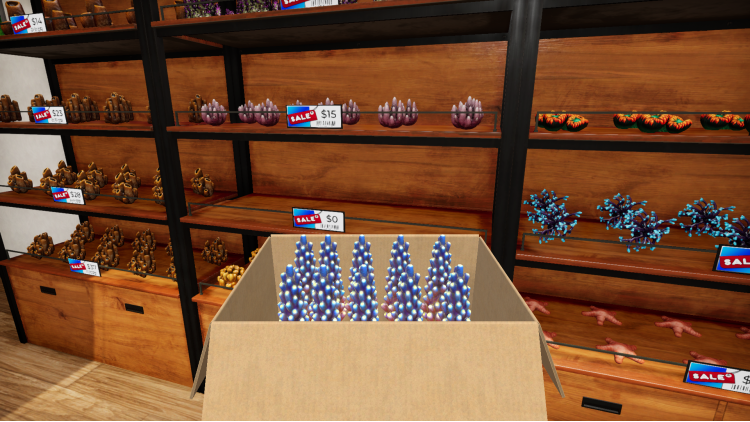
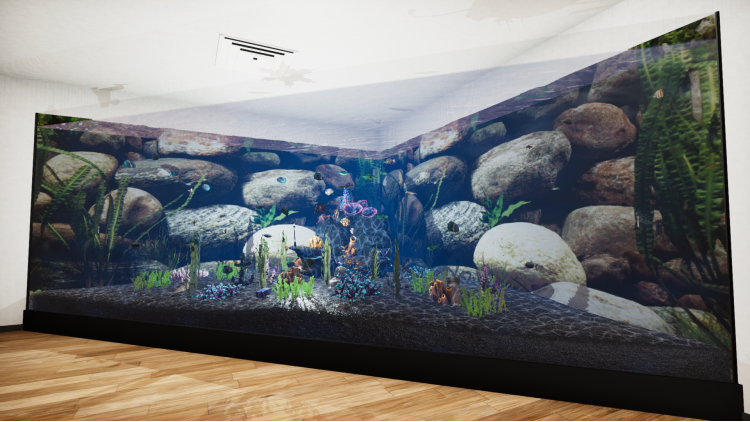
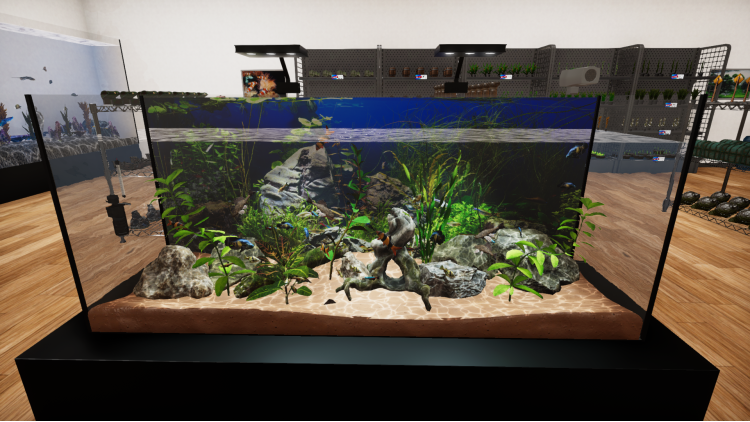
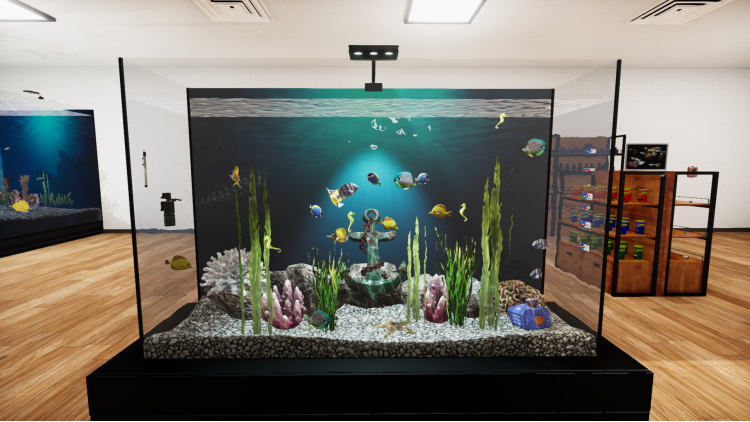
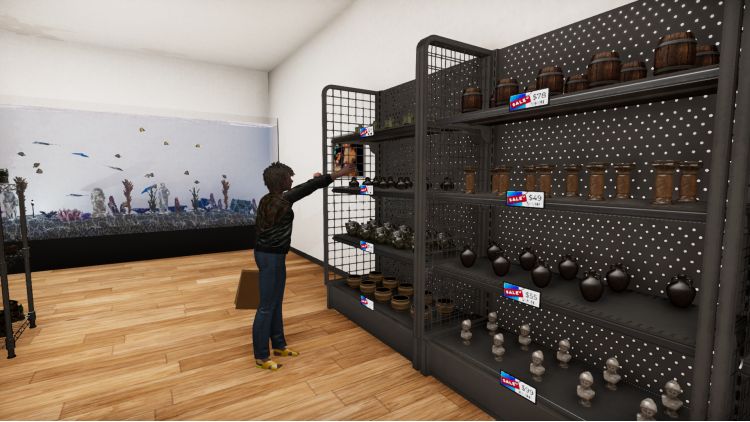
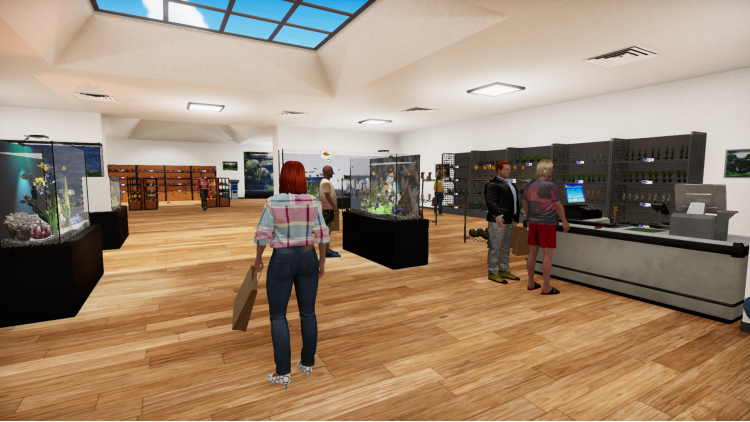
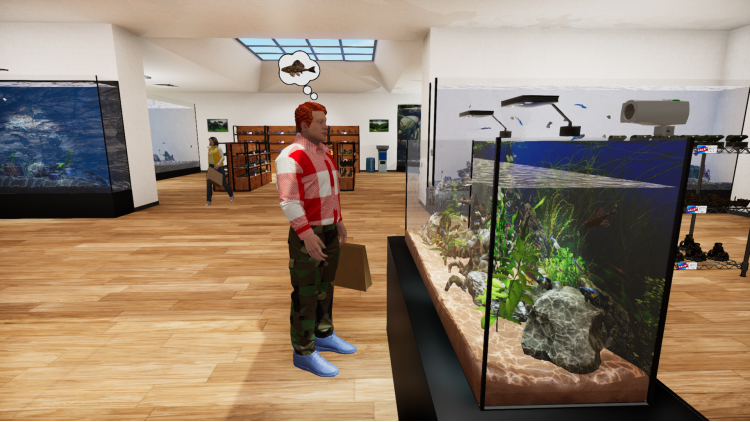
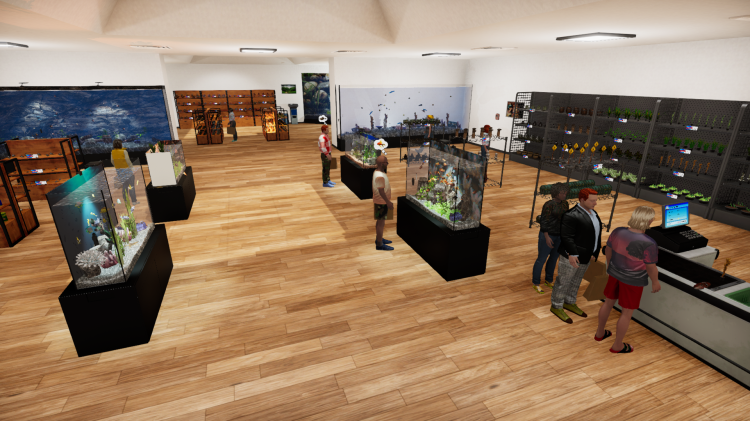
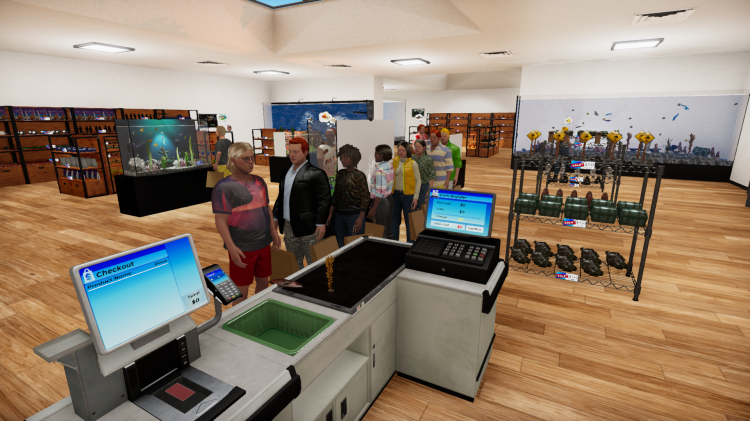
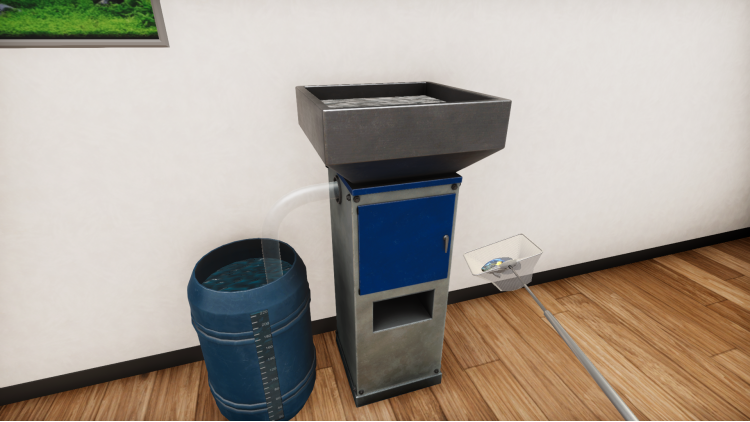
انغمس في عالم التجزئة المائي النابض بالحياة مع Aquatic Store Simulator! واجه تحدي إدارة سوبر ماركت خاص بك بطابع تحت الماء، ودمج إدارة الأعمال مع جمال الحياة المائية. قم بتخزين الأسماك الغريبة والديكورات وحدد الأسعار واستلم المدفوعات وقم بصيانة أحواض السمك. قم بتسليم الأسماك وإدارة المعاملات والتأكد من سعادة عملائك. قم بتخصيص وتوسيع متجرك لتصبح رائد الأعمال في مجال أحواض السمك.
يمكنك شراء لعبة Aquatic Store Simulator للكمبيوتر الشخصي سريعًا بأي طريقة آمنة وبأفضل الأسعار عبر متجر التجزئة الرسمي mena.etail.market
© FreeMind 2024
1)
Download & install the Steam client on your
computer from here.
2)
Open the Steam client, register and login. Then,
locate the Games tab on the top menu. Click that and select “Activate a Product
on Steam..”

3)
Enter your code that is showed on the orders page
of eTail. Market and and follow the steps showed to activate your game.

4)
The game can be monitored now and you can see it
on the "Library" section on Steam. You can download and install the
game now.
5)
If you need more information and support, you
can click here: https://help.steampowered.com/en/wizard/HelpWithSteam
 اضافة للسلة
 اضافة للسلة
 اضافة للسلة
 اضافة للسلة
 80%
اضافة للسلة
80%
اضافة للسلة
 اضافة للسلة
 اضافة للسلة
 15%
إنتهى من المخزن
15%
إنتهى من المخزن
