Jurassic World Evolution: Herbivore Dinosaur Pack
50%


 اضافة للسلة
 الصفحة الرئيسية
 PC Games
Arpsic
PC Games
Arpsic

 اضافة للسلة
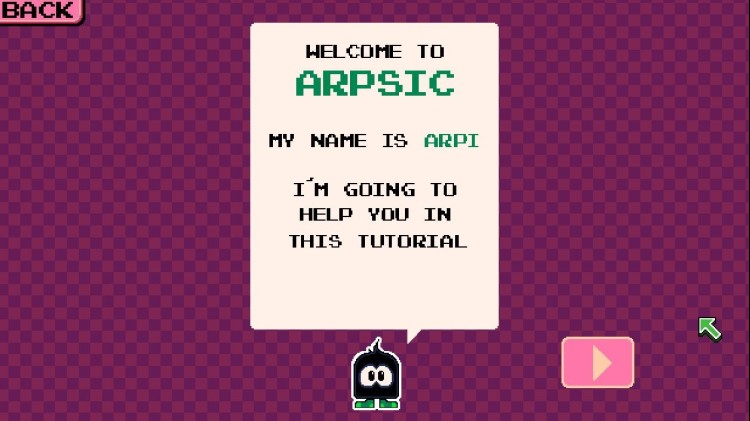


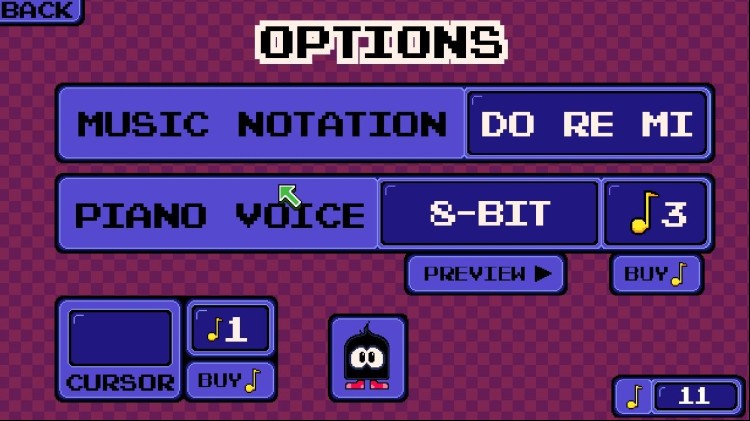





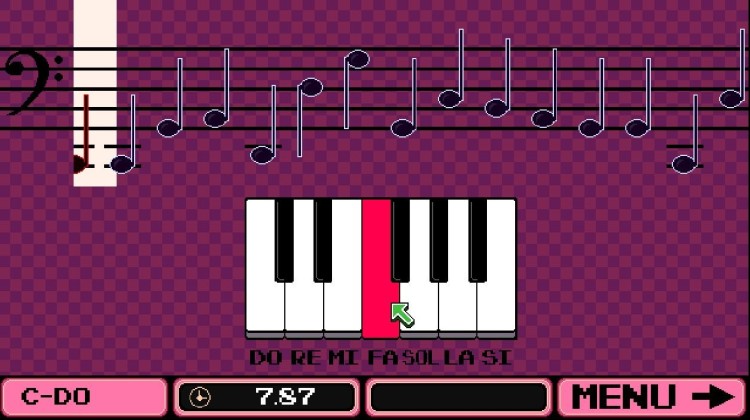
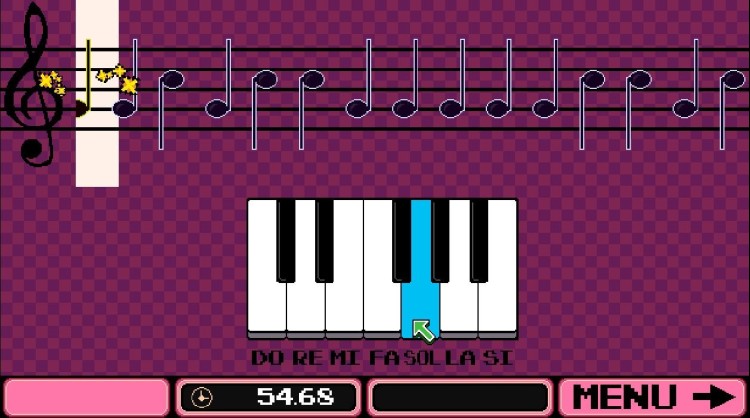

هل سبق لك أن حاولت فهم التدوين الموسيقي؟
مع Arpsic ، يمكنك تدريب نفسك بدروس بديهية ، وتعلم المفتاح الموسيقي الثلاثي ، والمفتاح الموسيقي الجهير ، والمزيد!
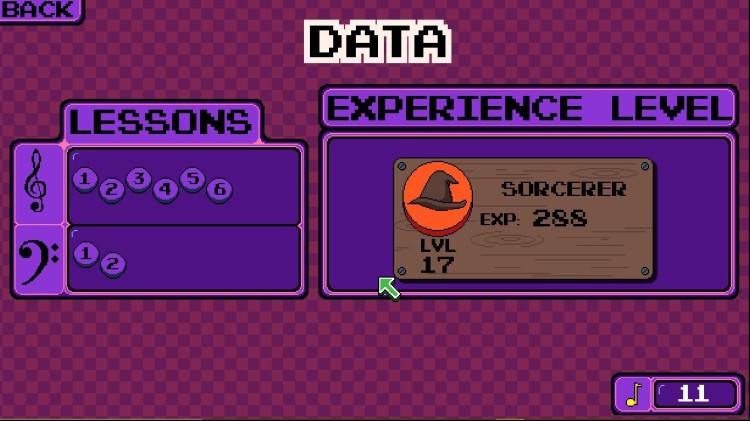
من خلال واجهة مباشرة وبيانو مجاني ونقاط خبرة لمساعدتك في رحلتك الموسيقية.
• 4 مفاتيح لممارسة التدوين الموسيقي.
• وضع اللعب الحر مع بيانو ميدي مليء بالأصوات الغريبة.
• احصل على مكافآت وافتح ميزات جديدة.
• أغنية واحدة للتعلم ، مع المزيد في الطريق.
• صوت بيانو واحد.
• اكتساب نقاط الخبرة ورفع مستوى مهاراتك.
قريباً!
• 9 أصوات بيانو.
• 9 أغانٍ للتعلم
• تدرب على إيقاعك.
موضوع Arpsic تم إنشاؤه بواسطة Komiku
https://chezmonplaisir.bandcamp.com/track/mall
يمكنك شراء لعبة Arpsic للكمبيوتر الشخصي سريعًا بأي طريقة آمنة وبأفضل الأسعار عبر متجر التجزئة الرسمي mena.etail.market
1)
Download & install the Steam client on your
computer from here.
2)
Open the Steam client, register and login. Then,
locate the Games tab on the top menu. Click that and select “Activate a Product
on Steam..”

3)
Enter your code that is showed on the orders page
of eTail. Market and and follow the steps showed to activate your game.

4)
The game can be monitored now and you can see it
on the "Library" section on Steam. You can download and install the
game now.
5)
If you need more information and support, you
can click here: https://help.steampowered.com/en/wizard/HelpWithSteam
 50%
اضافة للسلة
50%
اضافة للسلة
 20%
اضافة للسلة
20%
اضافة للسلة
 15%
إنتهى من المخزن
15%
إنتهى من المخزن
 90%
اضافة للسلة
90%
اضافة للسلة
 90%
اضافة للسلة
90%
اضافة للسلة
 اضافة للسلة
 60%
اضافة للسلة
60%
اضافة للسلة
 اضافة للسلة
 90%
اضافة للسلة
90%
اضافة للسلة
