Elite Dangerous: Odyssey Deluxe Edition
$44.99


 اضافة للسلة
 الصفحة الرئيسية
 PC Games
Avenger Bird
PC Games
Avenger Bird

 اضافة للسلة

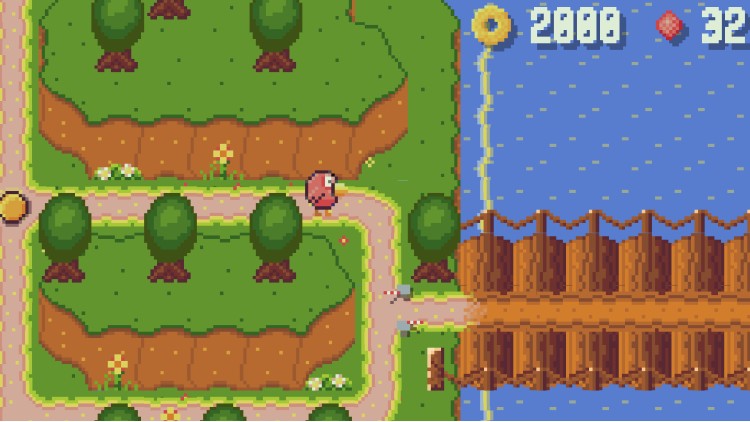
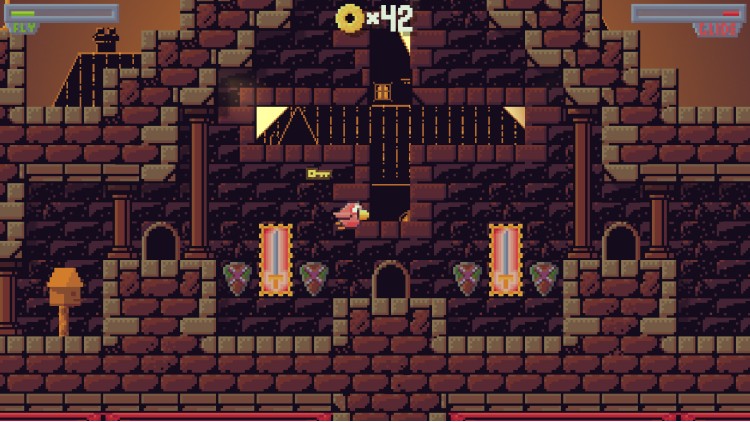
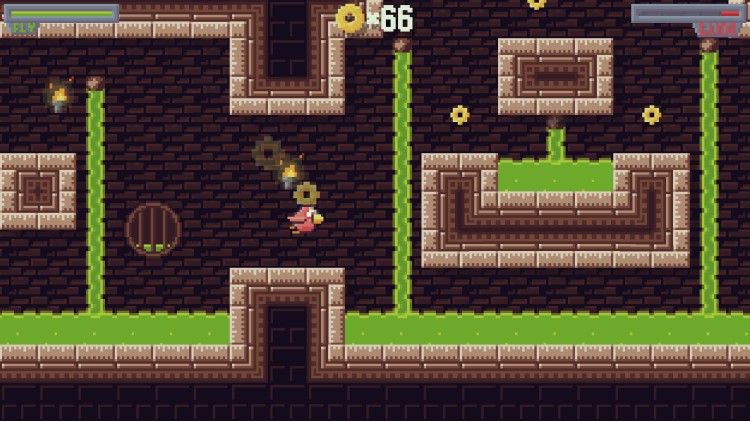
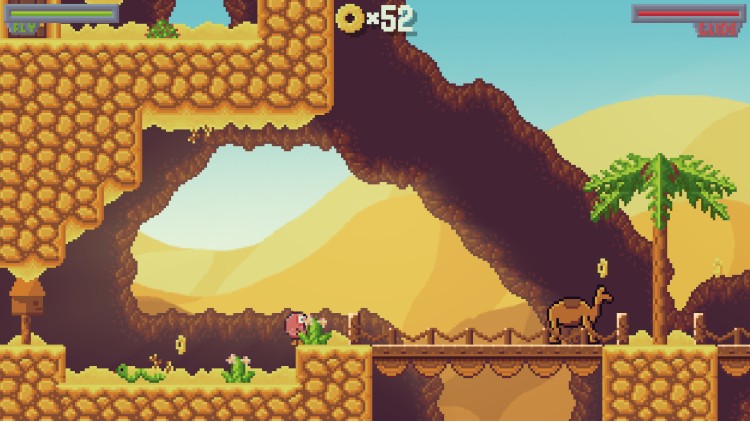
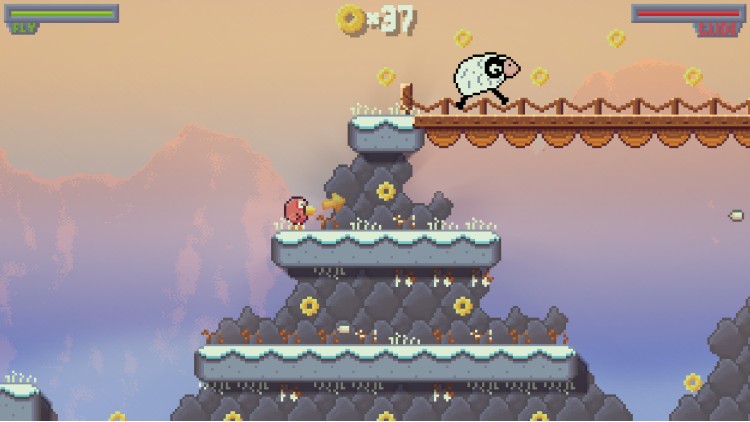
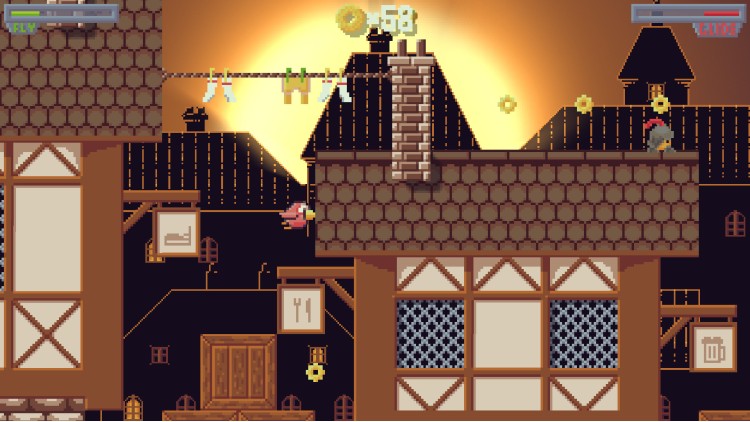
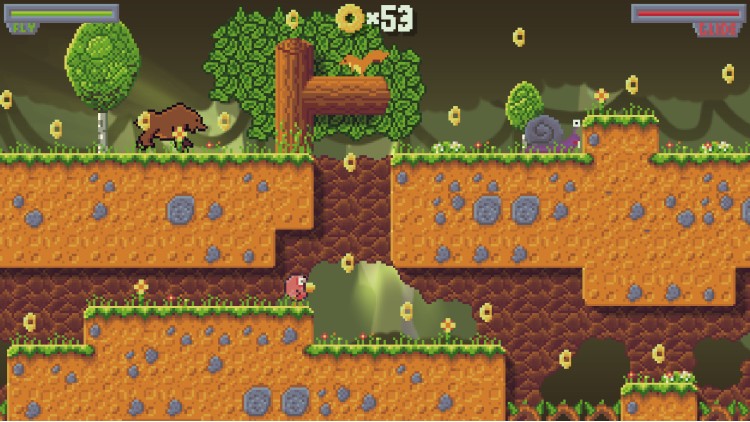
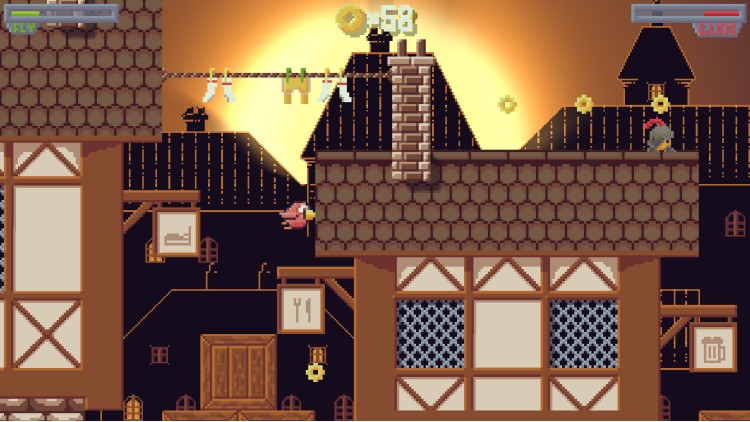
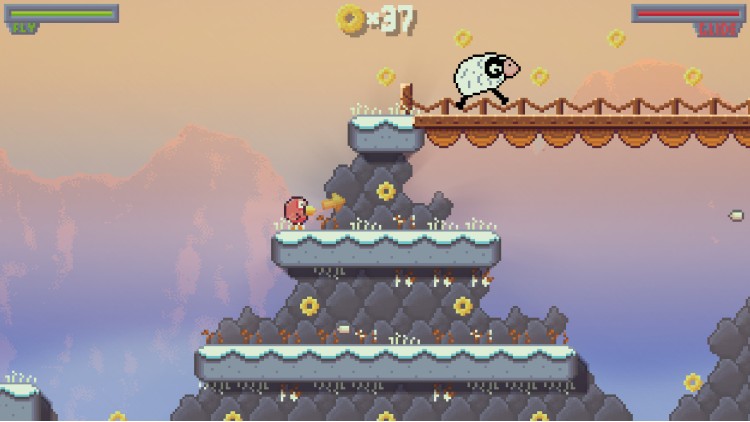
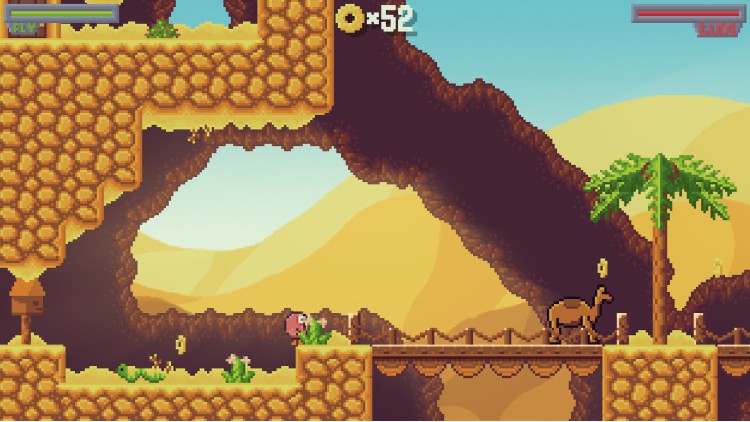
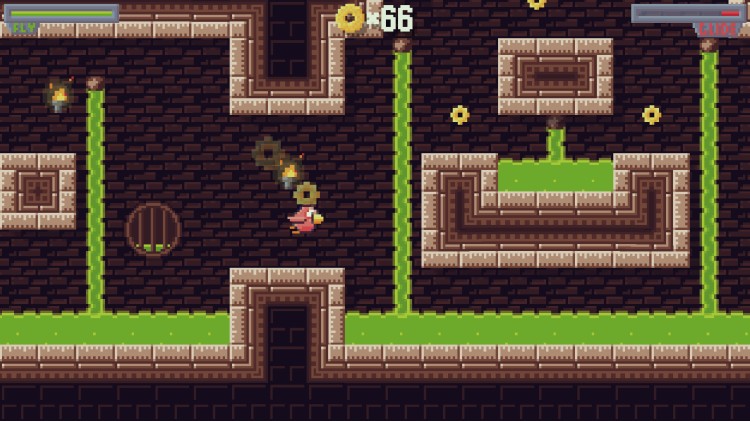
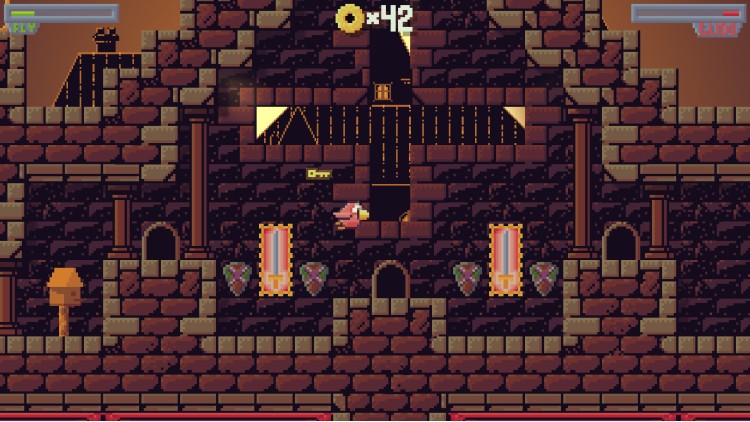
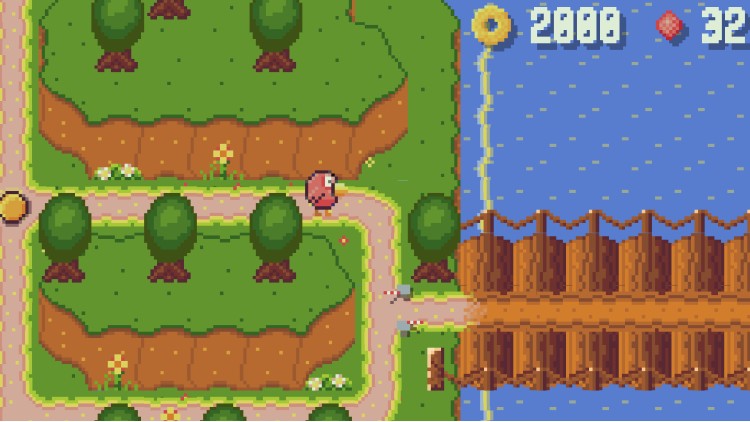
أوه لا! لقد خطف شخص ما الطيور الصغيرة الخاصة بك! يجب عليك الذهاب في مغامرة ملحمية لإنقاذهم!
Avenger Bird هي لعبة منصة جانبية ذات رسومات بكسل آرت، لكن بطلك ليس مجرد بطل عادي. أنت تلعب دور طائر يمكنه أن يرفرف بجناحيه الصغيرين ليطير وينزلق لمسافات محدودة. إنها لعبة من عصر 16 بت مستوحاة من الطراز القديم مع آلية طيران/انزلاق مبتكرة ومليئة بالتحديات.
سمات:
- اكتشف أربعة عوالم مختلفة
- خريطة العالم المفتوحة
- 32 مستويات فريدة من نوعها
- الكنز المخفي في كل مستوى
- بيض عيد الفصح والنقش غير المتوقع
- معركة ملحمية مع الزعيم في النهاية!
يمكنك شراء لعبة Avenger Bird للكمبيوتر الشخصي سريعًا بأي طريقة آمنة وبأفضل الأسعار عبر متجر التجزئة الرسمي mena.etail.market
1)
Download & install the Steam client on your
computer from here.
2)
Open the Steam client, register and login. Then,
locate the Games tab on the top menu. Click that and select “Activate a Product
on Steam..”

3)
Enter your code that is showed on the orders page
of eTail. Market and and follow the steps showed to activate your game.

4)
The game can be monitored now and you can see it
on the "Library" section on Steam. You can download and install the
game now.
5)
If you need more information and support, you
can click here: https://help.steampowered.com/en/wizard/HelpWithSteam
 اضافة للسلة
 15%
إنتهى من المخزن
15%
إنتهى من المخزن
 90%
اضافة للسلة
90%
اضافة للسلة
 اضافة للسلة
 50%
اضافة للسلة
50%
اضافة للسلة
 90%
اضافة للسلة
90%
اضافة للسلة
 90%
اضافة للسلة
90%
اضافة للسلة
 60%
اضافة للسلة
60%
اضافة للسلة