Joe Danger 2: The Movie
90%


 اضافة للسلة
 الصفحة الرئيسية
 PC Games
BattleJuice Alchemist - Early Access
PC Games
BattleJuice Alchemist - Early Access

 اضافة للسلة

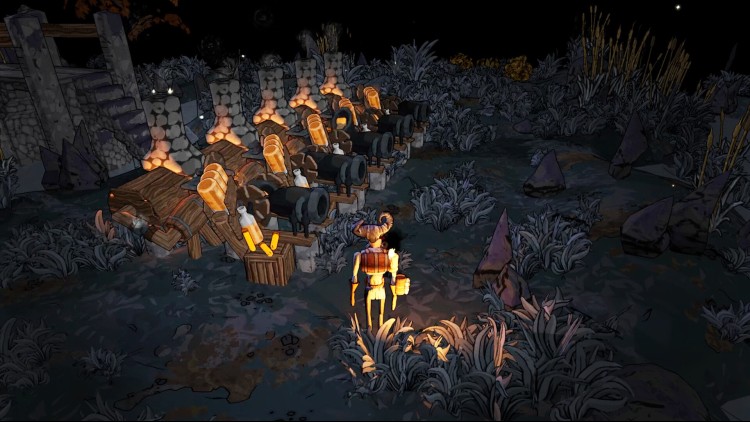
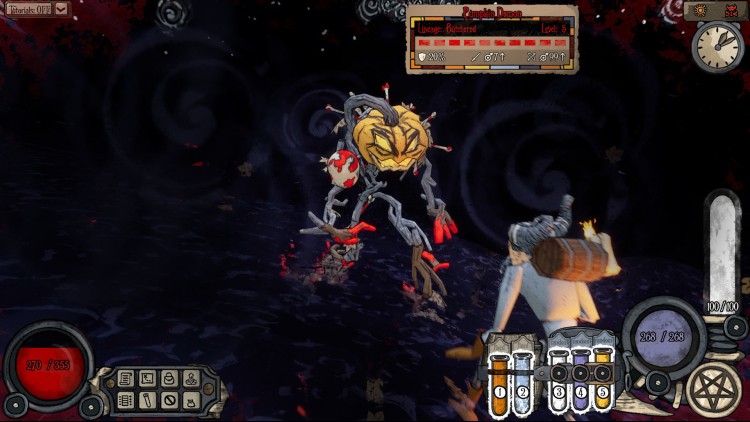
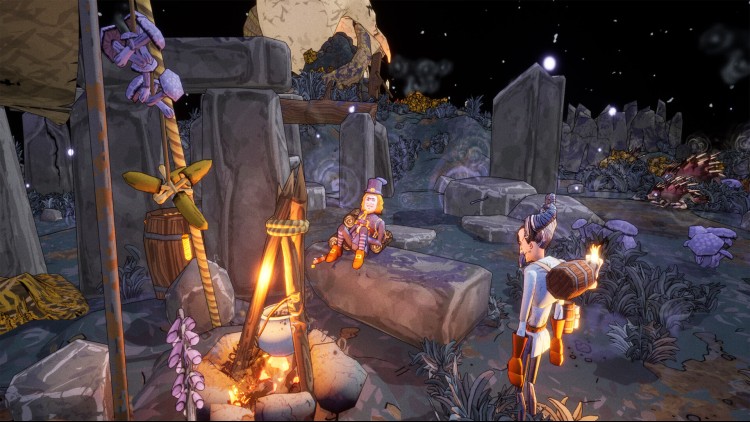
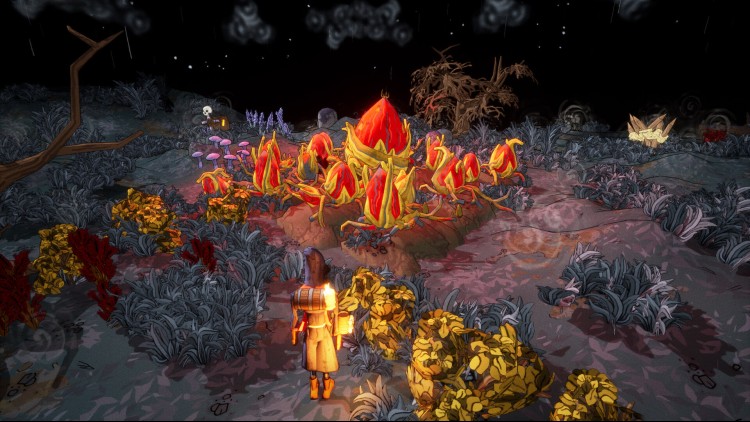
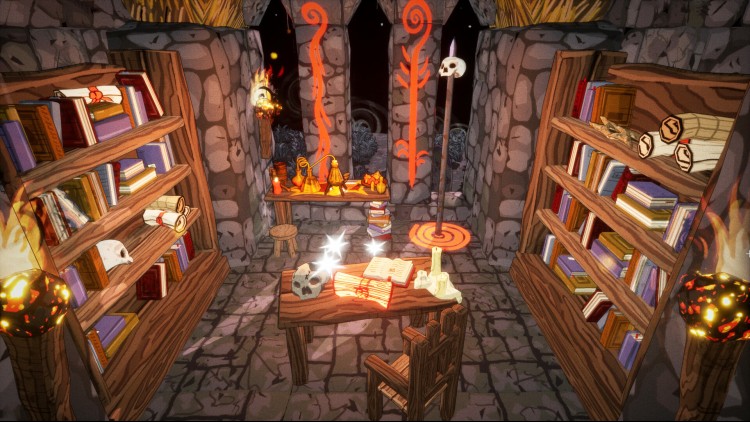
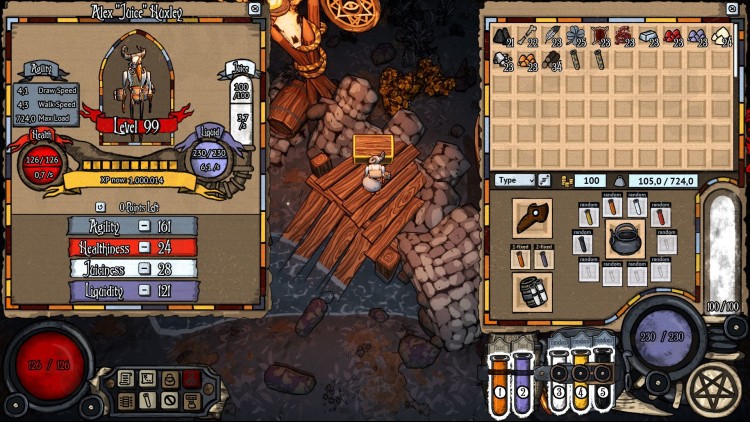
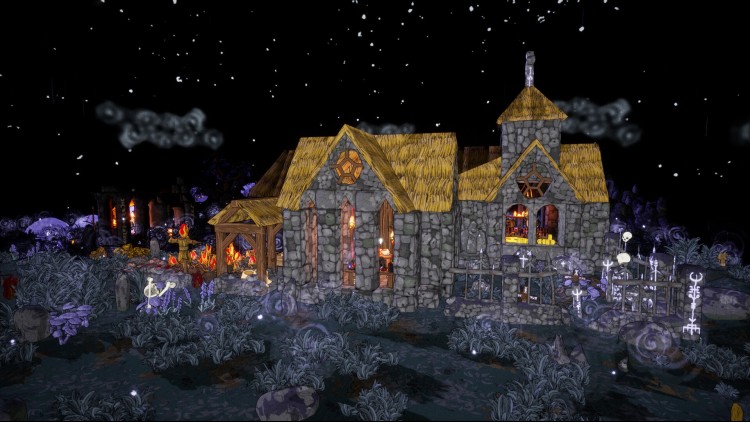
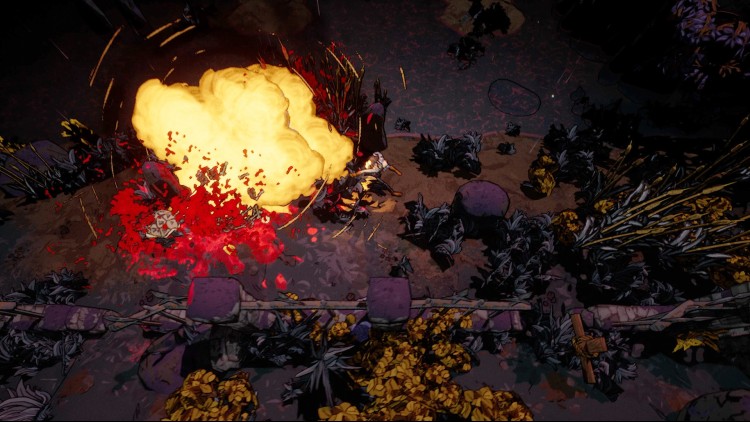
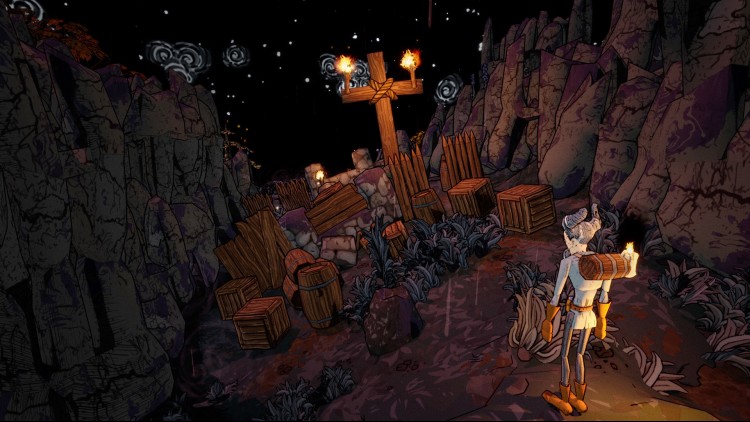
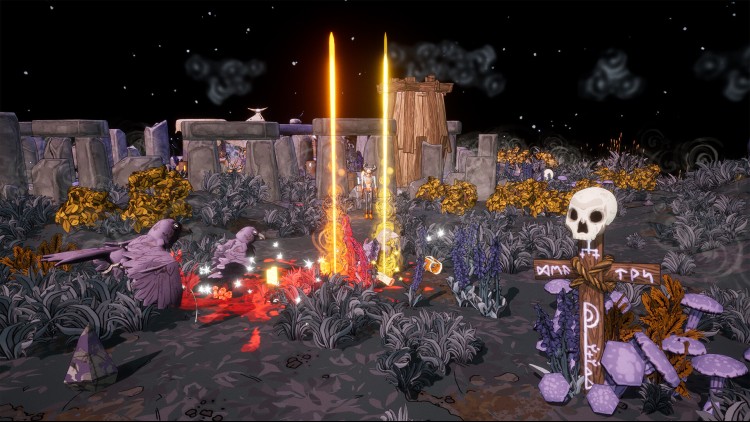
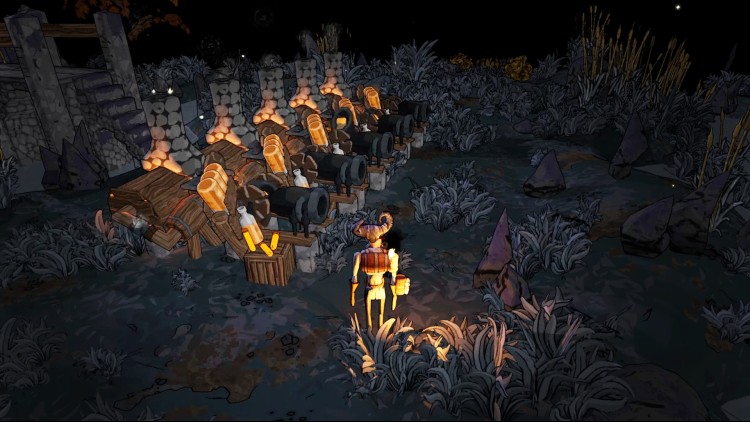
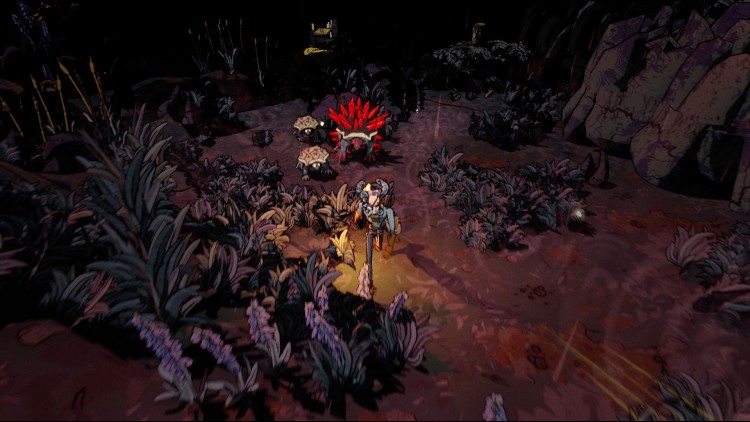
يتم استدعاء الشيميست جوس إلى كاريبو كريك في محاولة لمحاربة الشياطين التي تجوب الأراضي. باعتبارك نسختك الفريدة من جوس، ستتمكن من استكشاف براري نيو إنجلاند. حارب الشر من خلال عرض متساوي القياس من أعلى إلى أسفل والقتال المباشر في الوقت الفعلي.
اكتشف وأنشئ أشياء تمتلك قوى ثورية. تعلم كيفية إتقان آليات بناء الحزم في "باتل جوس الكيميائي" من خلال تجميعك للزجاجات التي ستتكيف مع أسلوب لعبك. قم بتخصيص شخصيتك من خلال طقوس سحرية لتحصل على تحسينات طويلة الأمد. تعرف على مخلوقات غريبة من "مفترق الطرق" بينما تكتشف الحبكة المظلمة لـ "باتل جوس الكيميائي".
©2023 ESDigital Games Ltd. جميع الحقوق محفوظة.
يمكنك شراء لعبة BattleJuice Alchemist - Early Access للكمبيوتر الشخصي سريعًا بأي طريقة آمنة وبأفضل الأسعار عبر متجر التجزئة الرسمي mena.etail.market
©2023 ESDigital Games Ltd. All rights reserved.
1)
Download & install the Steam client on your
computer from here.
2)
Open the Steam client, register and login. Then,
locate the Games tab on the top menu. Click that and select “Activate a Product
on Steam..”

3)
Enter your code that is showed on the orders page
of eTail. Market and and follow the steps showed to activate your game.

4)
The game can be monitored now and you can see it
on the "Library" section on Steam. You can download and install the
game now.
5)
If you need more information and support, you
can click here: https://help.steampowered.com/en/wizard/HelpWithSteam
 90%
اضافة للسلة
90%
اضافة للسلة
 60%
اضافة للسلة
60%
اضافة للسلة
 15%
إنتهى من المخزن
15%
إنتهى من المخزن
 اضافة للسلة
 اضافة للسلة
 90%
اضافة للسلة
90%
اضافة للسلة
 90%
اضافة للسلة
90%
اضافة للسلة