Joe Danger + Joe Danger 2: The Movie Bundle
90%


 اضافة للسلة
 الصفحة الرئيسية
 PC Games
Bionic Bay Deluxe Edition
PC Games
Bionic Bay Deluxe Edition
 اضافة للسلة

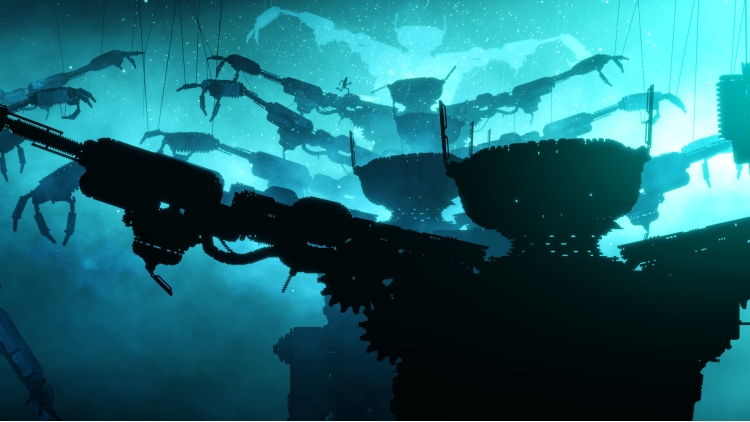

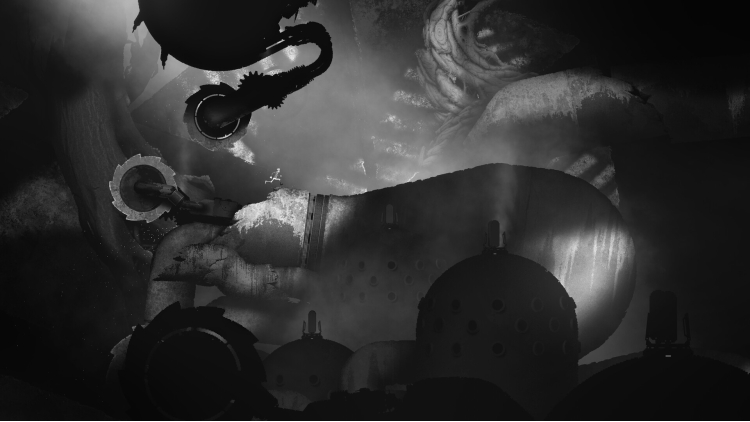
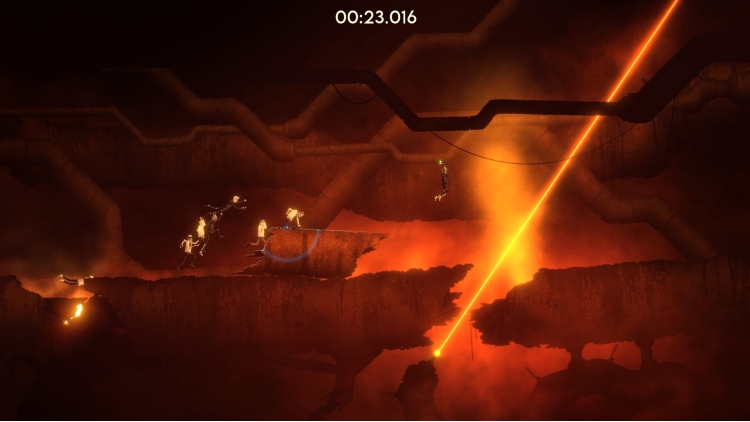

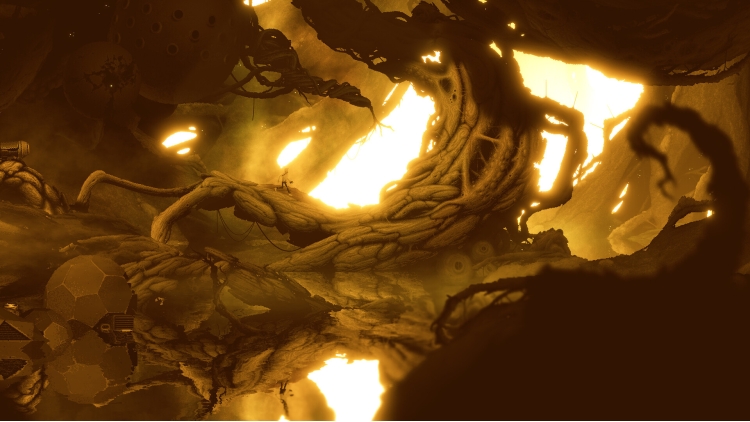
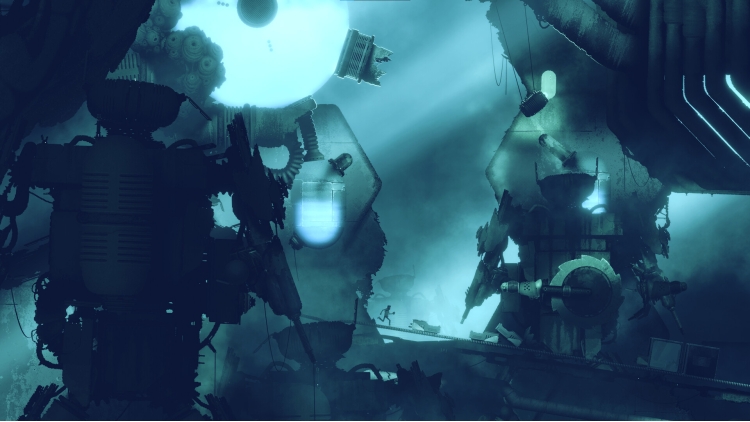
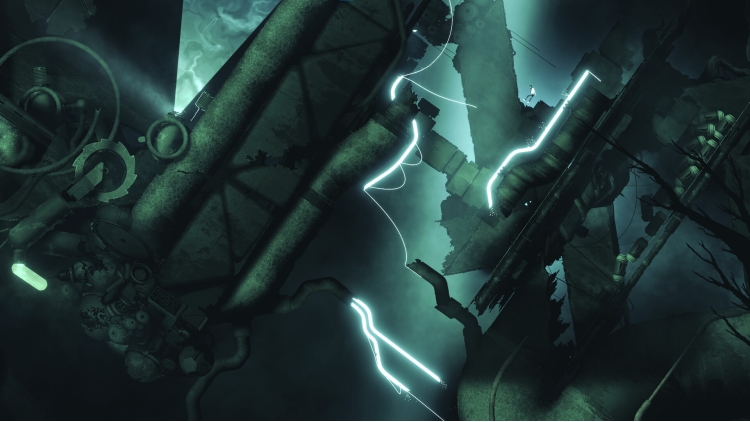
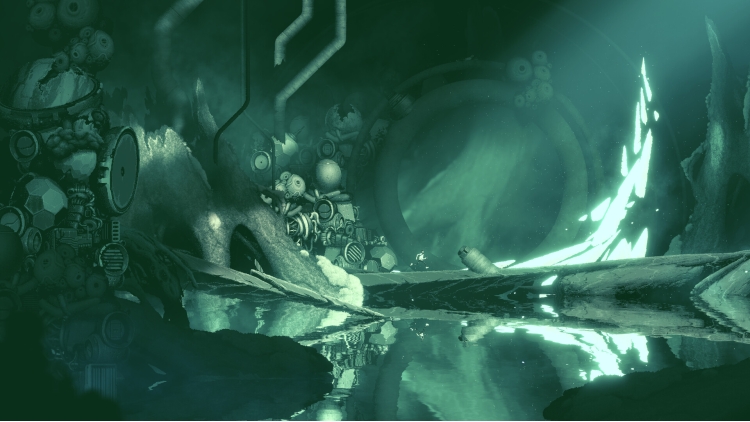
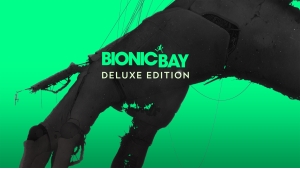
استمتع بجاذبية Bionic Bay مع الإصدار الفاخر. يحتوي هذا الإصدار على اللعبة الأساسية بالإضافة إلى حزمة الوحوش الكلاسيكية المرعبة لتحويل شخصيتك مع 8 مظاهر مخيفة مستوحاة من أيقونات الرعب القديمة.
© 2025 Mureena and Psychoflow Studios. Published by Kepler Interactive Limited. All rights reserved.
يمكنك شراء لعبة Bionic Bay Deluxe Edition للكمبيوتر الشخصي سريعًا بأي طريقة آمنة وبأفضل الأسعار عبر متجر التجزئة الرسمي mena.etail.market
© 2025 Mureena and Psychoflow Studios. Published by Kepler Interactive Limited. All rights reserved.
1)
Download & install the Steam client on your
computer from here.
2)
Open the Steam client, register and login. Then,
locate the Games tab on the top menu. Click that and select “Activate a Product
on Steam..”

3)
Enter your code that is showed on the orders page
of eTail. Market and and follow the steps showed to activate your game.

4)
The game can be monitored now and you can see it
on the "Library" section on Steam. You can download and install the
game now.
5)
If you need more information and support, you
can click here: https://help.steampowered.com/en/wizard/HelpWithSteam
 90%
اضافة للسلة
90%
اضافة للسلة
 90%
اضافة للسلة
90%
اضافة للسلة
 60%
اضافة للسلة
60%
اضافة للسلة
 90%
اضافة للسلة
90%
اضافة للسلة
 اضافة للسلة
 اضافة للسلة