No Man's Sky
60%


 اضافة للسلة
 الصفحة الرئيسية
 PC Games
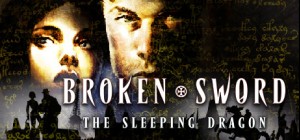
Broken Sword 3 - the Sleeping Dragon
PC Games
Broken Sword 3 - the Sleeping Dragon
 اضافة للسلة
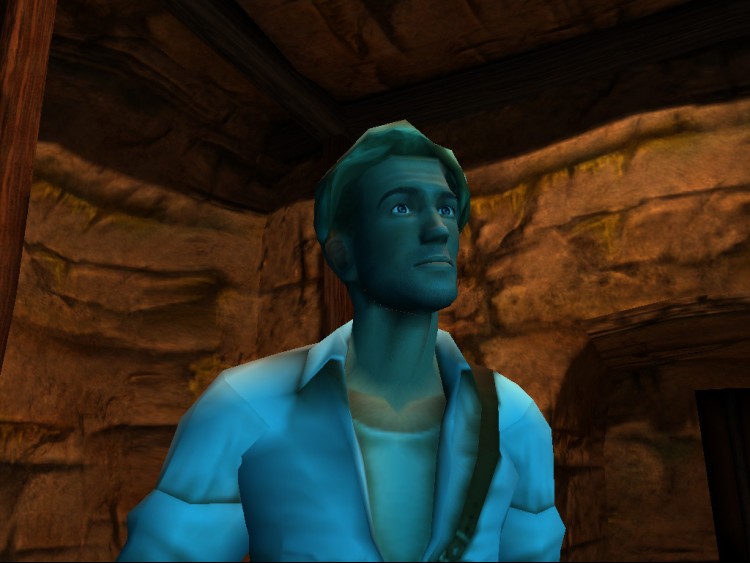
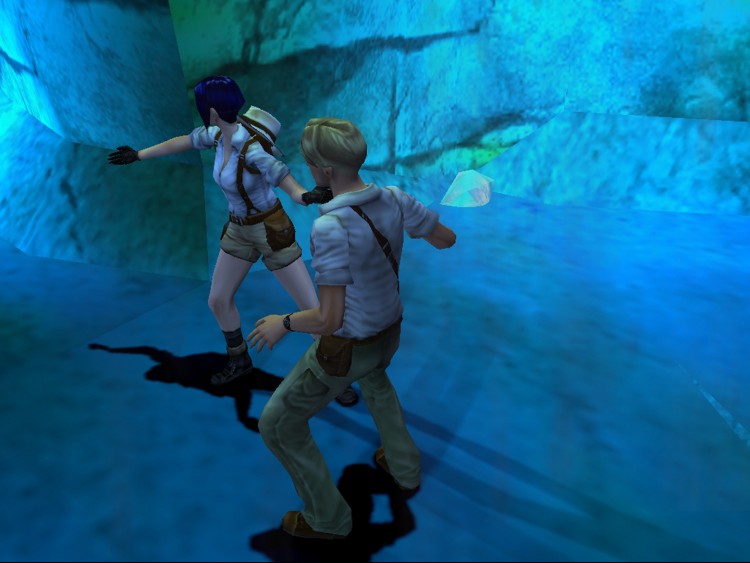
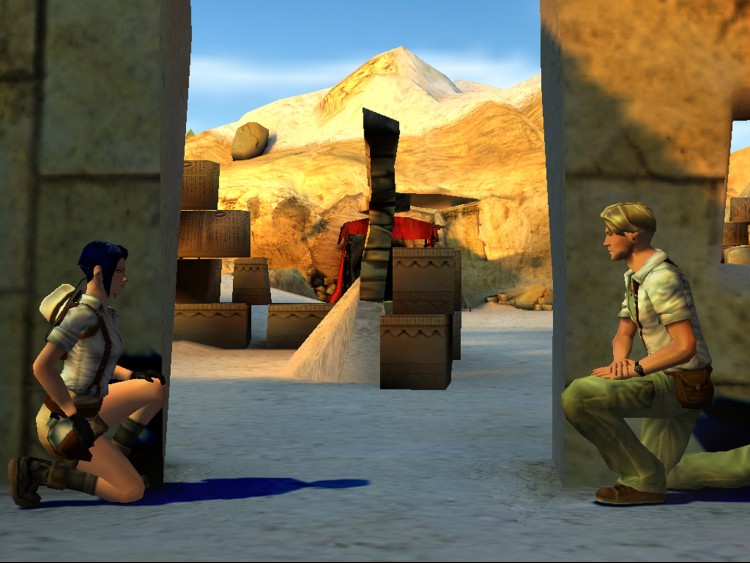
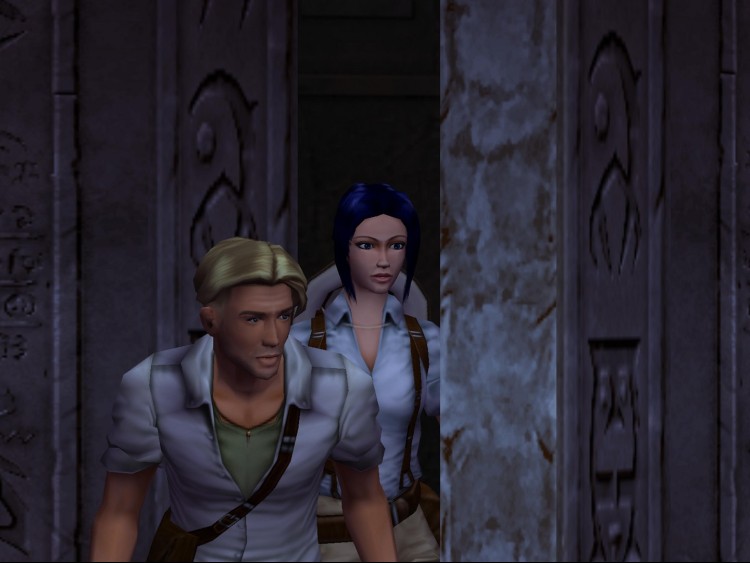
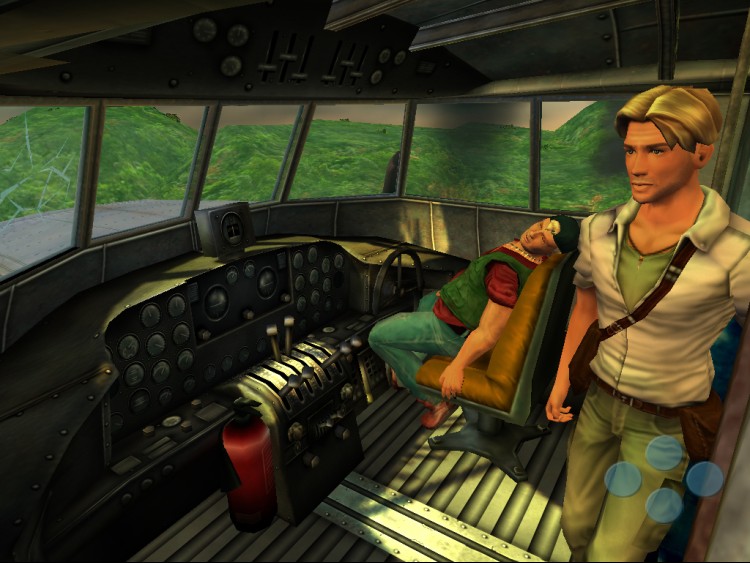
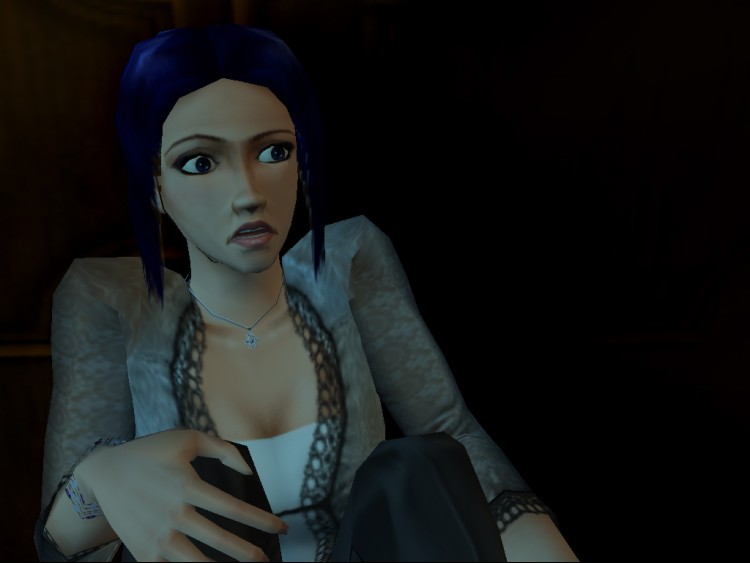
مؤامرة قديمة. كود معطل. جريمة قتل لم تُحل. مرحبًا بك في Broken Sword - The Sleeping Dragon ، المغامرة المتعددة التي رشحت من قبل BAFTA. مرة أخرى ، يجب أن يسافر جورج ونيكو حول العالم ، ويتصارعان على الخطر ، ويجمعان القرائن التي ستكشف أسرار التنين النائم.
الأحداث الزلزالية القوية تهز العالم. شيء شرير آخذ في الظهور. مؤامرة قديمة ، سر فرسان الهيكل ، ومصدر شيطاني للشر الخالص هم المسؤولون. تعد وفاة مخترق الكمبيوتر في غرفة النوم الخلفية في باريس مجرد بداية لمغامرة غير عادية أخرى لجورج ستوبارت ونيكو كولارد. مرحبًا بكم في عالم Broken Sword.
يمكنك شراء لعبة Broken Sword 3 - the Sleeping Dragon للكمبيوتر الشخصي سريعًا بأي طريقة آمنة وبأفضل الأسعار عبر متجر التجزئة الرسمي mena.etail.market
Copyright Revolution Software Ltd. Broken Sword is a trademark of Revolution Software Ltd. All Rights Reserved.
1)
Download & install the Steam client on your
computer from here.
2)
Open the Steam client, register and login. Then,
locate the Games tab on the top menu. Click that and select “Activate a Product
on Steam..”

3)
Enter your code that is showed on the orders page
of eTail. Market and and follow the steps showed to activate your game.

4)
The game can be monitored now and you can see it
on the "Library" section on Steam. You can download and install the
game now.
5)
If you need more information and support, you
can click here: https://help.steampowered.com/en/wizard/HelpWithSteam
 60%
اضافة للسلة
60%
اضافة للسلة
 90%
اضافة للسلة
90%
اضافة للسلة
 20%
اضافة للسلة
20%
اضافة للسلة
 اضافة للسلة
 اضافة للسلة
 90%
اضافة للسلة
90%
اضافة للسلة
 اضافة للسلة
 اضافة للسلة
 90%
اضافة للسلة
90%
اضافة للسلة
 15%
إنتهى من المخزن
15%
إنتهى من المخزن
 50%
اضافة للسلة
50%
اضافة للسلة
 اضافة للسلة
