Joe Danger + Joe Danger 2: The Movie Bundle
90%


 اضافة للسلة
 الصفحة الرئيسية
 PC Games
Bus Simulator 21 Next Stop
PC Games
Bus Simulator 21 Next Stop
 اضافة للسلة

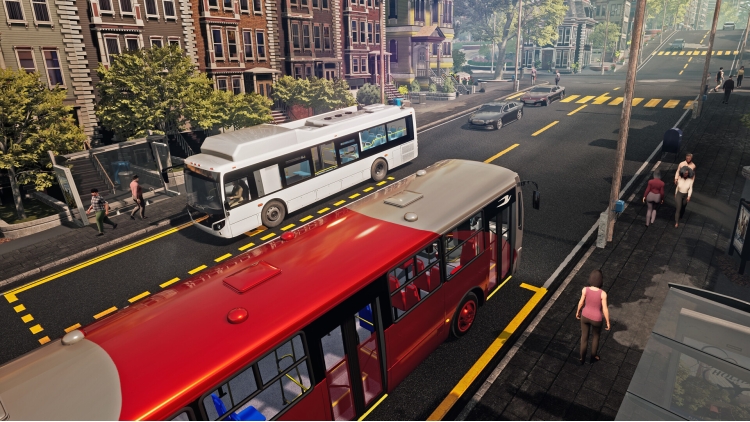
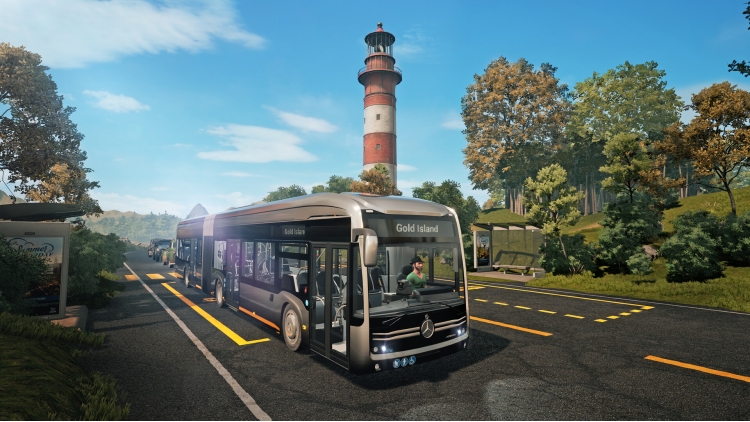
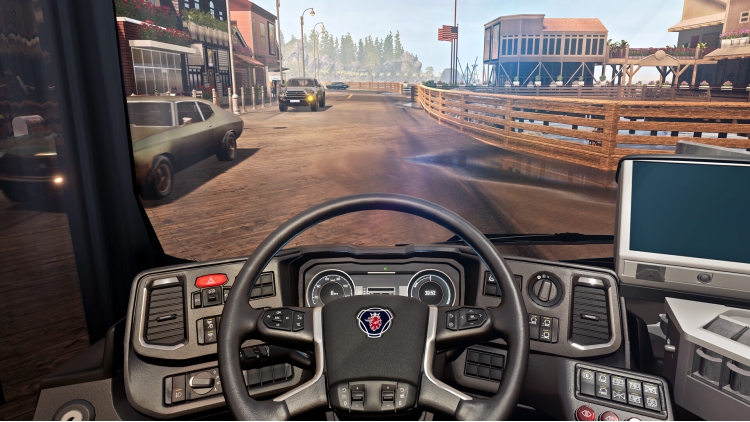
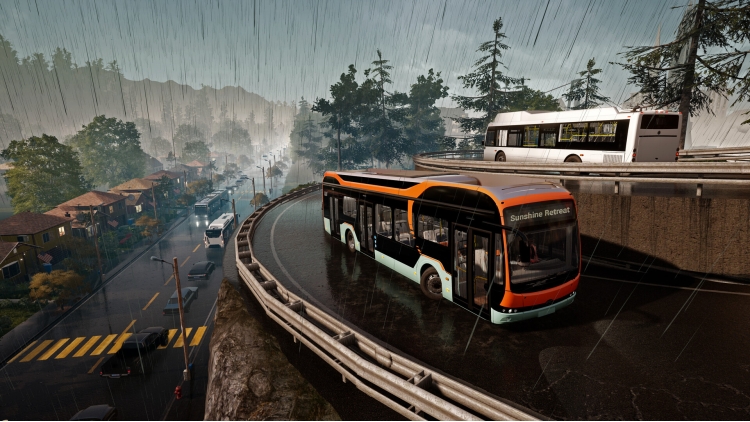
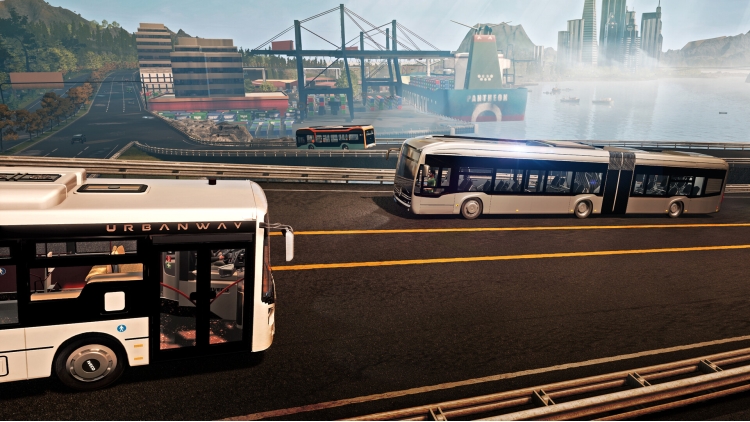
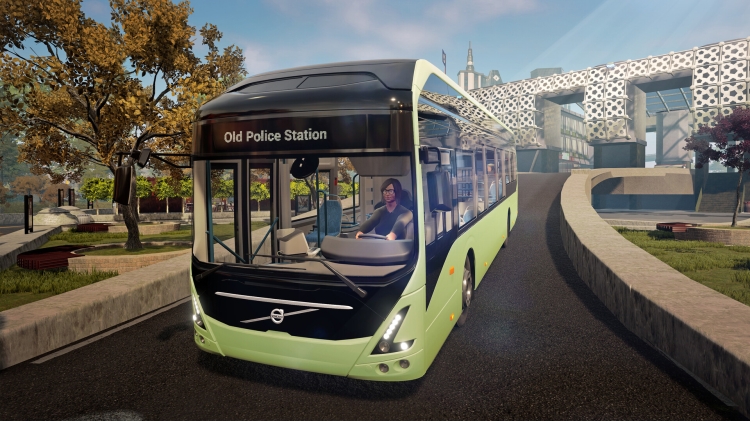
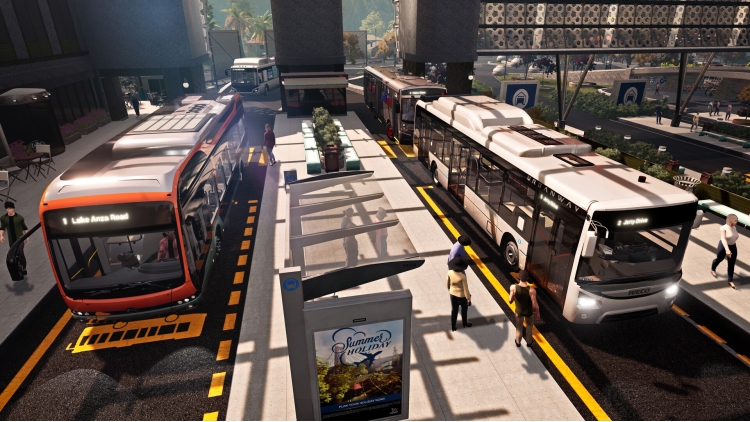
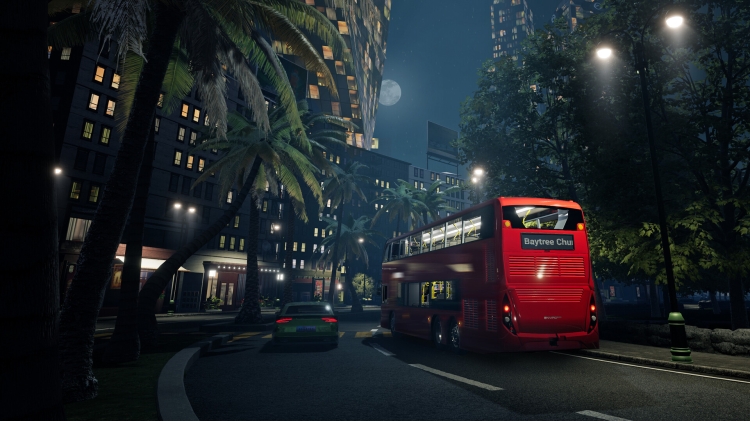
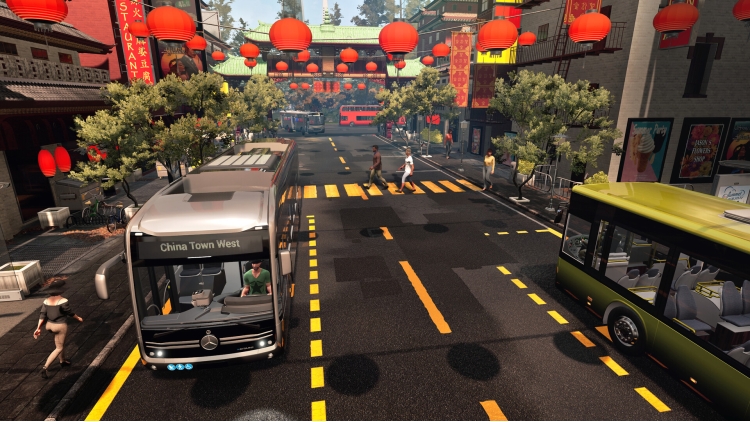
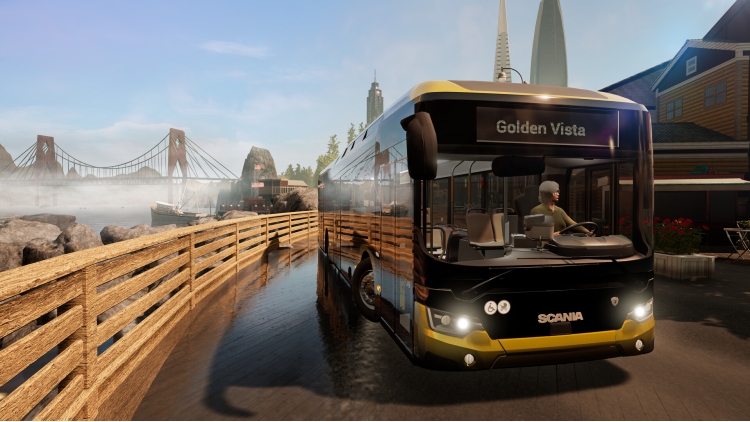
تحتوي لعبة Bus Simulator 21 Next Stop على أكبر أسطول وأكثرها تقدمًا في تاريخ السلسلة. في Bus Simulator 21 Next Stop، سيكون تحت تصرفك أسطول مكون من 30 حافلة مرخصة رسميًا من العلامات التجارية العالمية الشهيرة مثل Alexander Dennis وBlue Bird وBYD وGrande West وIVECO BUS وMAN وMercedes-Benz وScania وSetra وVolvo. ولأول مرة في السلسلة، سيكون لديك أيضًا إمكانية الوصول إلى الحافلات ذات الطابقين والحافلات الكهربائية.
يمكنك شراء لعبة Bus Simulator 21 Next Stop للكمبيوتر الشخصي سريعًا بأي طريقة آمنة وبأفضل الأسعار عبر متجر التجزئة الرسمي mena.etail.market
1)
Download & install the Steam client on your
computer from here.
2)
Open the Steam client, register and login. Then,
locate the Games tab on the top menu. Click that and select “Activate a Product
on Steam..”

3)
Enter your code that is showed on the orders page
of eTail. Market and and follow the steps showed to activate your game.

4)
The game can be monitored now and you can see it
on the "Library" section on Steam. You can download and install the
game now.
5)
If you need more information and support, you
can click here: https://help.steampowered.com/en/wizard/HelpWithSteam
 90%
اضافة للسلة
90%
اضافة للسلة
 اضافة للسلة
 اضافة للسلة
 20%
اضافة للسلة
20%
اضافة للسلة
 90%
اضافة للسلة
90%
اضافة للسلة
 50%
اضافة للسلة
50%
اضافة للسلة
 60%
اضافة للسلة
60%
اضافة للسلة
 90%
اضافة للسلة
90%
اضافة للسلة
 15%
إنتهى من المخزن
15%
إنتهى من المخزن