Elite Dangerous: Odyssey Deluxe Edition
$44.99


 اضافة للسلة
 الصفحة الرئيسية
 PC Games
Contain
PC Games
Contain

 اضافة للسلة

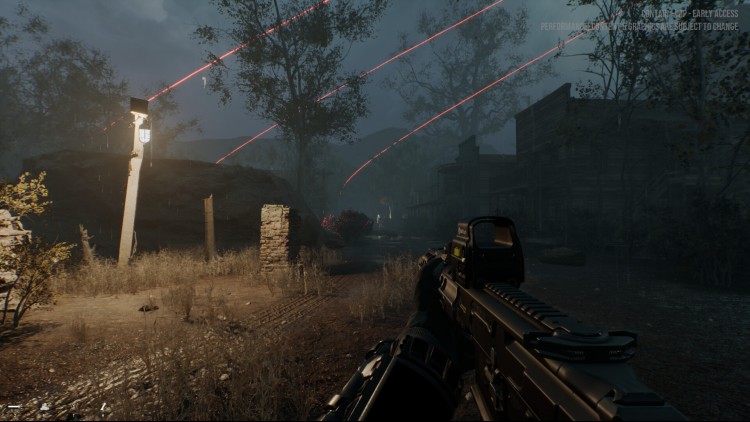
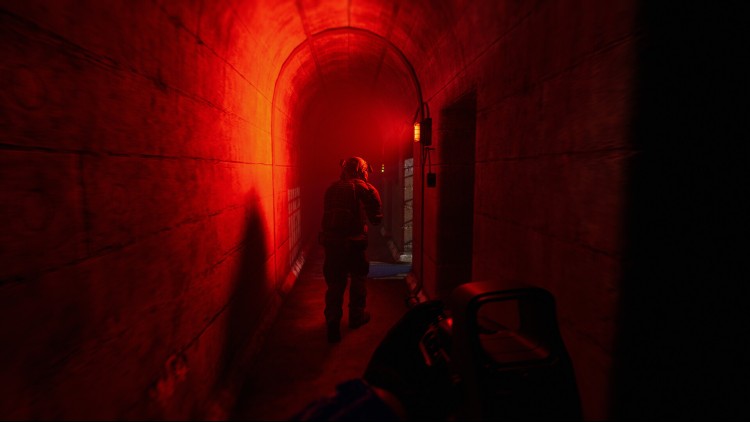
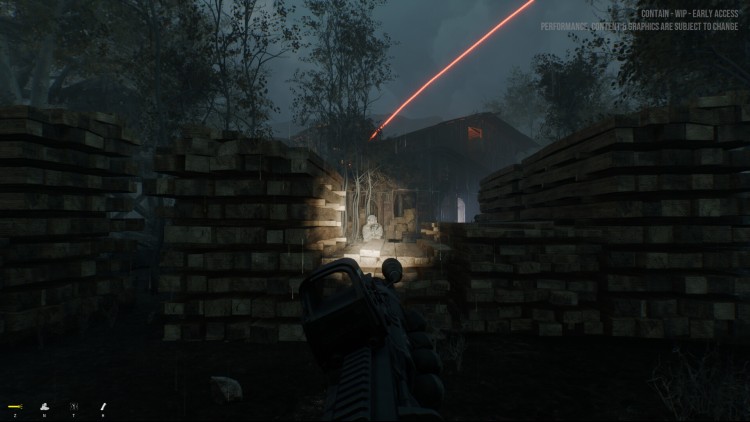
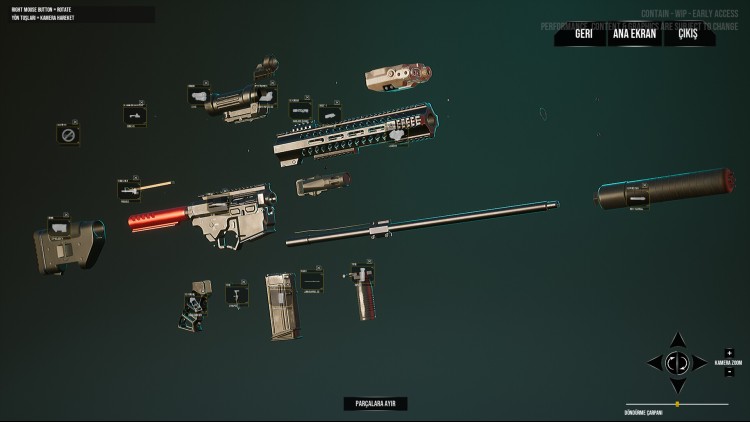
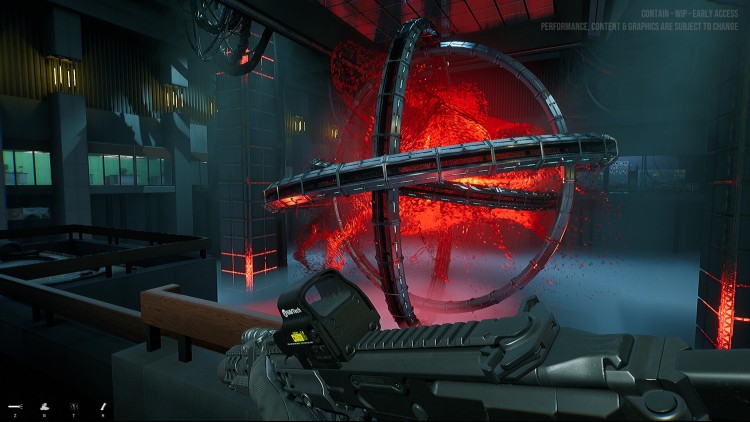
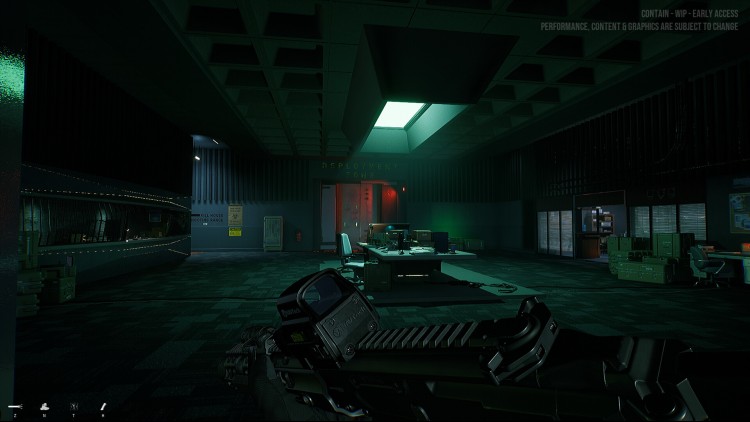
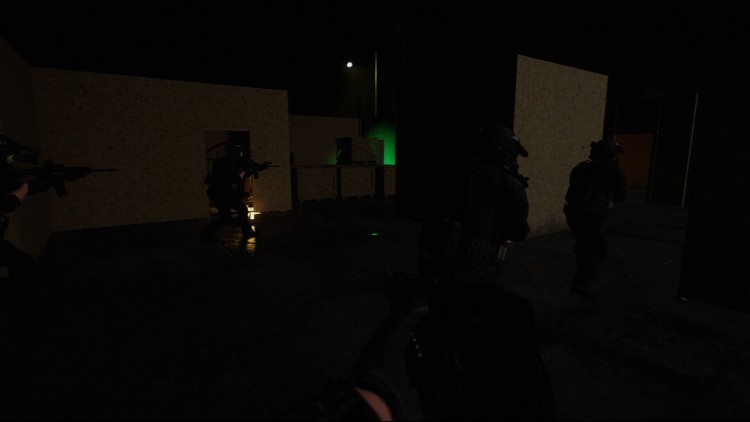
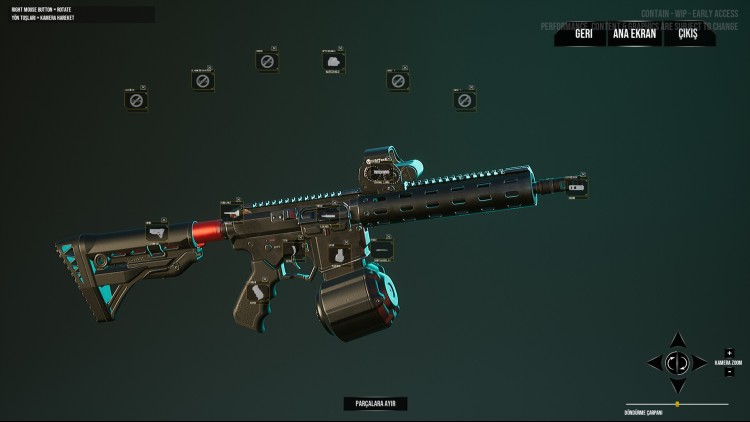
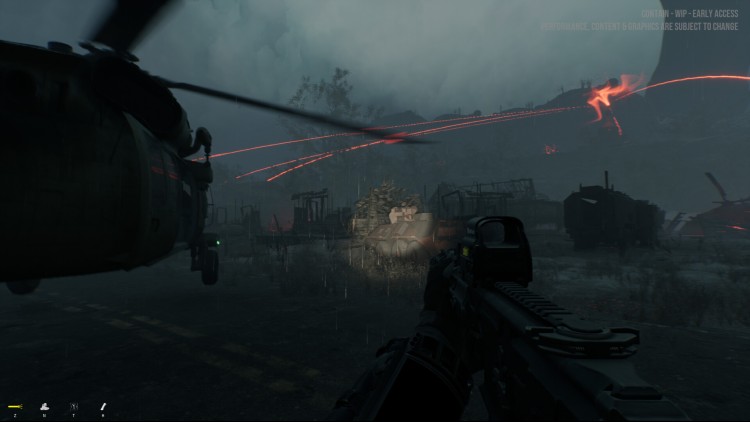
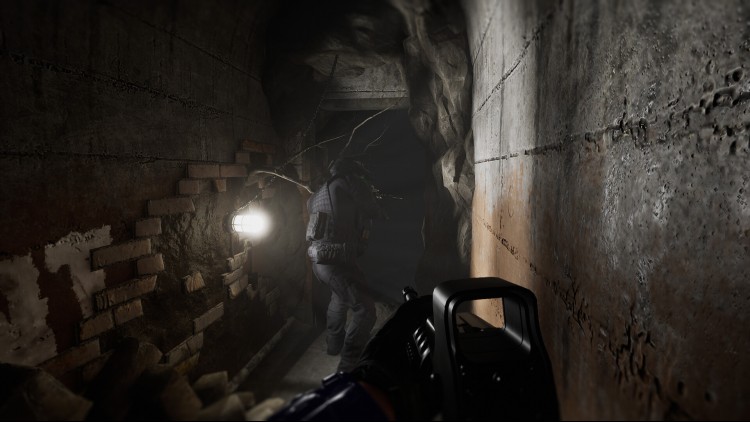
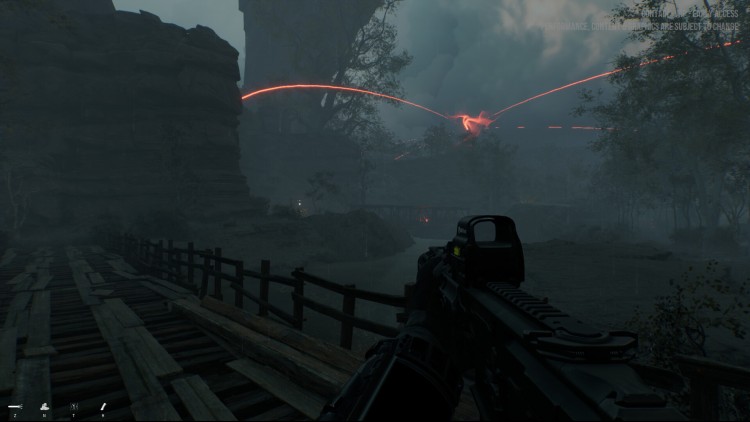
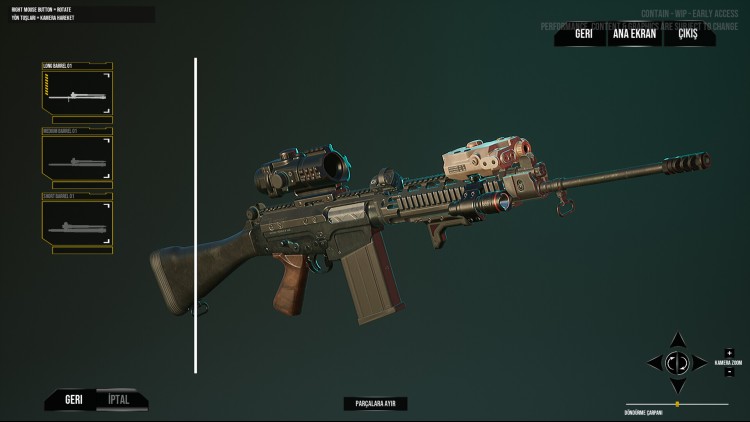
كونتين لعبة إطلاق نار تكتيكية تعاونية من منظور الشخص الأول، ويمكنك اللعب بشخصية الذئب المنفرد إن شئت. هناك منظمة تُدير العديد من فرق العمل التي تحاول السيطرة على أجسام خارقة للطبيعة سقطت من الفضاء. تدور القصة حول فرقة عمل خاصة.
خصص شخصيتك بالكامل، بدءًا من الزي والمعدات الأساسية وصولًا إلى التخصيص الدقيق، فأنت من يحدد مكان كل حقيبة وملحقاتها.
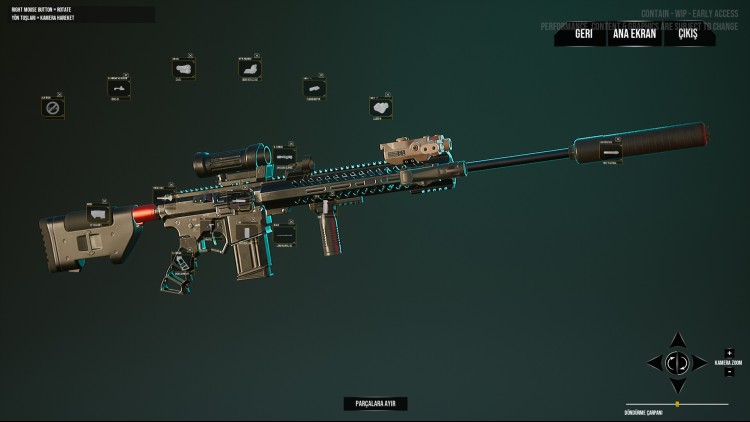
كما هو الحال مع زيك ومعداتك، يمكنك تخصيص أسلحتك بالكامل باستخدام نظام صانع الأسلحة.
العمل الجماعي المنظم ضروري لجميع فرق الدخول. تدرب في غرفة القتل وجرّب معداتك قبل المهمة.
ستتمكن من لعب جميع المهام بمفردك بشخصية الذئب المنفرد.
ولكننا نخطط أيضًا لإضافة زملاء فريق يعتمدون على الذكاء الاصطناعي مع نظام قيادة متكامل.
يمكنك شراء لعبة Contain للكمبيوتر الشخصي سريعًا بأي طريقة آمنة وبأفضل الأسعار عبر متجر التجزئة الرسمي mena.etail.market
1)
Download & install the Steam client on your
computer from here.
2)
Open the Steam client, register and login. Then,
locate the Games tab on the top menu. Click that and select “Activate a Product
on Steam..”

3)
Enter your code that is showed on the orders page
of eTail. Market and and follow the steps showed to activate your game.

4)
The game can be monitored now and you can see it
on the "Library" section on Steam. You can download and install the
game now.
5)
If you need more information and support, you
can click here: https://help.steampowered.com/en/wizard/HelpWithSteam
 اضافة للسلة
 50%
اضافة للسلة
50%
اضافة للسلة
 60%
اضافة للسلة
60%
اضافة للسلة
 90%
اضافة للسلة
90%
اضافة للسلة
 اضافة للسلة
 90%
اضافة للسلة
90%
اضافة للسلة
 90%
اضافة للسلة
90%
اضافة للسلة
 15%
إنتهى من المخزن
15%
إنتهى من المخزن
