Joe Danger
90%


 اضافة للسلة
 الصفحة الرئيسية
 PC Games
Dead in Antares - Supporter's Pack
PC Games
Dead in Antares - Supporter's Pack

 اضافة للسلة

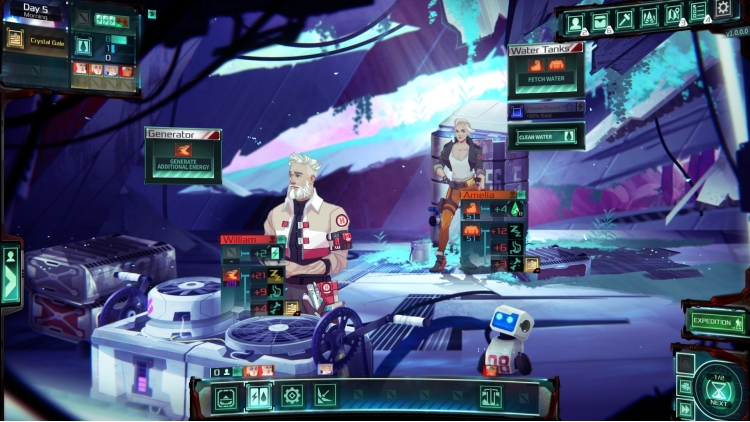
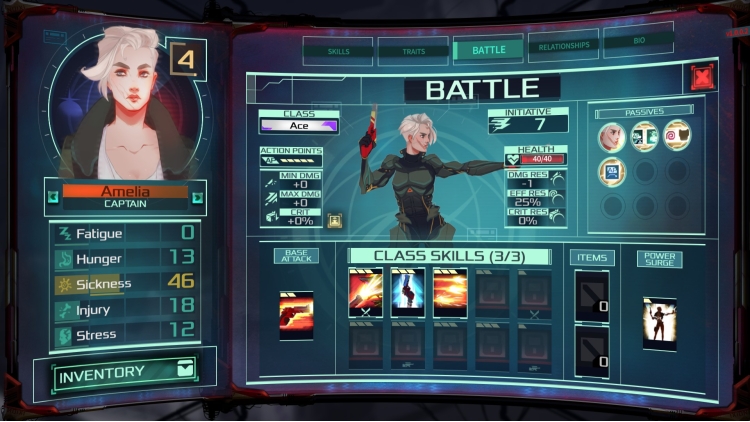
Add some extra flair to your crew and show your support to the devs by buying this extra special pack of Dead in Antares!
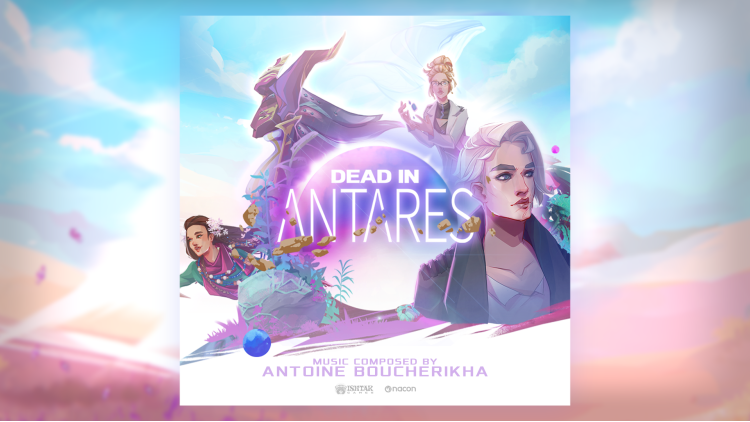
You’ll also gain access to the soothing tunes of Antoine Boucherikha, composer of the game’s Original Soundtrack.
Includes
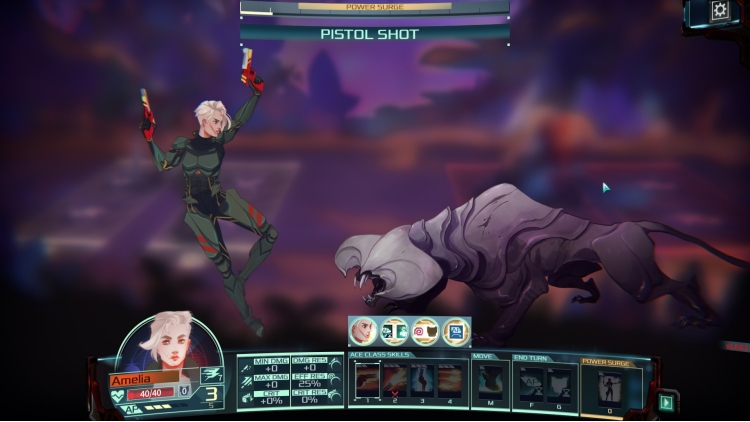
An exclusive skin for Amelia during combat
An exclusive robot companion called ""Diligent Labor Companion"" that will give you a bit of extra resources twice a day, if you pet it and make it happy!
OST of Dead in Antares by Antoine Boucherikha
©2026 Nacon. ©2026 Published by Nacon and developed by Ishtar Games. All rights reserved.
يمكنك شراء لعبة Dead in Antares - Supporter's Pack للكمبيوتر الشخصي سريعًا بأي طريقة آمنة وبأفضل الأسعار عبر متجر التجزئة الرسمي mena.etail.market
©2026 Nacon. ©2026 Published by Nacon and developed by Ishtar Games. All rights reserved.
1)
Download & install the Steam client on your
computer from here.
2)
Open the Steam client, register and login. Then,
locate the Games tab on the top menu. Click that and select “Activate a Product
on Steam..”

3)
Enter your code that is showed on the orders page
of eTail. Market and and follow the steps showed to activate your game.

4)
The game can be monitored now and you can see it
on the "Library" section on Steam. You can download and install the
game now.
5)
If you need more information and support, you
can click here: https://help.steampowered.com/en/wizard/HelpWithSteam
 90%
اضافة للسلة
90%
اضافة للسلة
 اضافة للسلة
 90%
اضافة للسلة
90%
اضافة للسلة
 15%
إنتهى من المخزن
15%
إنتهى من المخزن
 اضافة للسلة
 60%
اضافة للسلة
60%
اضافة للسلة
 90%
اضافة للسلة
90%
اضافة للسلة
 50%
اضافة للسلة
50%
اضافة للسلة