NASCAR Heat 4 Gold Edition
15%


 إنتهى من المخزن
 الصفحة الرئيسية
 PC Games
Don't Disturb
PC Games
Don't Disturb
 اضافة للسلة

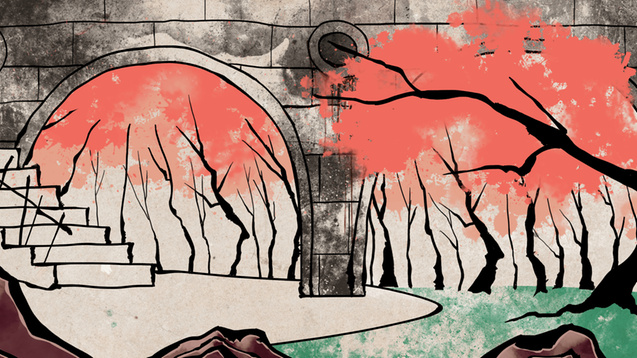
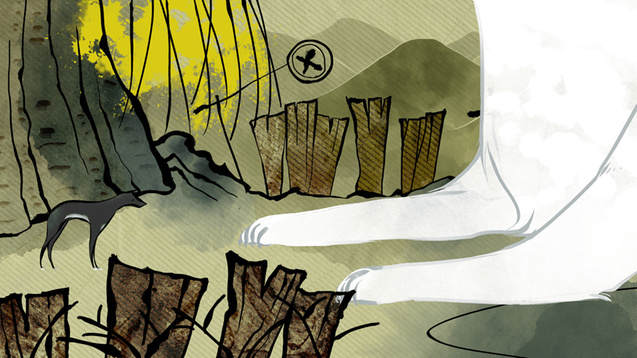
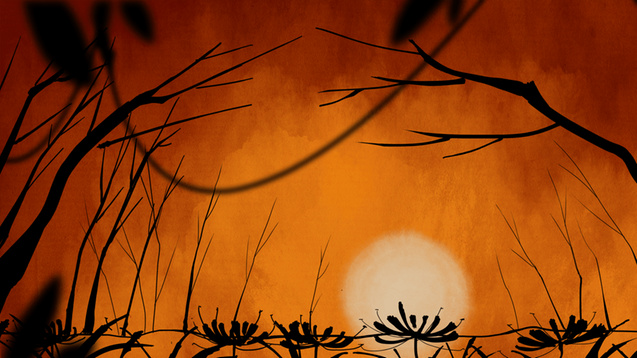
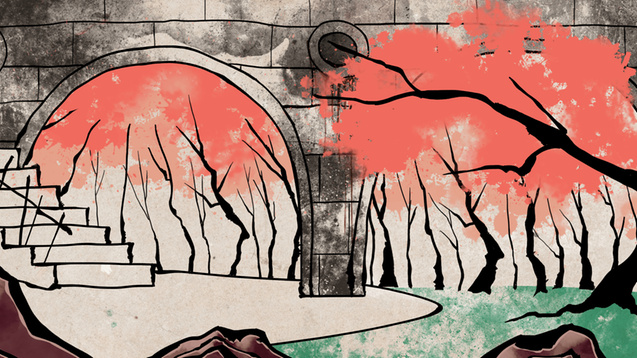
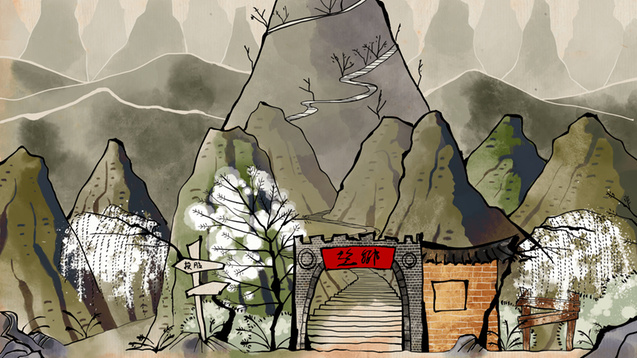
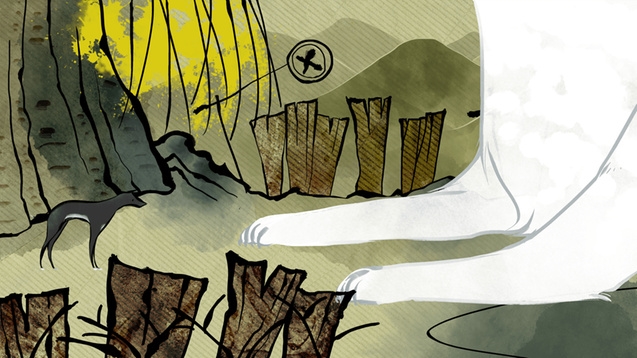
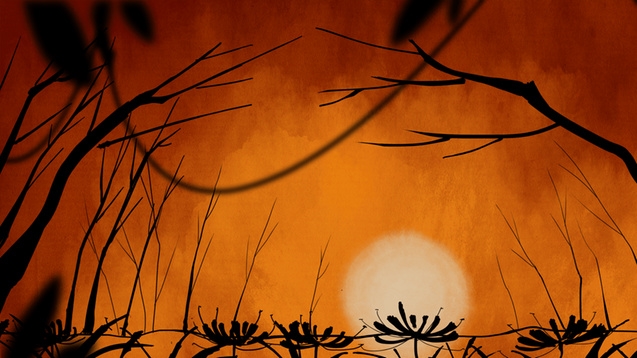
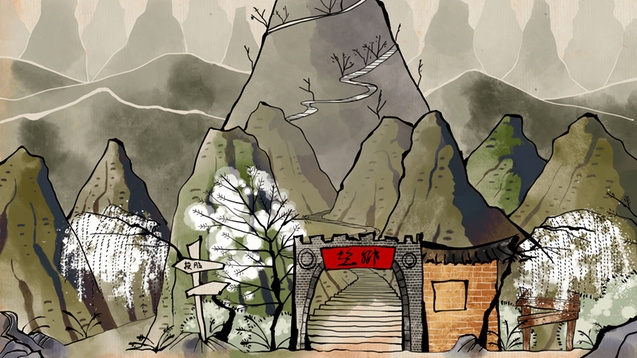
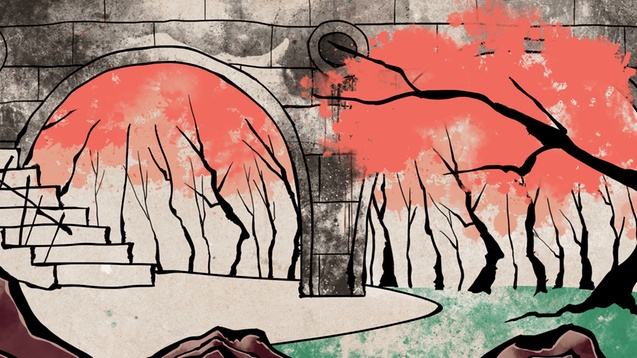
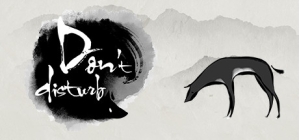
في الفولكلور الآسيوي، يقال أنه عندما يكون هناك جنازة، لا تغني ولا تلعب، والأهم من ذلك "لا تزعج"!
في الثقافات الخجولة والمتحفظة في آسيا، كيف يتعامل الناس مع فكرة "الموت" ويتقبلونها؟ ما هي "الحياة الآخرة"؟
"لا تزعج" هي لعبة ألغاز ومغامرات فردية بأسلوب ثنائي الأبعاد جميل وفريد من نوعه. تستكشف القصة المصممة بعناية وجهات النظر الآسيوية التقليدية حول الحياة الآخرة والعالم السفلي. يجب أن تستكشف هذا العالم الغامض ككلب، باحثًا عن صاحبه المتوفى. سيحتاج الكلب إلى حل العديد من الألغاز والتغلب على لقاءات غير متوقعة أثناء شق طريقه إلى "جسر العجز" بحثًا عن صاحبه. في الطريق، ستحتاج إلى اتخاذ قرارات تحدد كيف تنتهي القصة.
"لا تزعج" هي قصة لا تُنسى ورائعة سيتفاعل معها اللاعبون وسيتفاجأون بها.
فقط تذكر... "لا تزعج"!
©2016 Midnight Party. جميع الحقوق محفوظة. مرخصة للنشر من قبل PQube Limited.
يمكنك شراء لعبة Don't Disturb للكمبيوتر الشخصي سريعًا بأي طريقة آمنة وبأفضل الأسعار عبر متجر التجزئة الرسمي mena.etail.market
©2016 Midnight Party. All Rights Reserved. Licensed to published by PQube Limited.
1)
Download & install the Steam client on your
computer from here.
2)
Open the Steam client, register and login. Then,
locate the Games tab on the top menu. Click that and select “Activate a Product
on Steam..”

3)
Enter your code that is showed on the orders page
of eTail. Market and and follow the steps showed to activate your game.

4)
The game can be monitored now and you can see it
on the "Library" section on Steam. You can download and install the
game now.
5)
If you need more information and support, you
can click here: https://help.steampowered.com/en/wizard/HelpWithSteam
 15%
إنتهى من المخزن
15%
إنتهى من المخزن
 90%
اضافة للسلة
90%
اضافة للسلة
 اضافة للسلة
 90%
اضافة للسلة
90%
اضافة للسلة
 50%
اضافة للسلة
50%
اضافة للسلة
 90%
اضافة للسلة
90%
اضافة للسلة
 60%
اضافة للسلة
60%
اضافة للسلة
 اضافة للسلة
 20%
اضافة للسلة
20%
اضافة للسلة
