Kill it with Fire
$14.99


 اضافة للسلة
 الصفحة الرئيسية
 PC Games
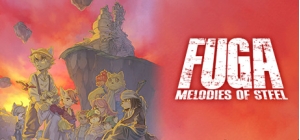
Fuga: Melodies of Steel - Back to School Costume Pack
PC Games
Fuga: Melodies of Steel - Back to School Costume Pack
 اضافة للسلة

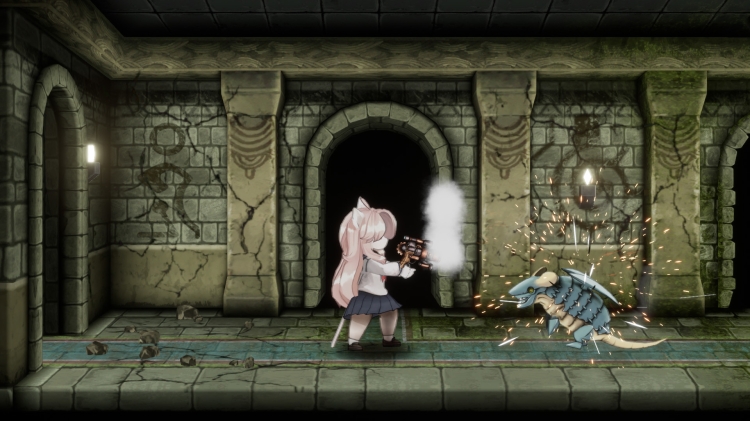
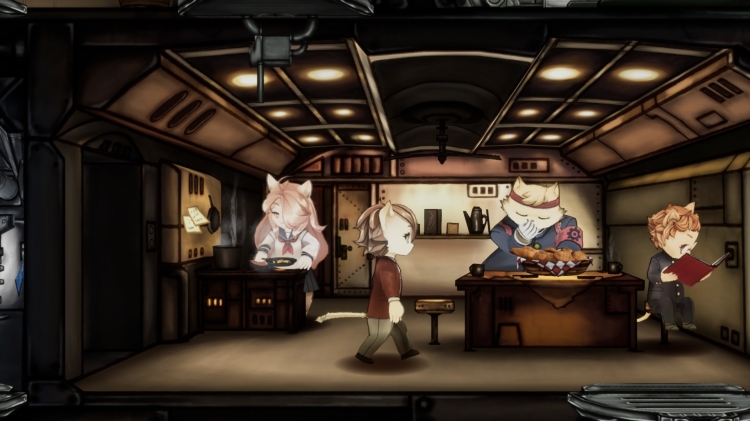
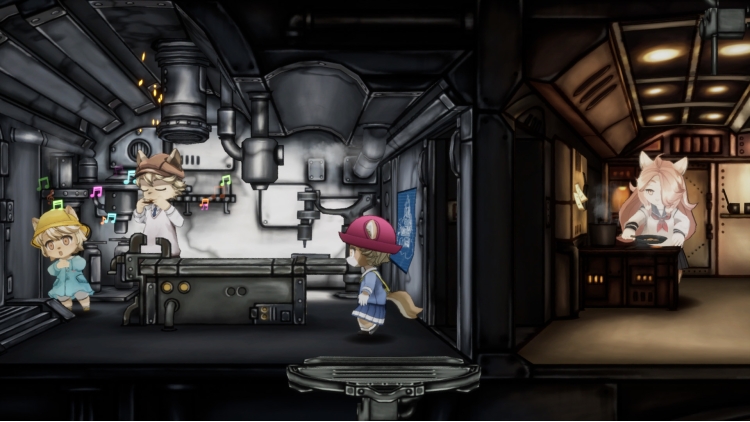
تتضمن هذه المجموعة أزياءً لأعضاء طاقم تارانِس الاثني عشر بزيّ المدرسة اليابانية.
يمكنك تعديل ملابس الأطفال من خلال "تغيير الأزياء" في قائمة "الخيارات".
المحتويات:
أزياء العودة إلى المدرسة لشخصيات: مالت، ماي، هانا، كايل، بورون، سوكس، تشيك، هاك، شينا، جين، وابا، وبريتز (يمكن استخدامها خلال فترات الاستراحة والرحلات الاستكشافية).
يمكنك شراء لعبة Fuga: Melodies of Steel - Back to School Costume Pack للكمبيوتر الشخصي سريعًا بأي طريقة آمنة وبأفضل الأسعار عبر متجر التجزئة الرسمي mena.etail.market
1)
Download & install the Steam client on your
computer from here.
2)
Open the Steam client, register and login. Then,
locate the Games tab on the top menu. Click that and select “Activate a Product
on Steam..”

3)
Enter your code that is showed on the orders page
of eTail. Market and and follow the steps showed to activate your game.

4)
The game can be monitored now and you can see it
on the "Library" section on Steam. You can download and install the
game now.
5)
If you need more information and support, you
can click here: https://help.steampowered.com/en/wizard/HelpWithSteam
 اضافة للسلة
 اضافة للسلة
 15%
إنتهى من المخزن
15%
إنتهى من المخزن
 اضافة للسلة
 20%
اضافة للسلة
20%
اضافة للسلة
 اضافة للسلة
 اضافة للسلة
 اضافة للسلة
 اضافة للسلة
 اضافة للسلة
