Joe Danger
90%


 اضافة للسلة
 الصفحة الرئيسية
 PC Games
Into the Emberlands - Supporter Pack
PC Games
Into the Emberlands - Supporter Pack

 اضافة للسلة


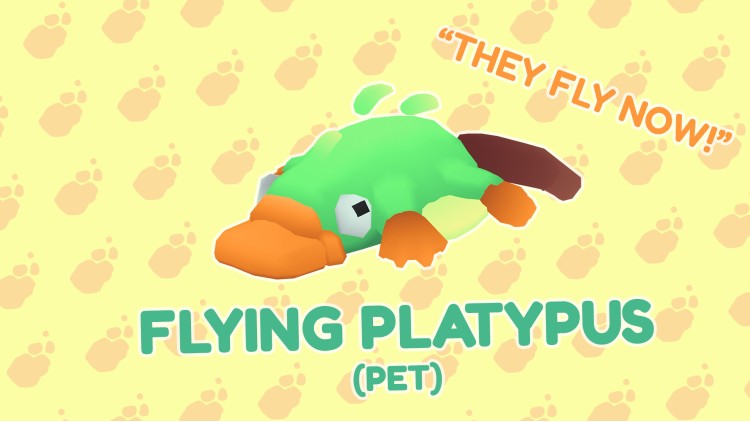
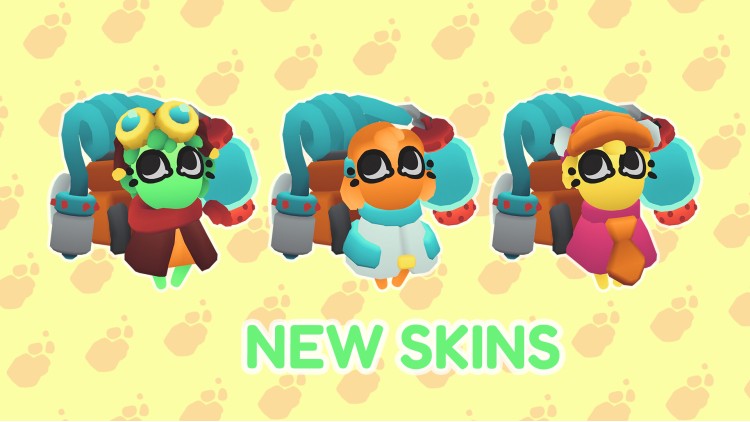
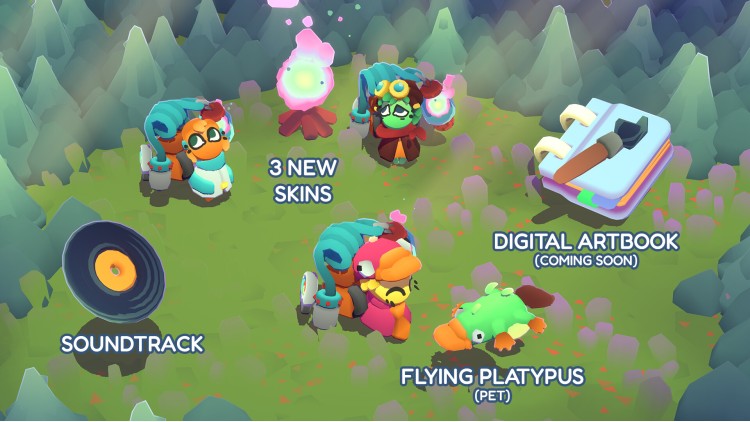
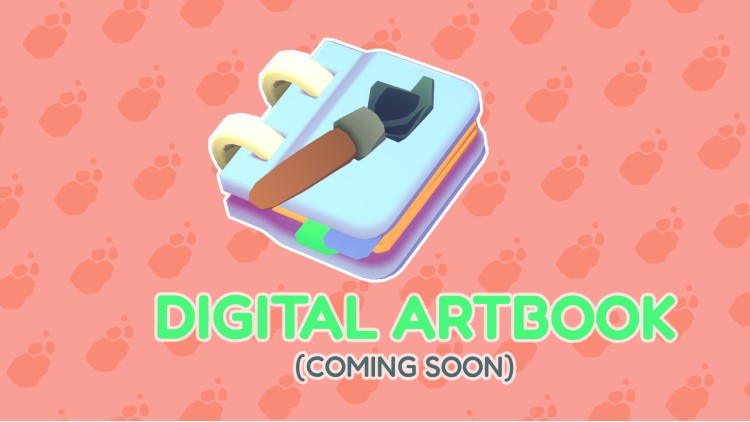
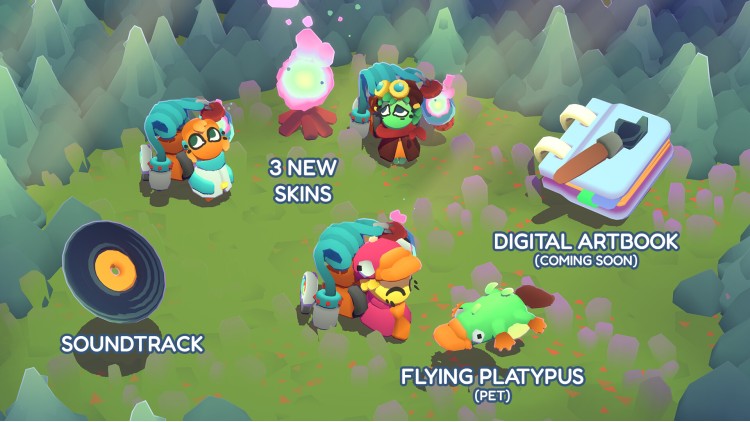

بالنسبة لجميع أولئك الذين يرغبون في بذل المزيد من الجهد لدعم مطوري Into the Emberlands، تقدم حزمة الداعمين مجموعة من المحتوى الإضافي.
ماذا أحصل عليه باعتباري داعمًا؟
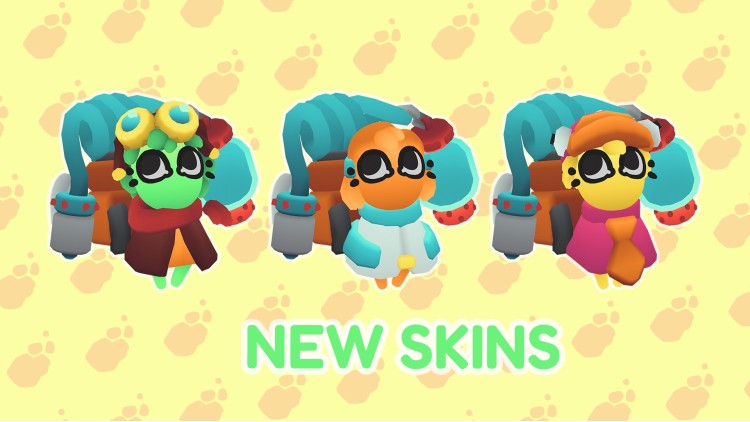
- ثلاثة جلود لحامل النور: العنيد، والمصمم، والمتعصب
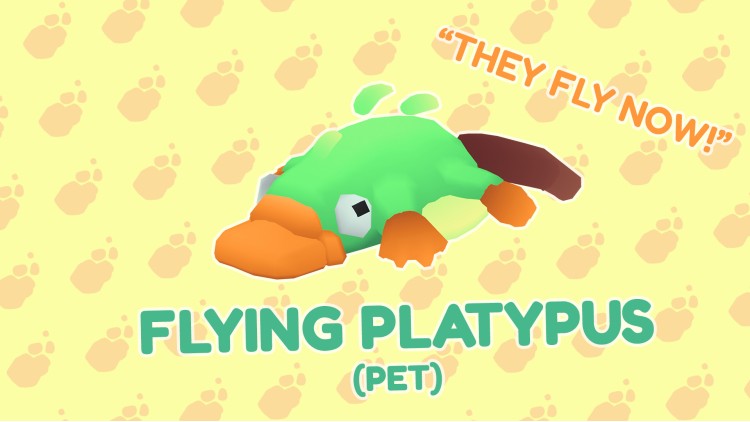
- حيوان أليف غامض: خلد الماء الطائر
- الموسيقى التصويرية الأصلية: أضف البهجة إلى مزاجك من خلال تسعة مسارات مفيدة من Into the Emberlands
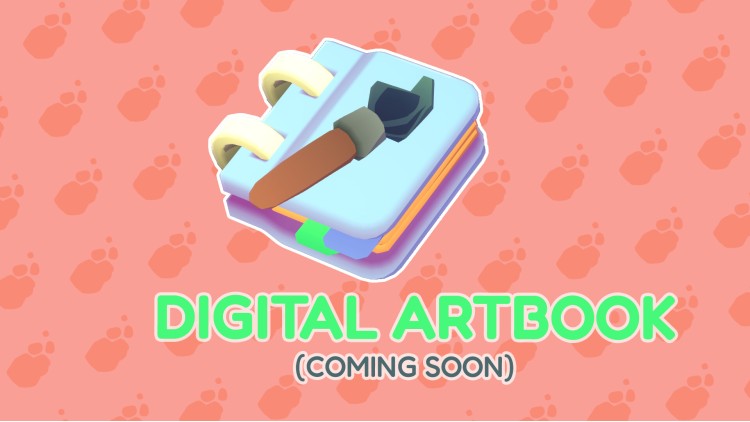
- وقريبًا: كتاب الفن الرقمي
يمكنك شراء لعبة Into the Emberlands - Supporter Pack للكمبيوتر الشخصي سريعًا بأي طريقة آمنة وبأفضل الأسعار عبر متجر التجزئة الرسمي mena.etail.market
1)
Download & install the Steam client on your
computer from here.
2)
Open the Steam client, register and login. Then,
locate the Games tab on the top menu. Click that and select “Activate a Product
on Steam..”

3)
Enter your code that is showed on the orders page
of eTail. Market and and follow the steps showed to activate your game.

4)
The game can be monitored now and you can see it
on the "Library" section on Steam. You can download and install the
game now.
5)
If you need more information and support, you
can click here: https://help.steampowered.com/en/wizard/HelpWithSteam
 90%
اضافة للسلة
90%
اضافة للسلة
 90%
اضافة للسلة
90%
اضافة للسلة
 15%
إنتهى من المخزن
15%
إنتهى من المخزن
 اضافة للسلة
 60%
اضافة للسلة
60%
اضافة للسلة
 90%
اضافة للسلة
90%
اضافة للسلة
 اضافة للسلة