
NASCAR Heat 4 Gold Edition
15%


 إنتهى من المخزن
 الصفحة الرئيسية
 PC Games
Jumping Jazz Cats
PC Games
Jumping Jazz Cats
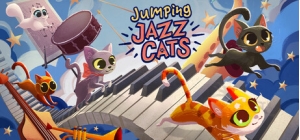
 اضافة للسلة
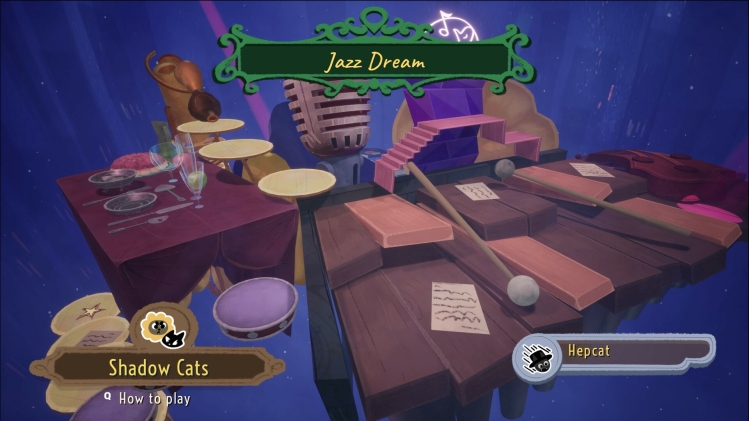
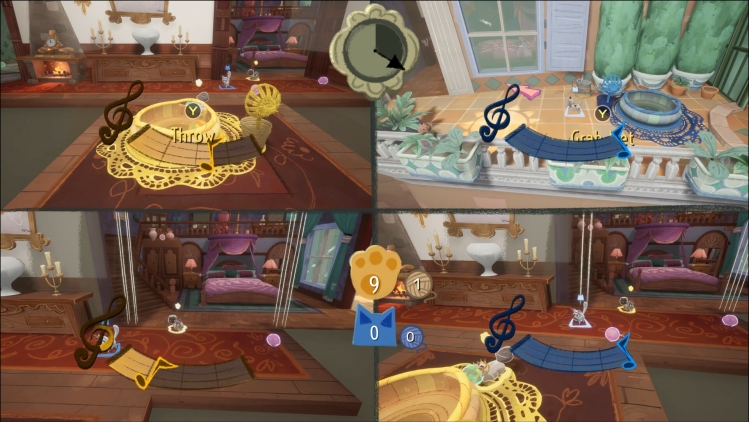
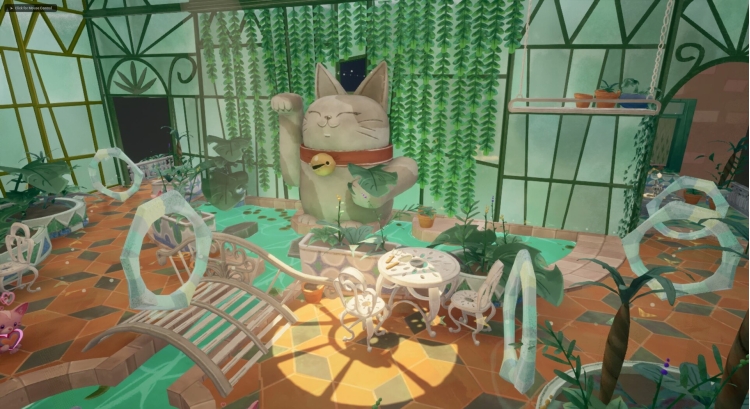
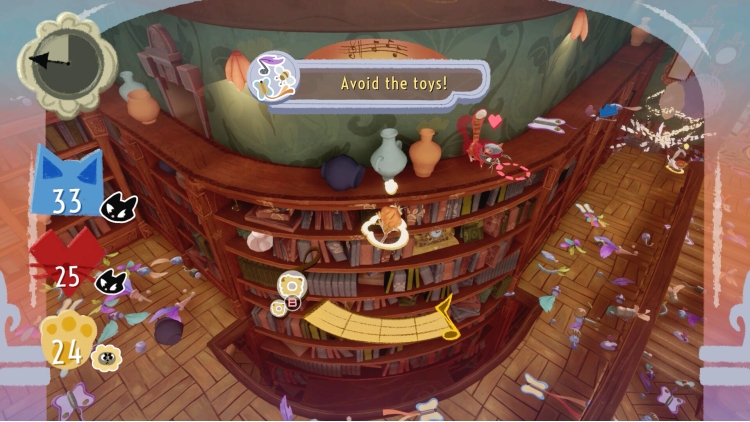

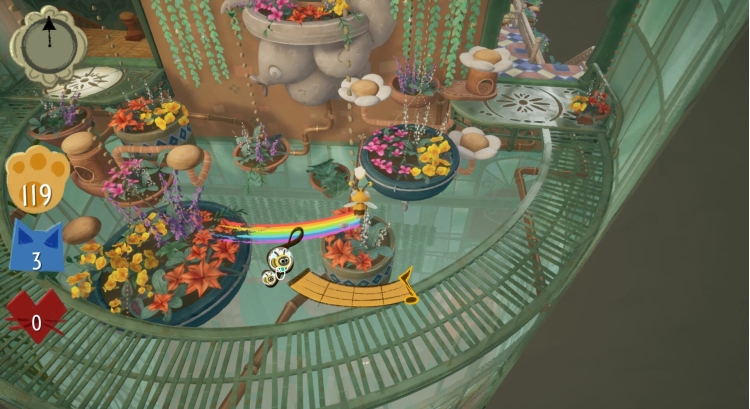
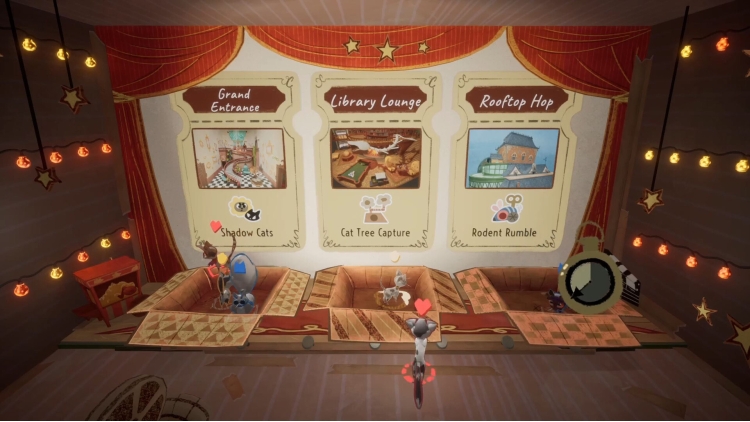
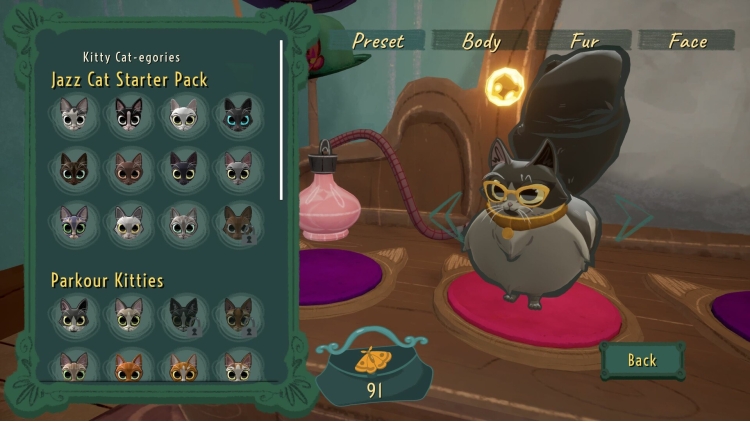
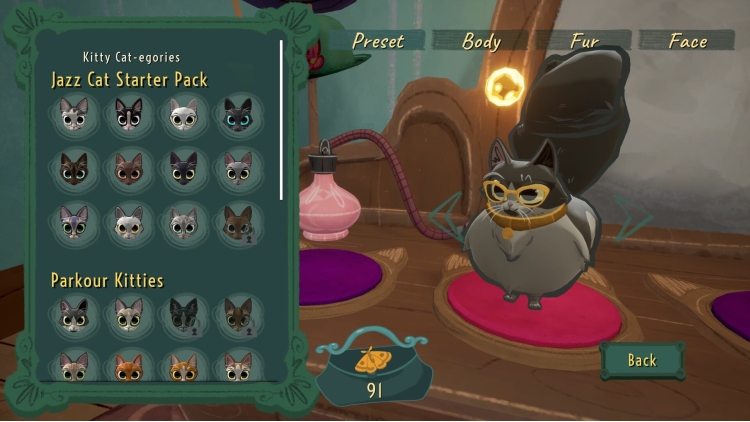
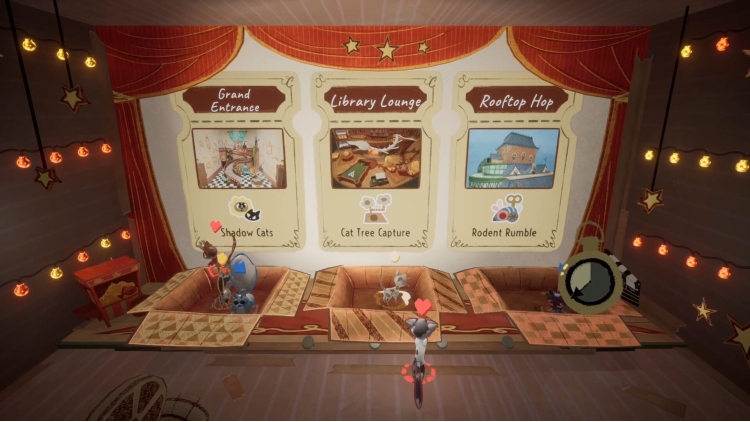
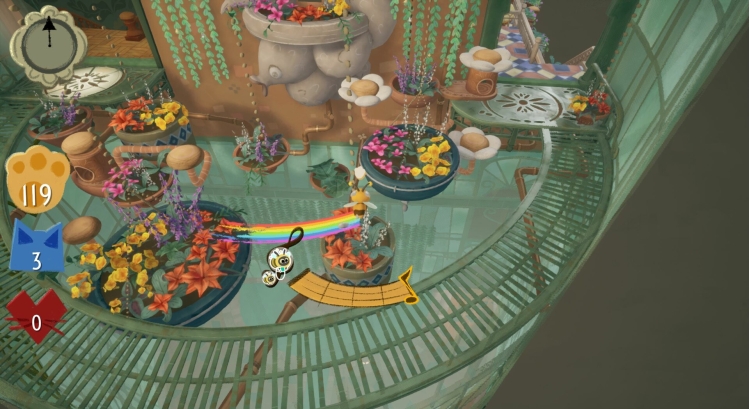

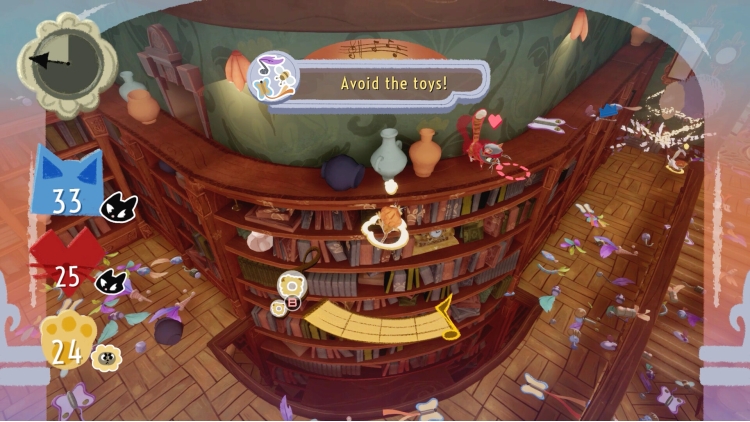
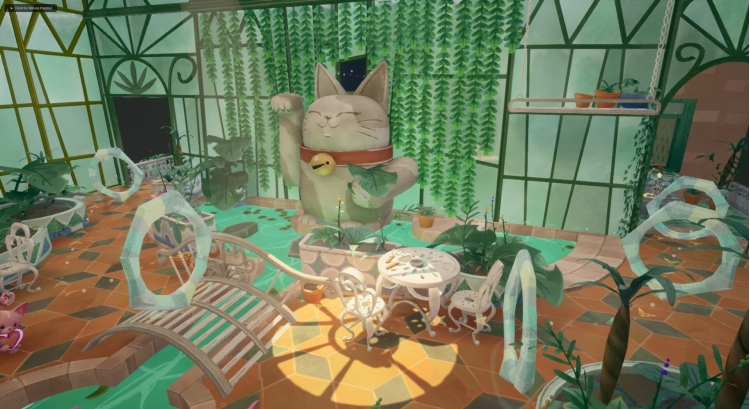
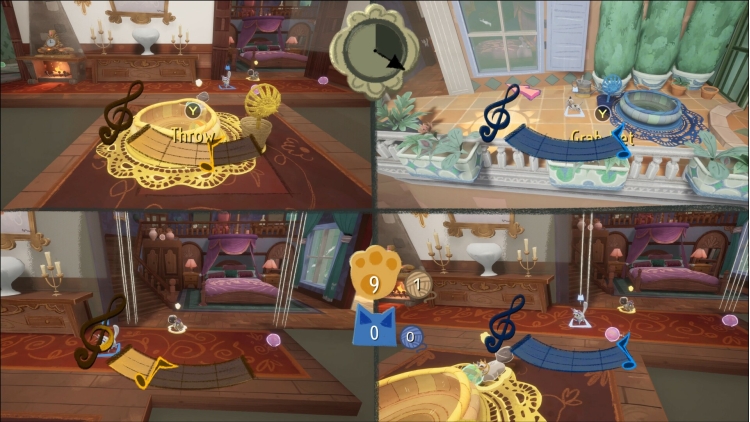
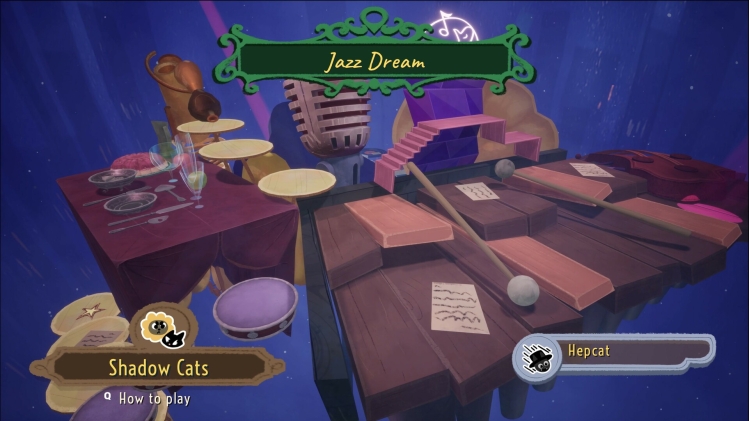
العب، تسابق، واستمتع بوقتك مع أصدقائك القطط في لعبة المنصات والحفلات الإلكترونية هذه! أتقن مهاراتك في باركور القطط، واركض، واقفز، وارتد، وتأرجح، وانزلق، وانزلق عبر مجموعة من الألعاب المصغرة التعاونية والتنافسية في قصر كرتوني فخم. انطلقوا يا قطط الجاز!
يمكنك شراء لعبة Jumping Jazz Cats للكمبيوتر الشخصي سريعًا بأي طريقة آمنة وبأفضل الأسعار عبر متجر التجزئة الرسمي mena.etail.market
Jumping Jazz Cats © Le Catnip Collective, published under licence by TEAM17 Digital Limited
1)
Download & install the Steam client on your
computer from here.
2)
Open the Steam client, register and login. Then,
locate the Games tab on the top menu. Click that and select “Activate a Product
on Steam..”

3)
Enter your code that is showed on the orders page
of eTail. Market and and follow the steps showed to activate your game.

4)
The game can be monitored now and you can see it
on the "Library" section on Steam. You can download and install the
game now.
5)
If you need more information and support, you
can click here: https://help.steampowered.com/en/wizard/HelpWithSteam
 15%
إنتهى من المخزن
15%
إنتهى من المخزن
 50%
اضافة للسلة
50%
اضافة للسلة
 90%
اضافة للسلة
90%
اضافة للسلة
 60%
اضافة للسلة
60%
اضافة للسلة
 اضافة للسلة
 اضافة للسلة
 90%
اضافة للسلة
90%
اضافة للسلة
 90%
اضافة للسلة
90%
اضافة للسلة
