Joe Danger 2: The Movie
90%


 اضافة للسلة
 الصفحة الرئيسية
 PC Games
Kardboard Kings: Card Shop Simulator
PC Games
Kardboard Kings: Card Shop Simulator
 اضافة للسلة

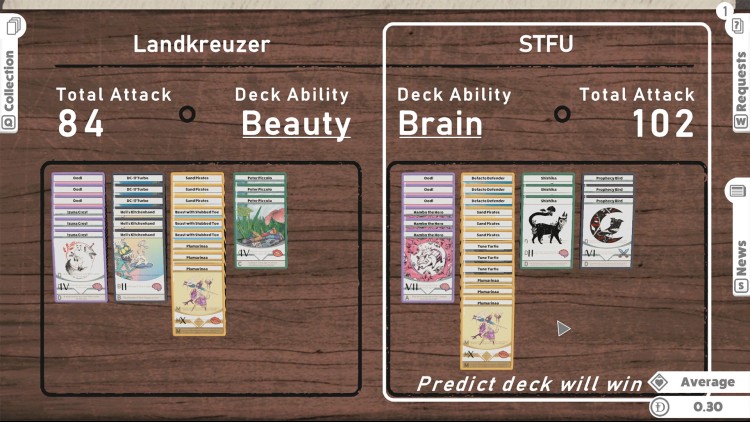
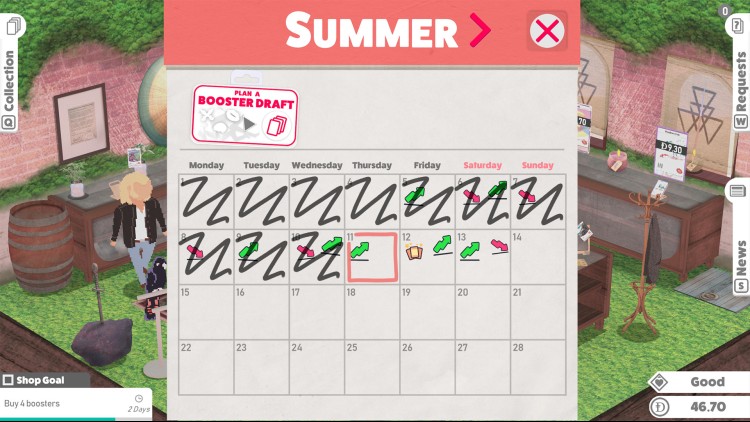
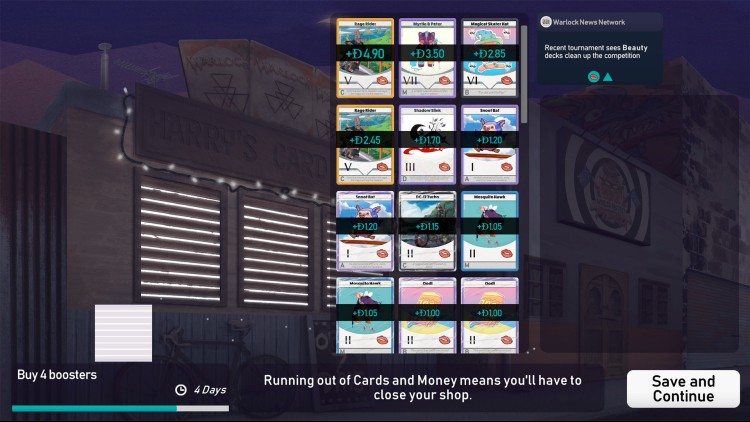

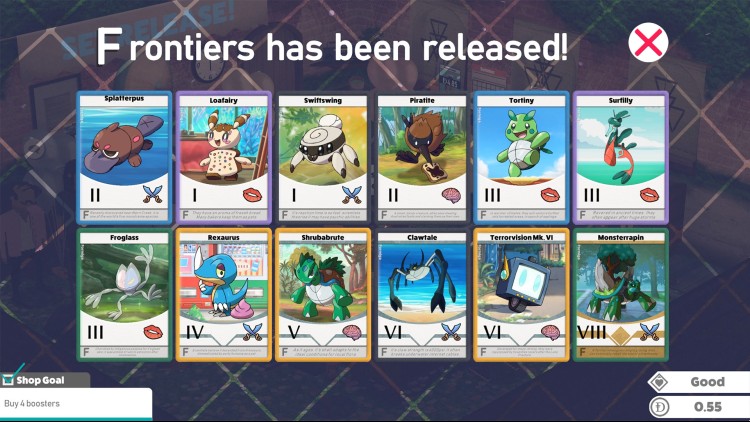
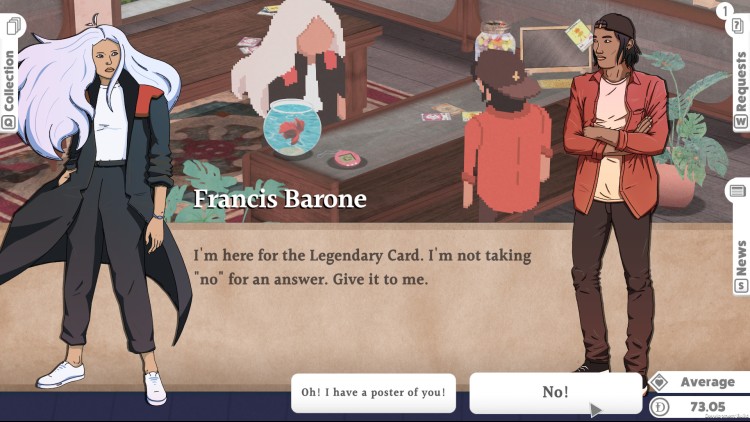
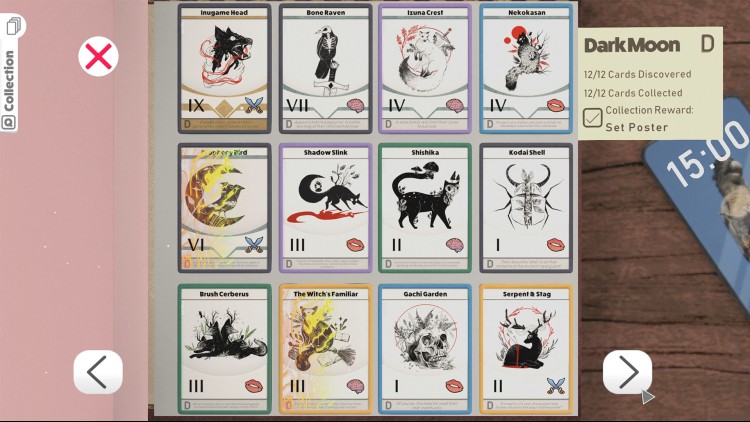
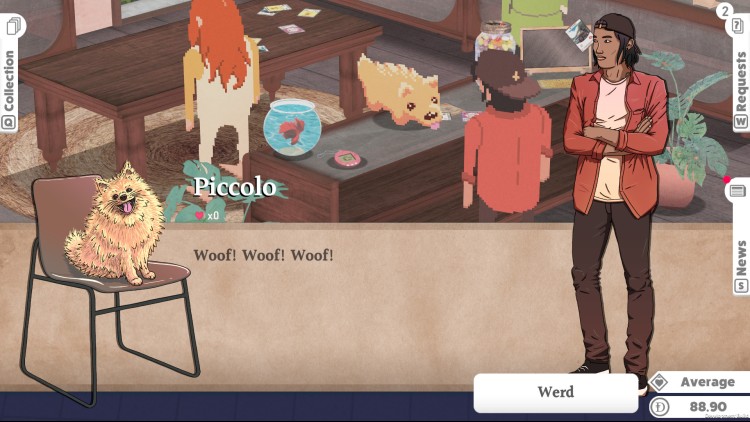
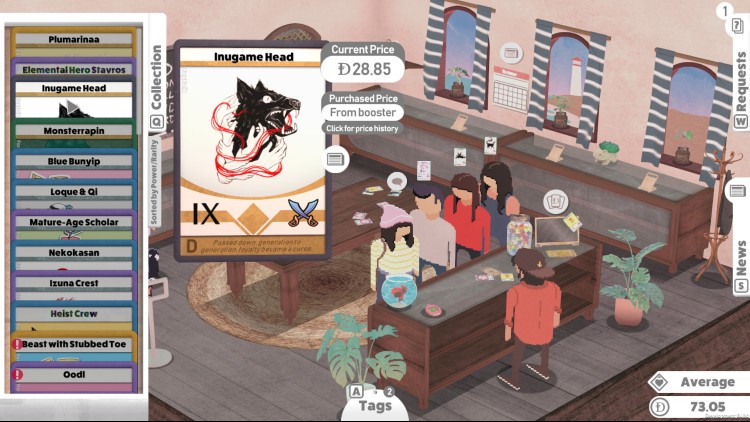
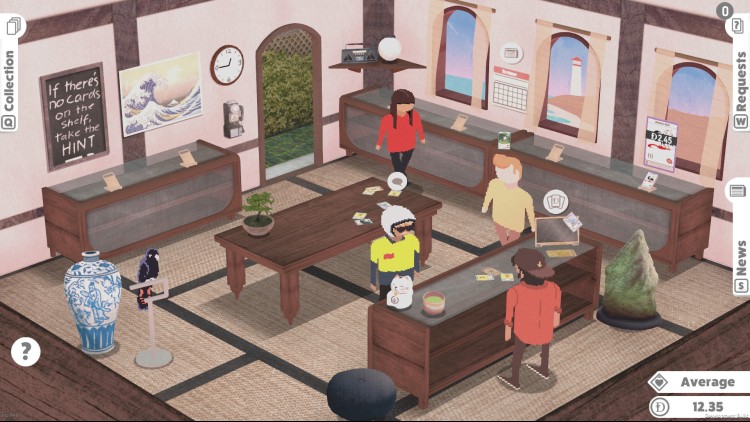
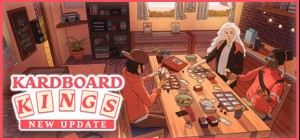
افتح متجرك الخاص لبيع البطاقات على شاطئ البحر! اشترِ البطاقات، وتاجر بها، وبعها، أو احتفظ بها لمجموعتك الخاصة! اكسب سمعة طيبة لدى الزبائن، وحقق أهداف متجرك، وافتح ديكورات جديدة، ونظّم فعاليات مميزة لجذب الجميع إلى أفضل متجر بطاقات في المدينة!
أنت هاري هسو، شاب ورث مؤخرًا متجرًا لبيع البطاقات عن والده، بطل سابق في لعبة الورق الشهيرة "وارلوك". مع سمعة المتجر على المحك، تبدأ العمل خلف المنضدة، وتلبي طلبات السكان المحليين بينما تحاول التأقلم مع إدارة متجر.
يساعدك دليلك، جوزيبي، وهو ببغاء كوكاتو فصيح اللسان، في رحلة البيع والشراء - حيث يقوم بتأمين بطاقات نادرة لهواة الجمع المتميزين أو مساعدة زبون متحمس من الحي.
© 2021 Thrillhouse
يمكنك شراء لعبة Kardboard Kings: Card Shop Simulator للكمبيوتر الشخصي سريعًا بأي طريقة آمنة وبأفضل الأسعار عبر متجر التجزئة الرسمي mena.etail.market
© 2021 Thrillhouse
1)
Download & install the Steam client on your
computer from here.
2)
Open the Steam client, register and login. Then,
locate the Games tab on the top menu. Click that and select “Activate a Product
on Steam..”

3)
Enter your code that is showed on the orders page
of eTail. Market and and follow the steps showed to activate your game.

4)
The game can be monitored now and you can see it
on the "Library" section on Steam. You can download and install the
game now.
5)
If you need more information and support, you
can click here: https://help.steampowered.com/en/wizard/HelpWithSteam
 90%
اضافة للسلة
90%
اضافة للسلة
 اضافة للسلة
 90%
اضافة للسلة
90%
اضافة للسلة
 60%
اضافة للسلة
60%
اضافة للسلة
 90%
اضافة للسلة
90%
اضافة للسلة
 15%
إنتهى من المخزن
15%
إنتهى من المخزن
 اضافة للسلة