No Man's Sky
60%


 اضافة للسلة
 الصفحة الرئيسية
 PC Games
Keep in Mind: Remastered
PC Games
Keep in Mind: Remastered
 اضافة للسلة

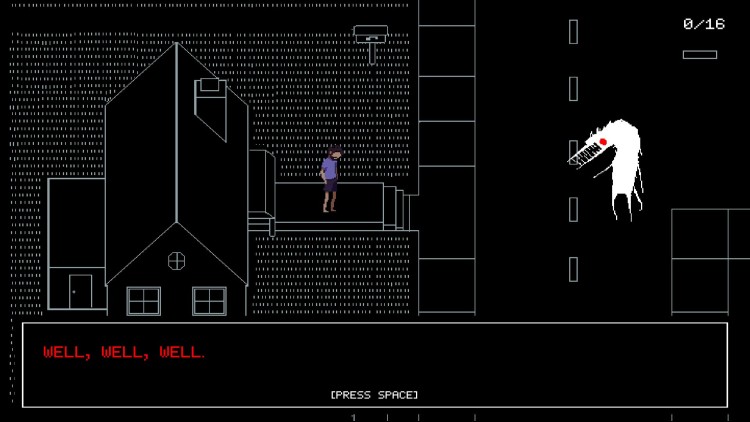
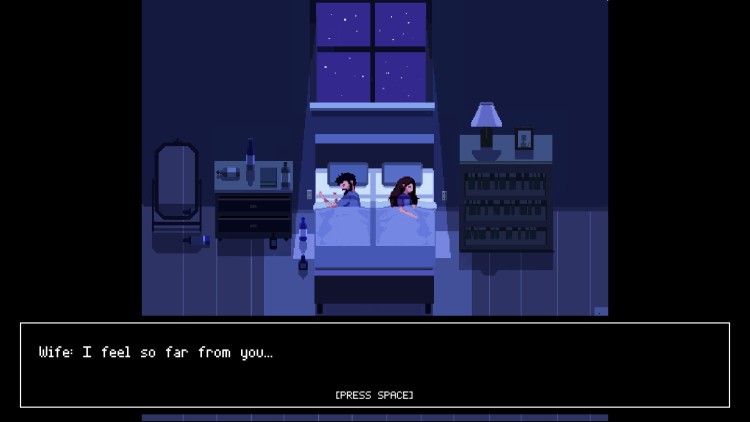
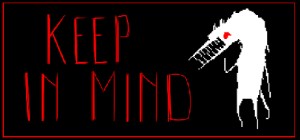
لو استيقظتَ في عالمٍ مظلمٍ تعجّ بالوحوش والشياطين، ماذا ستفعل؟
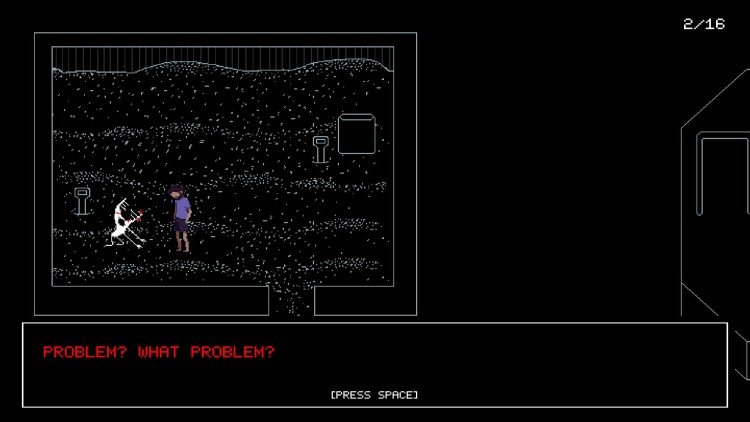
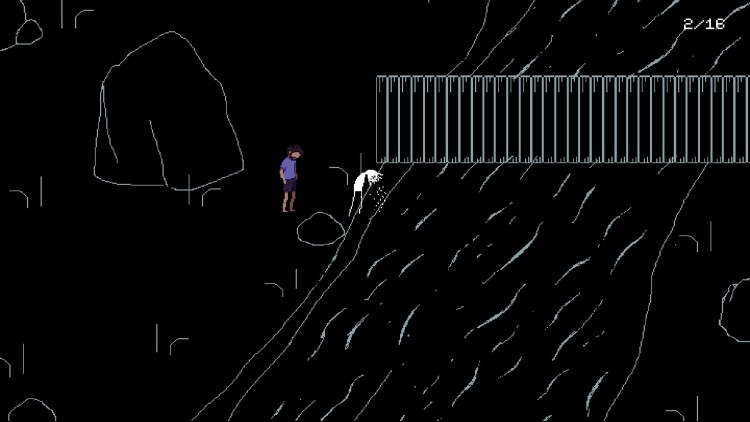
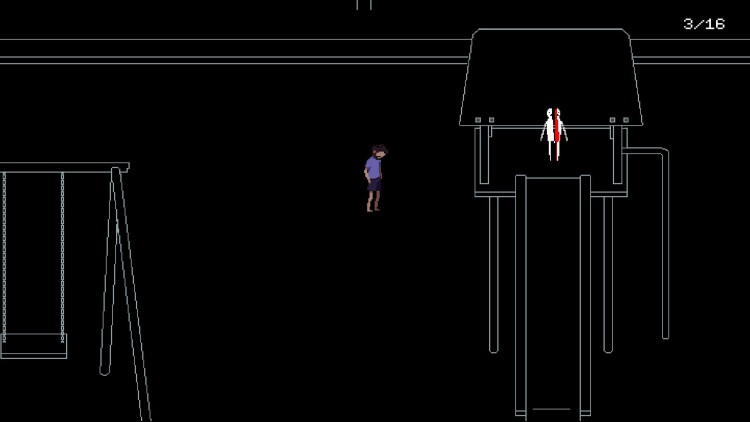
تتبع لعبة Keep in Mind: Remastered قصة جوناس، رجلٌ يُعاني من إدمان الكحول والاكتئاب والحزن. في إحدى الليالي، يستيقظ ليجد نفسه في عالمٍ مُظلمٍ أشبه بالمرآة، حيث تتربص الوحوش ولا تُضيء النجوم. تائهًا وخائفًا، يجب على جوناس مواجهة كل تلك الوحوش المُشوّهة إن أراد العودة إلى دياره ومعرفة حقيقة ظلامه.
Keep in Mind هي لعبة مستقلة ذات طابع نفسي، تروي قصة جوناس، رجلٌ يُكافح مرضًا نفسيًا، في رحلةٍ للتأمل والشفاء العاطفي. صُممت هذه اللعبة خصيصًا لمن يُعانون من أمراضٍ نفسية أو لمن يجدون أنفسهم تائهين في الظلام. تهدف اللعبة إلى أن تكون تجربةً علاجية، ولكن نظرًا لمحتواها الحساس والمثير للجدل، قد يرغب بعض اللاعبين في توخي الحذر.
تأخذ لعبة Keep in Mind: Remastered نسخة Game Jolt التي نالت استحسان النقاد، وتُعيد تصميمها بمحركٍ جديد، وتُصلح الأخطاء، وتُضيف إليها موسيقى تصويرية جديدة من تأليف مُحترفين.
© ٢٠١٦ - ٢٠١٨ ألعاب العثة الصغيرة
يمكنك شراء لعبة Keep in Mind: Remastered للكمبيوتر الشخصي سريعًا بأي طريقة آمنة وبأفضل الأسعار عبر متجر التجزئة الرسمي mena.etail.market
© 2016 - 2018 Little Moth Games
1)
Download & install the Steam client on your
computer from here.
2)
Open the Steam client, register and login. Then,
locate the Games tab on the top menu. Click that and select “Activate a Product
on Steam..”

3)
Enter your code that is showed on the orders page
of eTail. Market and and follow the steps showed to activate your game.

4)
The game can be monitored now and you can see it
on the "Library" section on Steam. You can download and install the
game now.
5)
If you need more information and support, you
can click here: https://help.steampowered.com/en/wizard/HelpWithSteam
 60%
اضافة للسلة
60%
اضافة للسلة
 اضافة للسلة
 90%
اضافة للسلة
90%
اضافة للسلة
 90%
اضافة للسلة
90%
اضافة للسلة
 15%
إنتهى من المخزن
15%
إنتهى من المخزن
 90%
اضافة للسلة
90%
اضافة للسلة
 اضافة للسلة
 50%
اضافة للسلة
50%
اضافة للسلة
 20%
اضافة للسلة
20%
اضافة للسلة