No Man's Sky
60%


 اضافة للسلة
 الصفحة الرئيسية
 PC Games
Leftovers KO!
PC Games
Leftovers KO!
 اضافة للسلة

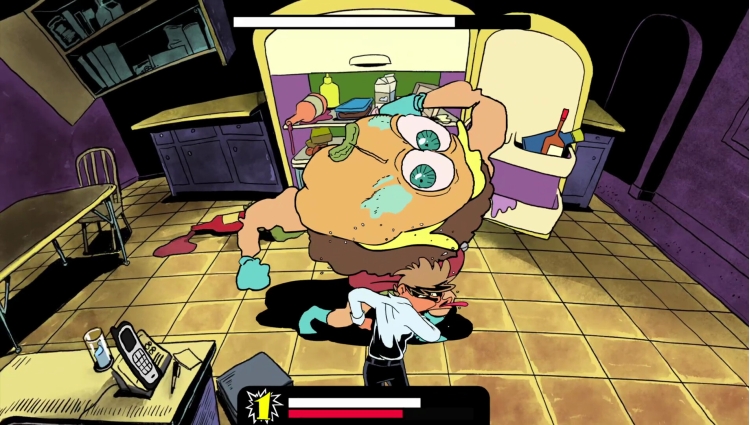
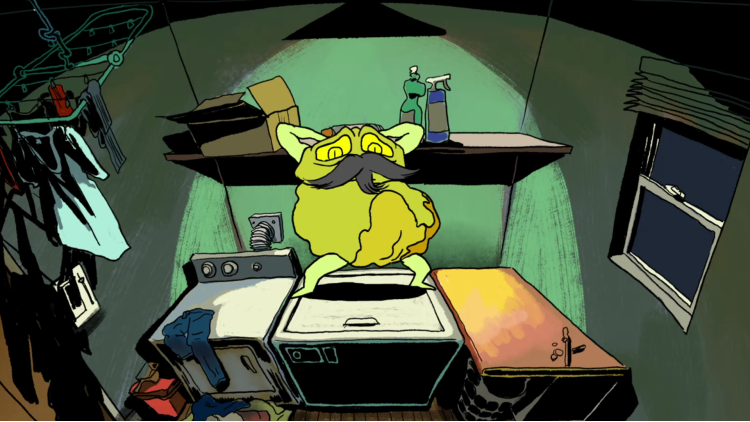
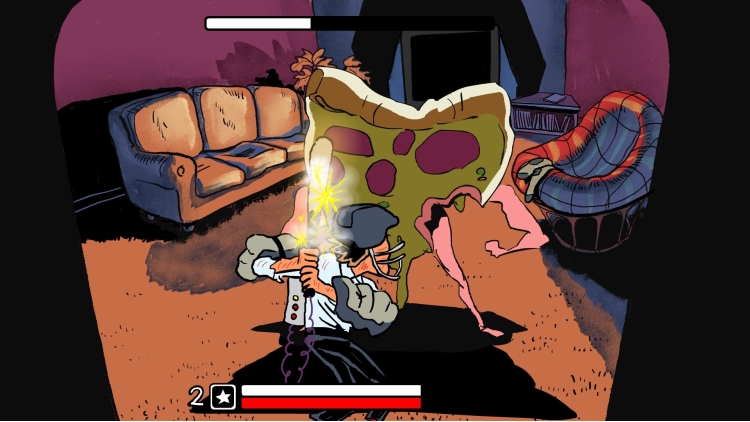
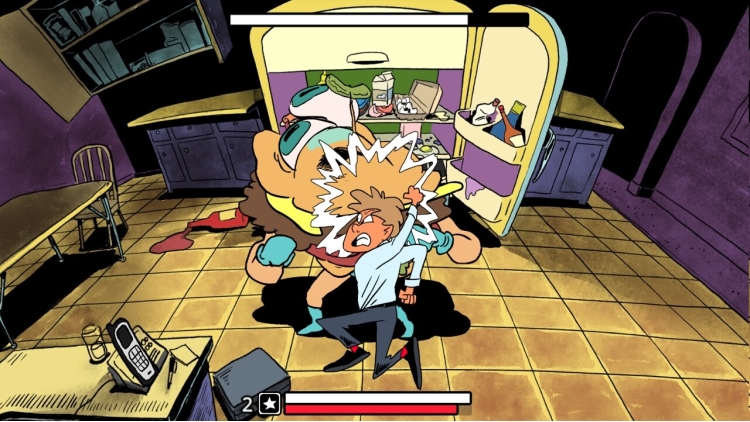
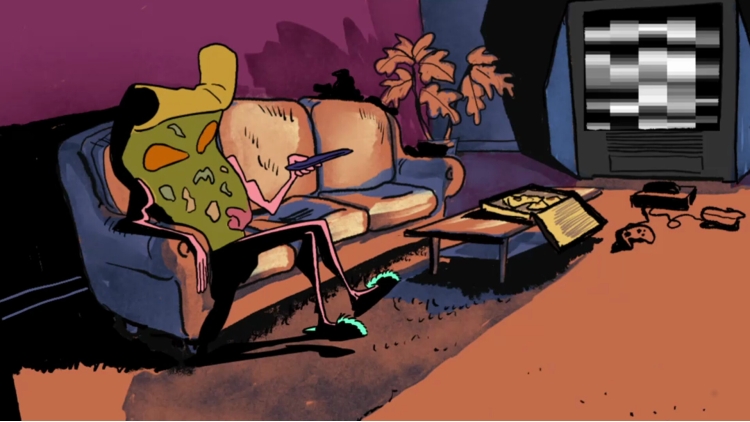
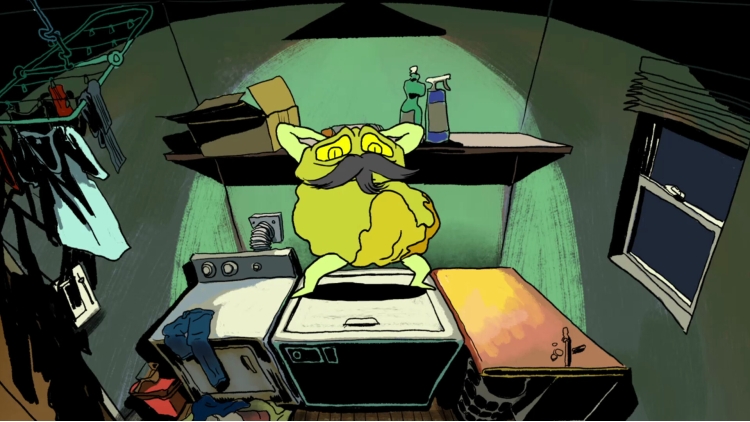
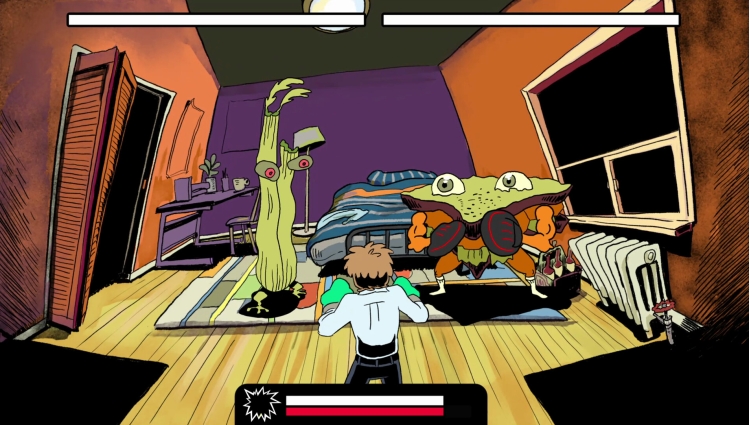
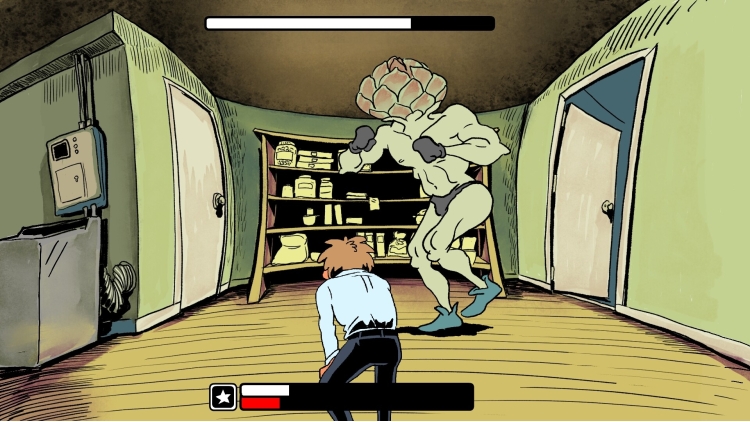
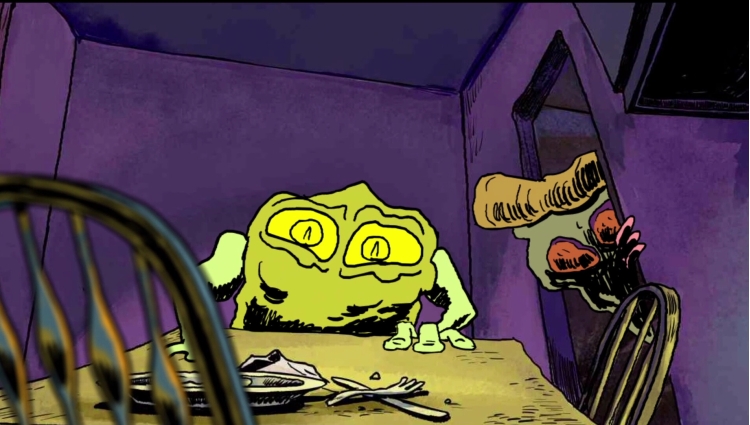
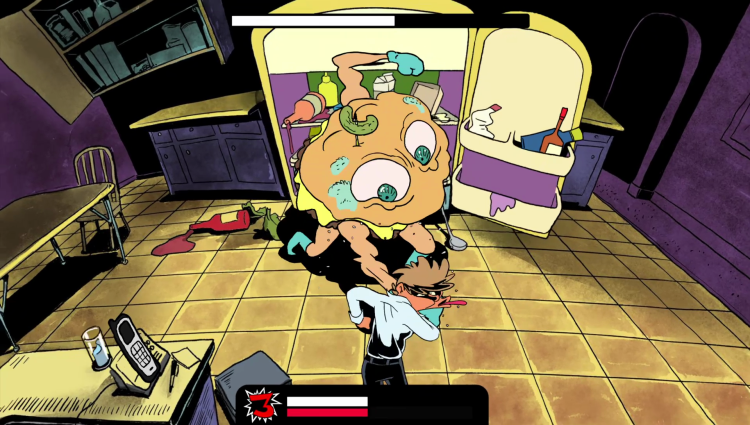

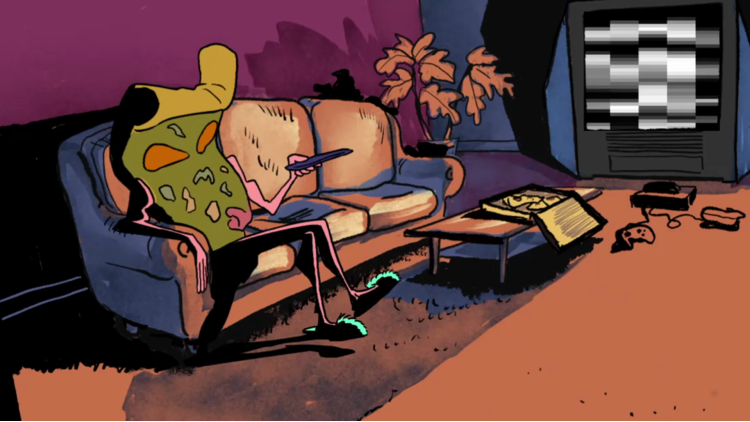
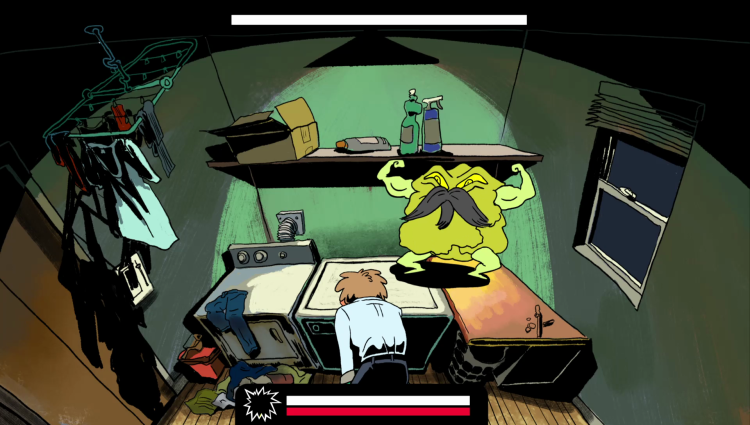
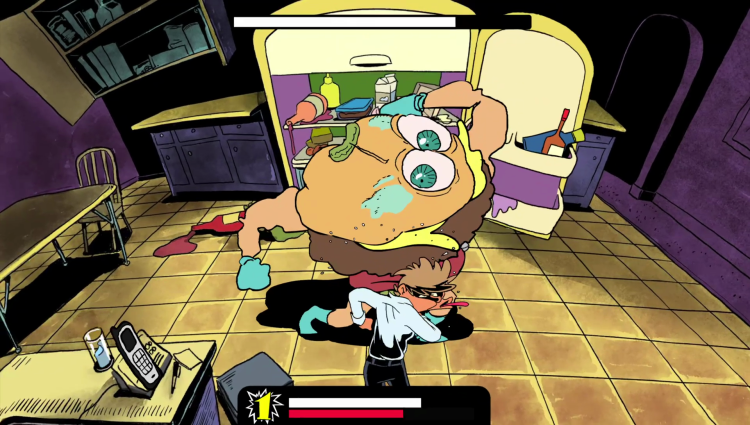
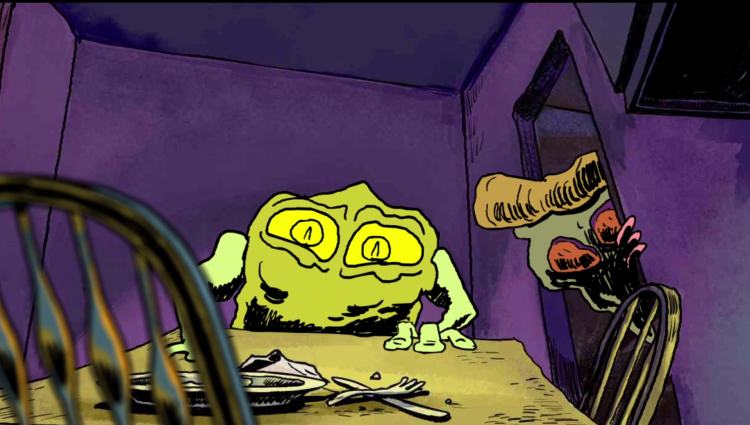
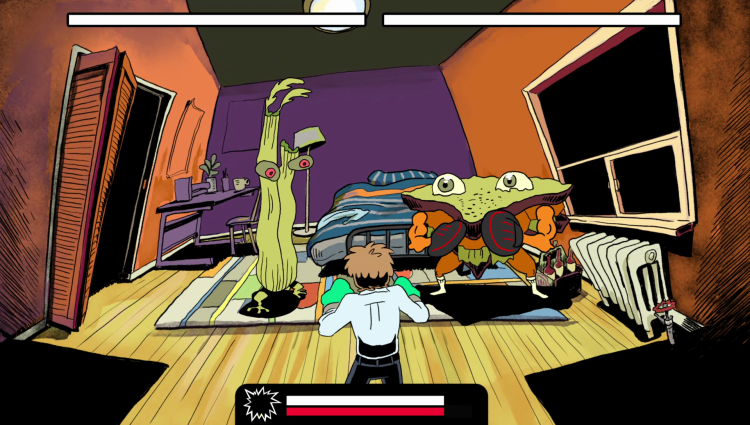
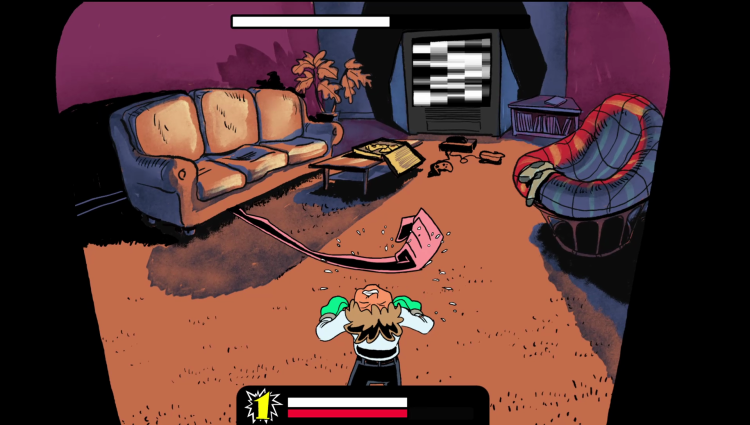
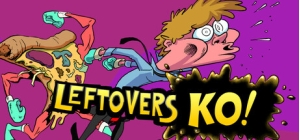
بعد يوم عمل طويل، تعود إلى المنزل لتجد أن طعامك المتبقي قد عاد للحياة - وهو هنا ليهزمك... بيديه! اهزمهم جميعًا واكتشف الحقيقة!
هذه اللعبة المتحركة المرسومة يدويًا بسيطة كألعاب نينتندو ES الكلاسيكية، ولكن مع بعض الإضافات!
قاتل البقايا
لكل بقايا أسلوب قتال مميز، ومجموعة حركات، ونقاط قوة ونقاط ضعف. تكيف، كن سريعًا، وحولها إلى كومة من المكونات.
تعلم حركات جديدة
تعلم حركات جديدة، وتدرب عليها في غرفة التدريب، واستخدمها في معركة حقيقية لتتذوق طعم النصر.
اكشف اللغز
لماذا تقاتل البقايا فجأة؟ كيف يكون ذلك ممكنًا؟ طريقة واحدة فقط لمعرفة ذلك - اهزمهم!
يمكنك شراء لعبة Leftovers KO! للكمبيوتر الشخصي سريعًا بأي طريقة آمنة وبأفضل الأسعار عبر متجر التجزئة الرسمي mena.etail.market
1)
Download & install the Steam client on your
computer from here.
2)
Open the Steam client, register and login. Then,
locate the Games tab on the top menu. Click that and select “Activate a Product
on Steam..”

3)
Enter your code that is showed on the orders page
of eTail. Market and and follow the steps showed to activate your game.

4)
The game can be monitored now and you can see it
on the "Library" section on Steam. You can download and install the
game now.
5)
If you need more information and support, you
can click here: https://help.steampowered.com/en/wizard/HelpWithSteam
 60%
اضافة للسلة
60%
اضافة للسلة
 90%
اضافة للسلة
90%
اضافة للسلة
 90%
اضافة للسلة
90%
اضافة للسلة
 اضافة للسلة
 اضافة للسلة
 90%
اضافة للسلة
90%
اضافة للسلة