Joe Danger
90%


 اضافة للسلة
 الصفحة الرئيسية
 PC Games
Machine Party
PC Games
Machine Party

 اضافة للسلة

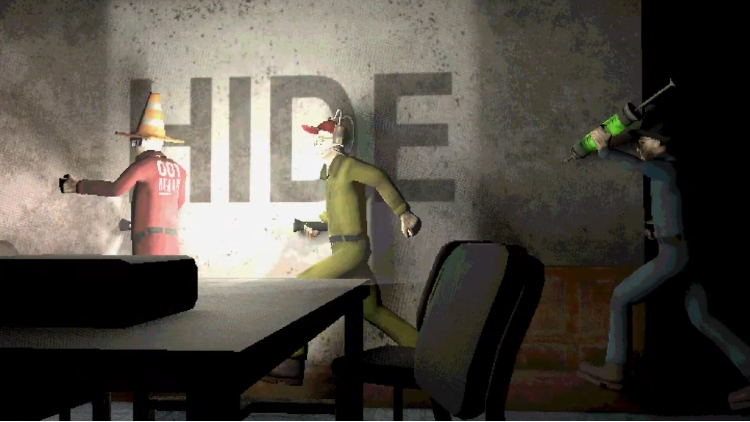
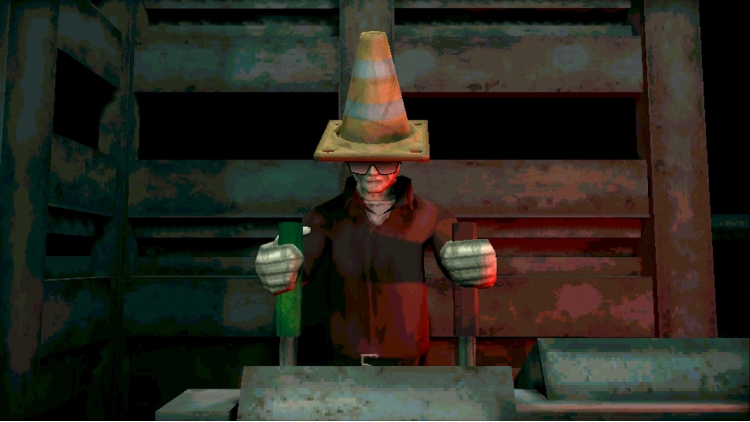
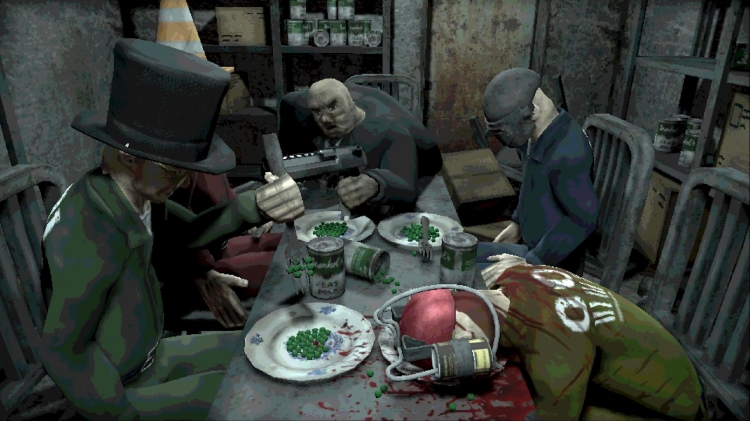
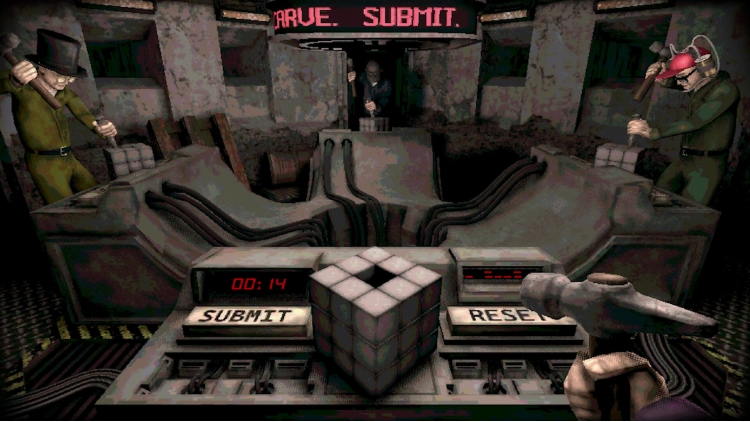
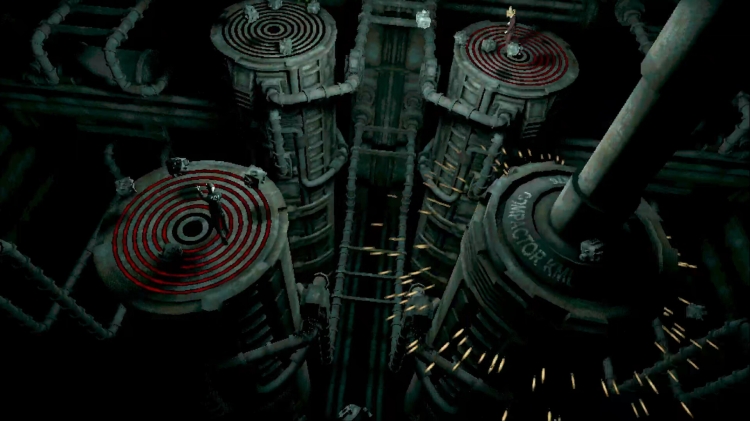
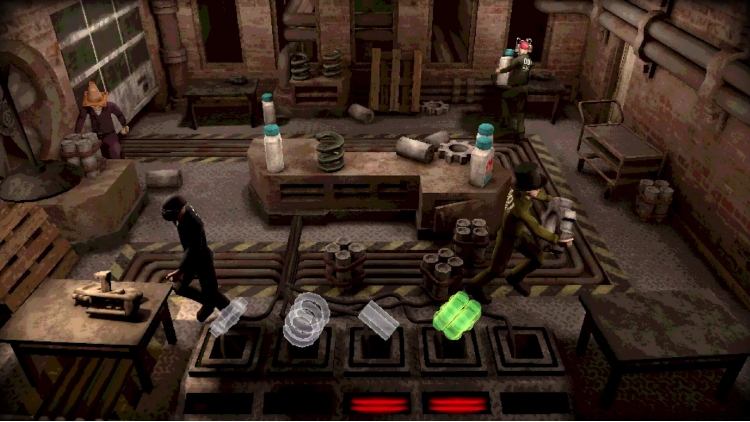
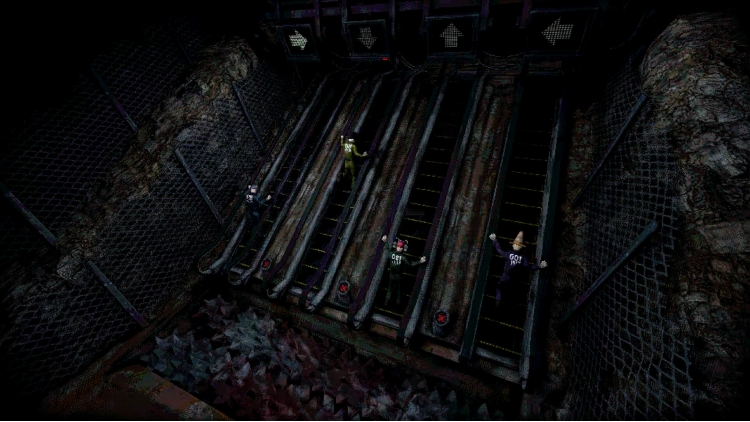
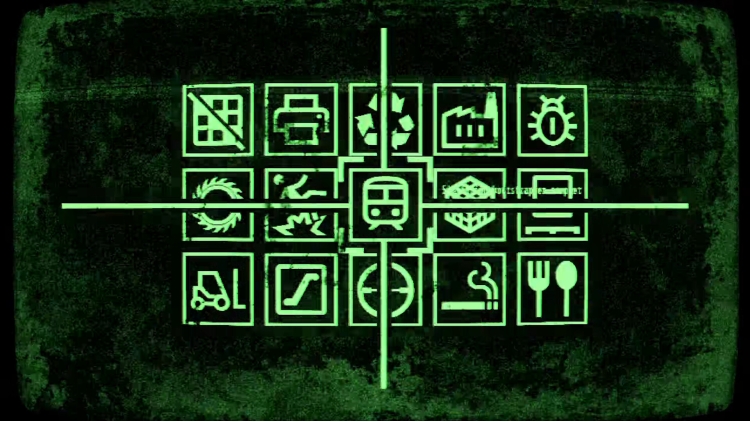
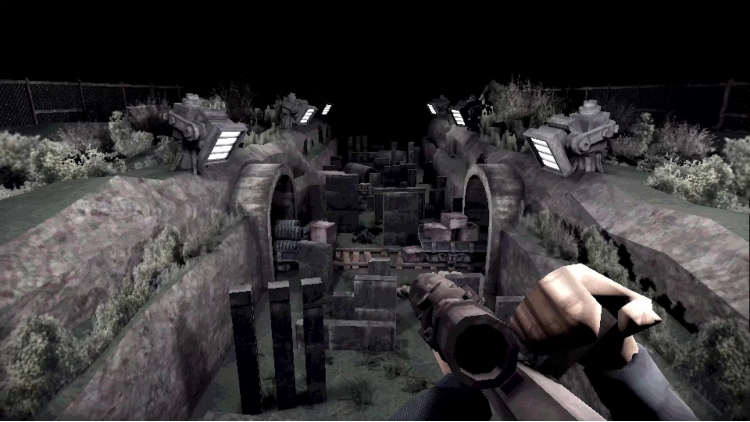

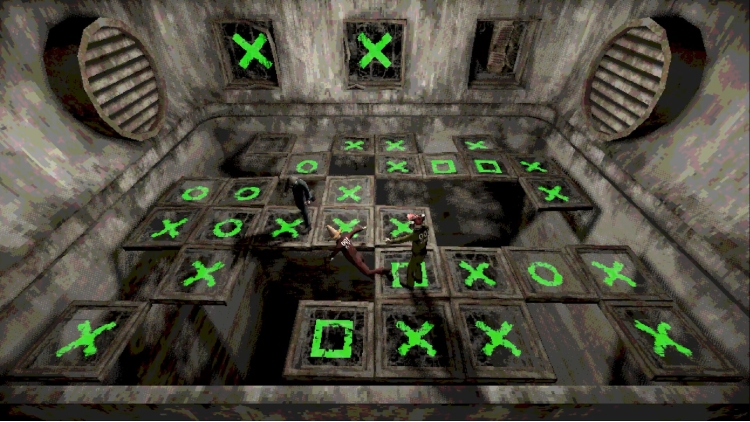
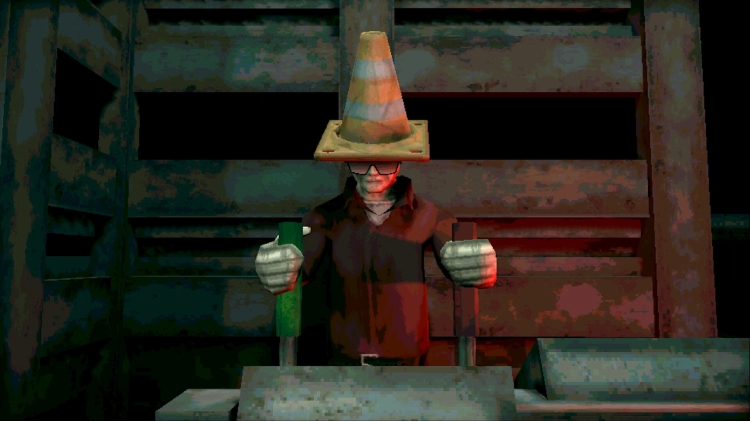
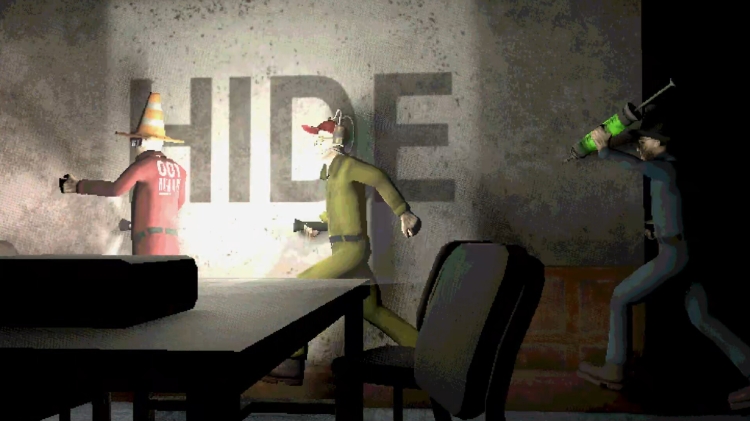
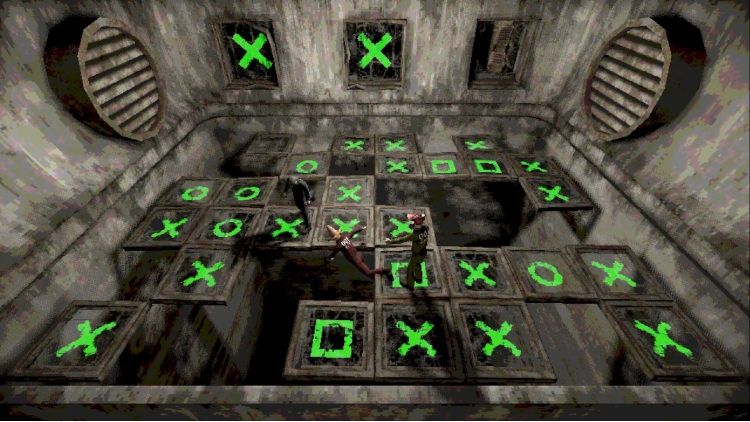

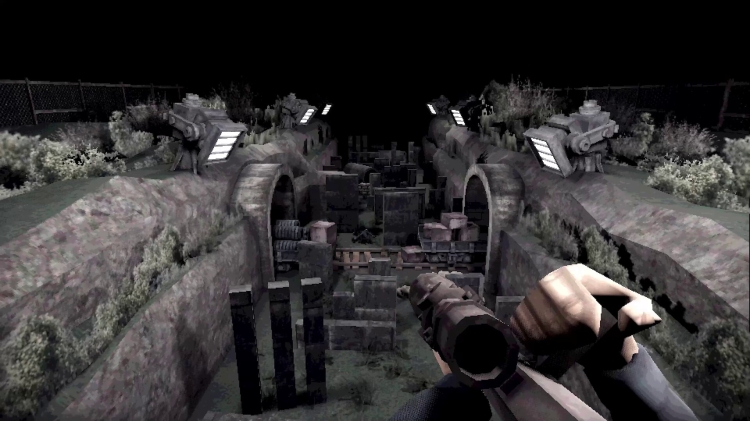
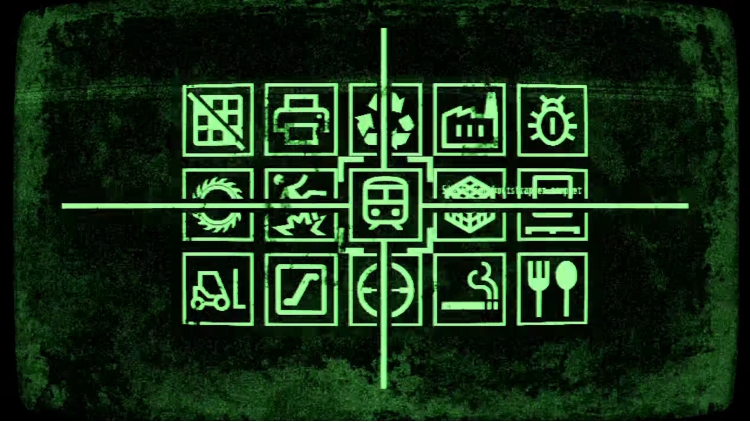
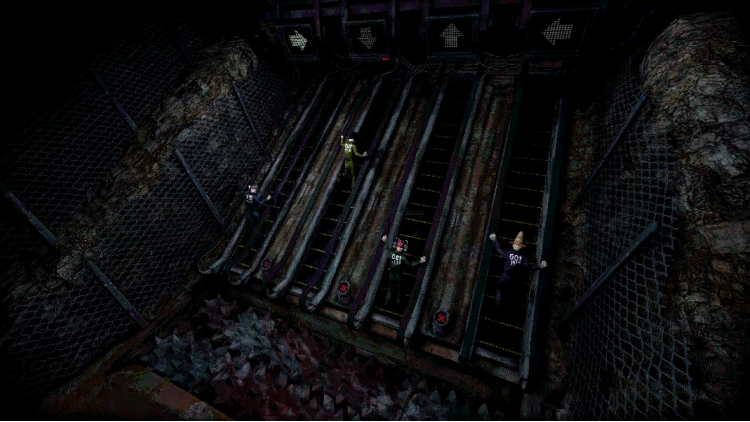
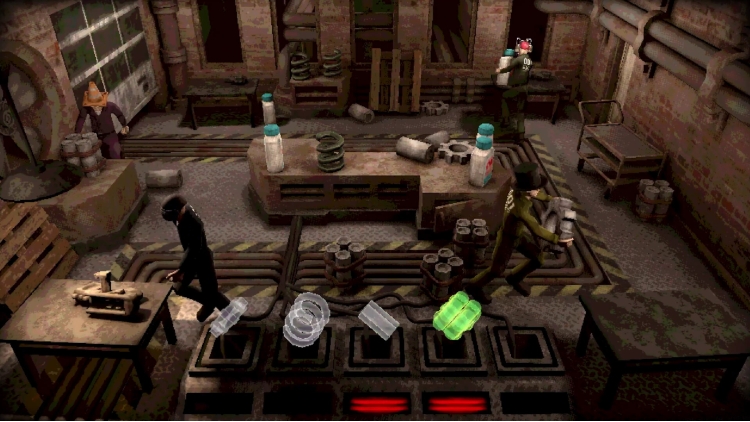
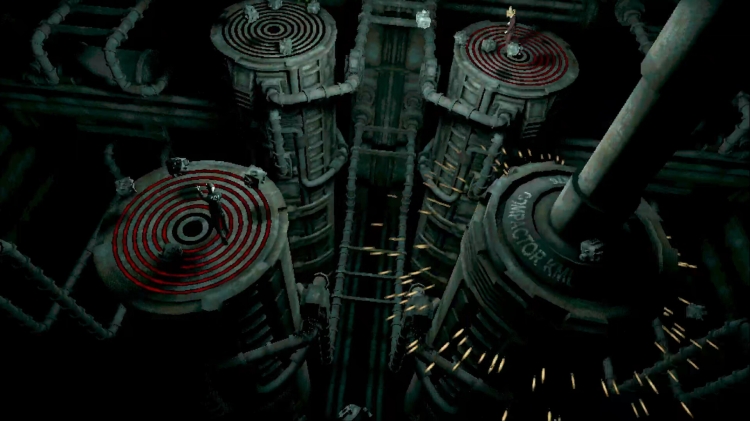
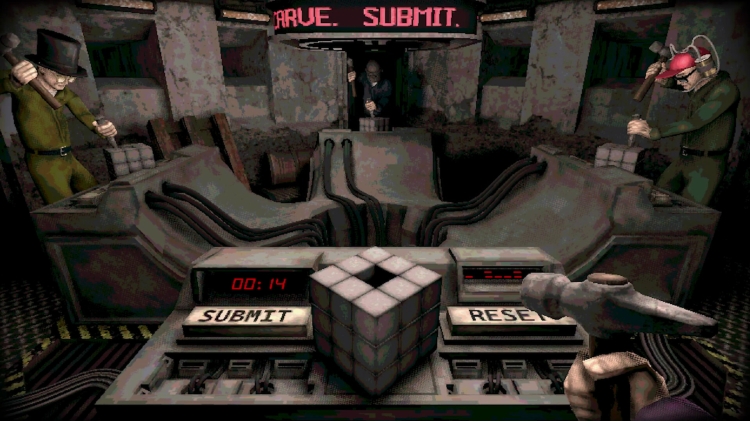
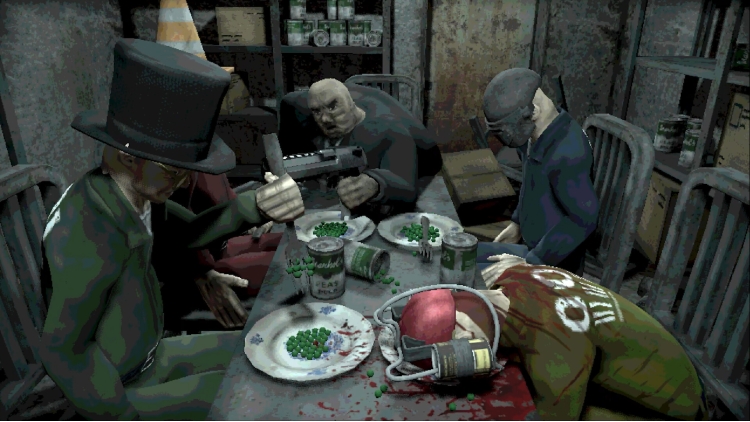
Welcome to Machine Party. In this series of dangerous, and some would say highly illegal, party games you will have to use every trick in the book to survive. Play through classic party game formats and new twists on the genre for sessions of fun, screaming, and horror.
Features
يمكنك شراء لعبة Machine Party للكمبيوتر الشخصي سريعًا بأي طريقة آمنة وبأفضل الأسعار عبر متجر التجزئة الرسمي mena.etail.market
1)
Download & install the Steam client on your
computer from here.
2)
Open the Steam client, register and login. Then,
locate the Games tab on the top menu. Click that and select “Activate a Product
on Steam..”

3)
Enter your code that is showed on the orders page
of eTail. Market and and follow the steps showed to activate your game.

4)
The game can be monitored now and you can see it
on the "Library" section on Steam. You can download and install the
game now.
5)
If you need more information and support, you
can click here: https://help.steampowered.com/en/wizard/HelpWithSteam
 90%
اضافة للسلة
90%
اضافة للسلة
 90%
اضافة للسلة
90%
اضافة للسلة
 90%
اضافة للسلة
90%
اضافة للسلة
 15%
إنتهى من المخزن
15%
إنتهى من المخزن
 اضافة للسلة
 80%
اضافة للسلة
80%
اضافة للسلة
 60%
اضافة للسلة
60%
اضافة للسلة
