Mad Experiments: Escape Room
$9.34 $1.87 80%
لا تفوت فرصة الخصم!
  • يوم
  • ساعة
  • دقيقة
  • ثانية
  • يمكن تنشيط هذا المنتج في United States.
    Add to Cart Button Icon اضافة للسلة

    • برنامج Steam Icon
    • نظام التشغيل
      Windows Icon Linux Icon
    • النوع Adventure , Simulation , Puzzle
    • مطور PlayTogether Studio
    • المنشئ Nejcraft Interactive
    • يوم الاصدار 2020-04-16 12:00 AM
    • اللغات المعتمدة English, French, German, Japanese, Portuguese, Russian, Spanish - Spain, Portuguese-Brazil, Traditional Chinese, Simplified Chinese, Spanish - Latin America
    Mad Experiments: Escape Room
    Mad Experiments: Escape Room
    Mad Experiments: Escape Room
    Mad Experiments: Escape Room
    Mad Experiments: Escape Room
    Mad Experiments: Escape Room
    Mad Experiments: Escape Room
    Mad Experiments: Escape Room

    ESCAPE WITH FRIENDS
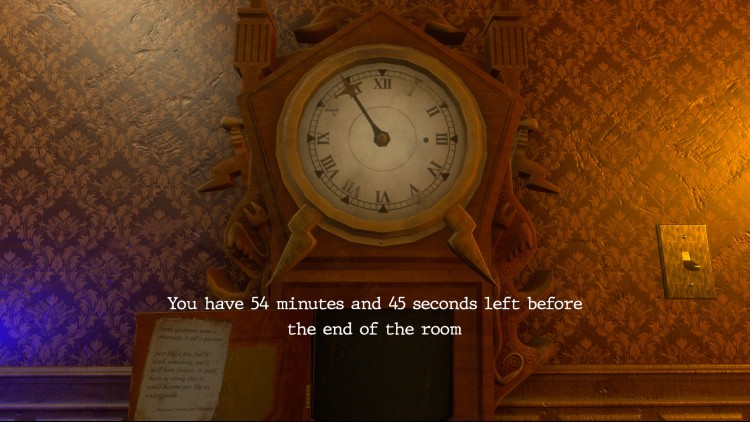
    Play alone or in a team of up to 6 players! Challenge yourself with the 60-min time limit, or take your time and play in Relax mode with unlimited time!

    FIND CLUES AND SECRETS
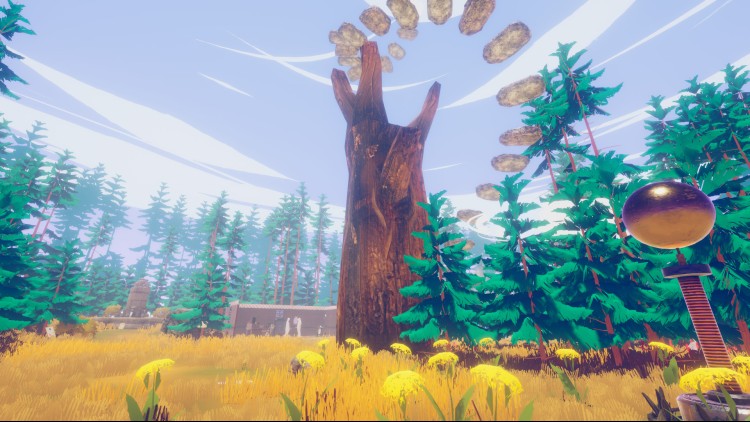
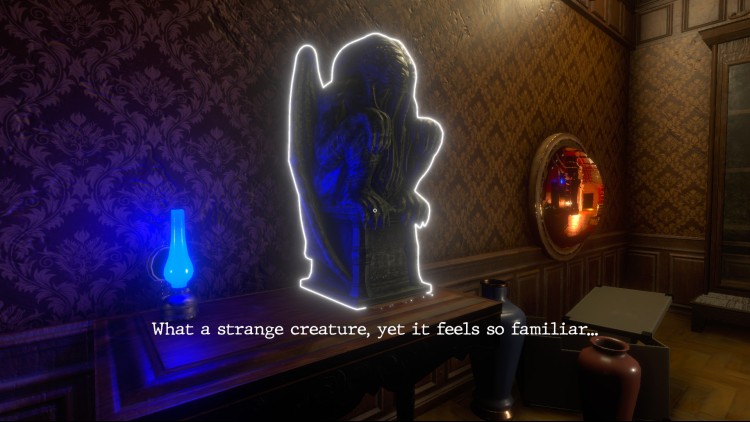
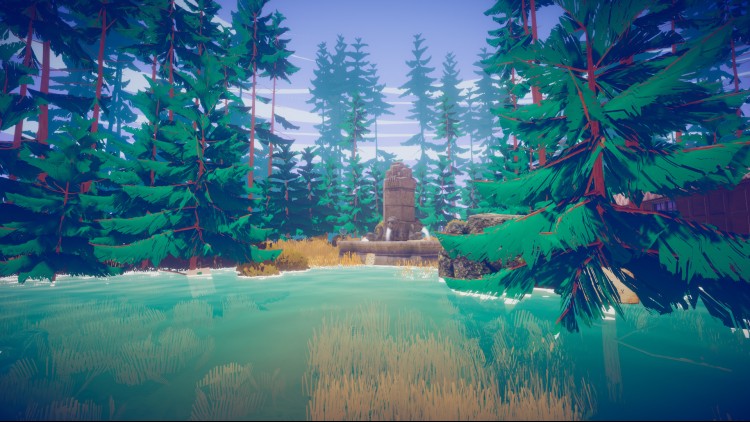
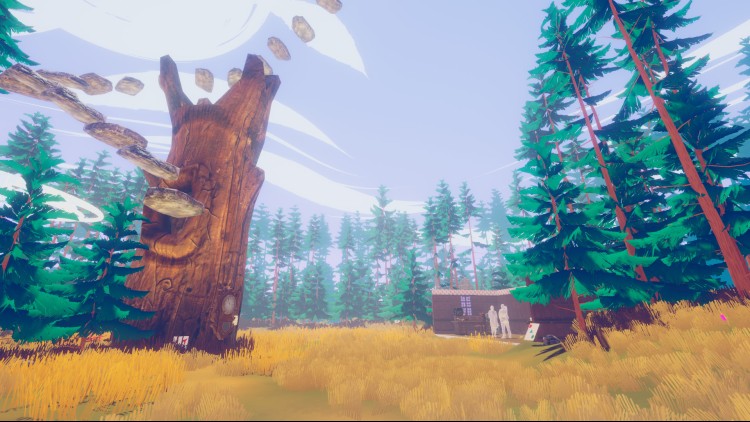
    Interact and examine with dozens of objects to uncover the secrets of the rooms.

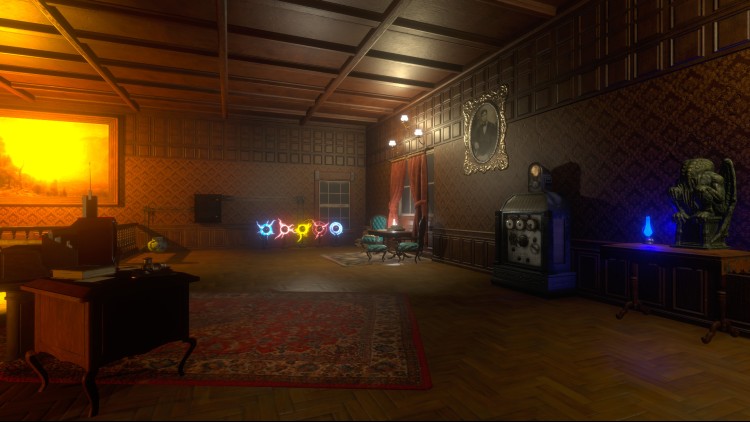
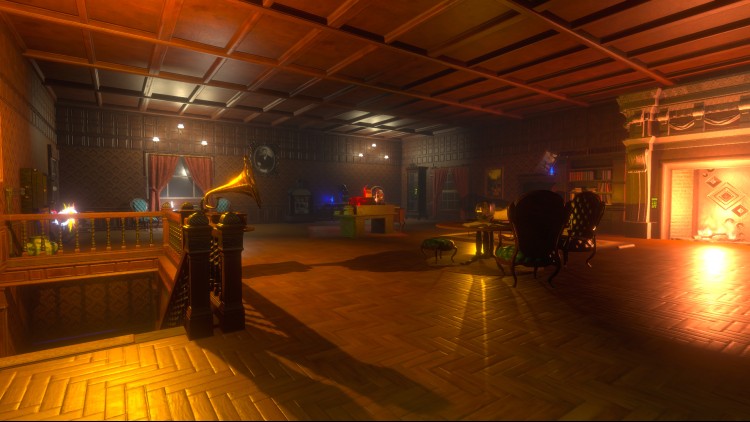
    Chapter 1: The Mansion Lab
    You have been invited by Professor Cheshire and his assistant Hildegarde to try their new experiments. They are obsessed with people’s minds and want to see how you react to their tests.

    Chapter 2: Memory Loss
    Cheshire's experimentations damaged your brain and you are now in a coma. Hildegarde wants to help you to wake up by recovering your memory...

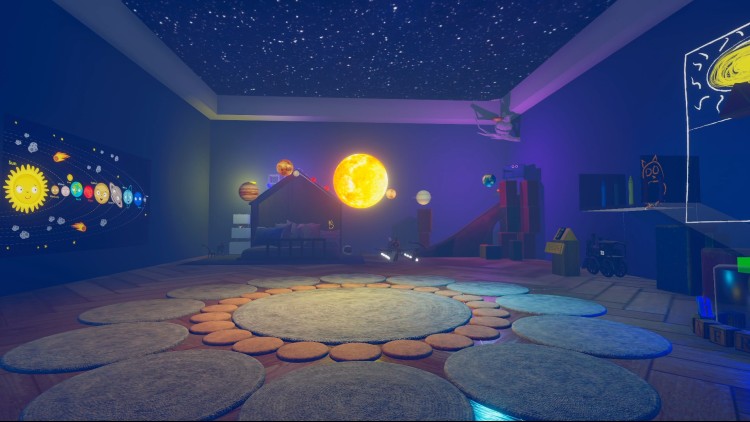
    Chapter 3: Lost Childhood
    You will keep diving into the past of Hildegarde. In her child room, you will witness what her daily life looked like when she got into Cheshire's lab.

    ©2023 9408-8432 Quebec inc. (PlayTogether Studio)
    Published by Nejcraft Interactive s.r.o.

    اشترِ Mad Experiments: Escape Room PC Steam Game Code - أفضل سعر | eTail

    يمكنك شراء لعبة Mad Experiments: Escape Room للكمبيوتر الشخصي سريعًا بأي طريقة آمنة وبأفضل الأسعار عبر متجر التجزئة الرسمي mena.etail.market

    ©2023 9408-8432 Quebec inc. (PlayTogether Studio)Published by Nejcraft Interactive s.r.o.

    Mad Experiments: Escape Room الحد الأدنى لمتطلبات النظام:
    Windows
    OS: Windows 7 or higher
    Procesor: Intel Core i3
    Memory: 4 GB RAM
    GPU: Nvidia 450 / AMD equivalent with 2GB+ of Video RAM
    DirectX: 9
    Disk Space: 1.3 GB free

    Mac
    OS: macOS Sierra 10.12 or more recent
    Processor: i5 2.5Ghz or better
    Memory: 4 GB RAM
    Graphics: Nvidia 450 / AMD equivalent with 2GB+ of Video RAM
    Network: Broadband Internet connection
    Storage: 1 GB available space

    Linux
    OS: Ubuntu 16.04, Ubuntu 18.04 or more recent
    Processor: x64 architecture with SSE2 instruction set support
    Memory: 4 GB RAM
    Graphics: Nvidia and AMD GPUs using Nvidia official proprietary graphics driver or AMD Vulkan drivers for the best experience. Also compatible with Mesa drivers.
    Storage: 1 GB available space

    Mad Experiments: Escape Room متطلبات النظام المستحسنة :
    Windows
    OS: Windows 7 or higher
    Procesor: Intel i5 4650 / AMD FX-8320 or equivalent
    Memory: 8 GB RAM
    GPU: Nvidia 970/AMD 390 or equivalent with 3GB+ of Video RAM
    DirectX: 11
    Disk Space: 1.3 GB free

    Mac
    OS: macOS Sierra 10.12 or more recent
    Processor: i5 3.5Ghz or better
    Memory: 8 GB RAM
    Graphics: Nvidia 970/AMD 390 or equivalent with 3GB+ of Video RAM
    Network: Broadband Internet connection
    Storage: 1 GB available space

    Linux
    OS: Ubuntu 16.04, Ubuntu 18.04 or more recent
    Processor: x64 architecture with SSE2 instruction set support
    Memory: 8 GB RAM
    Graphics: Nvidia and AMD GPUs using Nvidia official proprietary graphics driver or AMD Vulkan drivers for the best experience. Also compatible with Mesa drivers.
    Storage: 1 GB available space
    Activation on Steam

    1)      Download & install the Steam client on your computer from   here.

    2)      Open the Steam client, register and login. Then, locate the Games tab on the top menu. Click that and select “Activate a Product on Steam..”

           

    3)      Enter your code that is showed on the orders page of eTail. Market and and follow the steps showed to activate your game.

           

    4)      The game can be monitored now and you can see it on the "Library" section on Steam. You can download and install the game now.

    5)      If you need more information and support, you can click here: https://help.steampowered.com/en/wizard/HelpWithSteam

    مستحسن