Joe Danger
90%


 اضافة للسلة
 الصفحة الرئيسية
 PC Games
Muddledash
PC Games
Muddledash

 اضافة للسلة

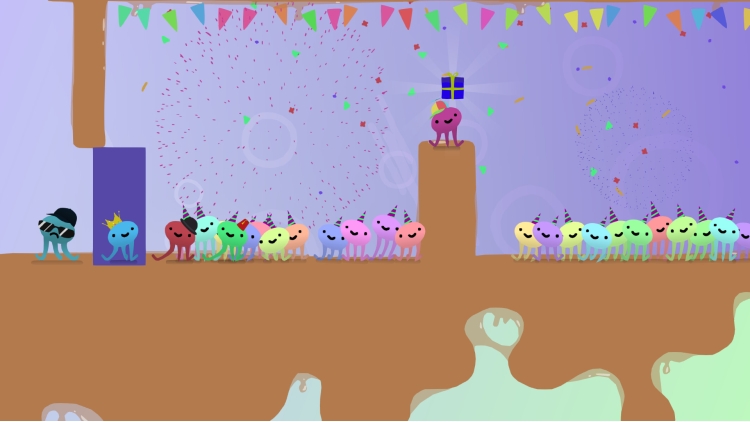
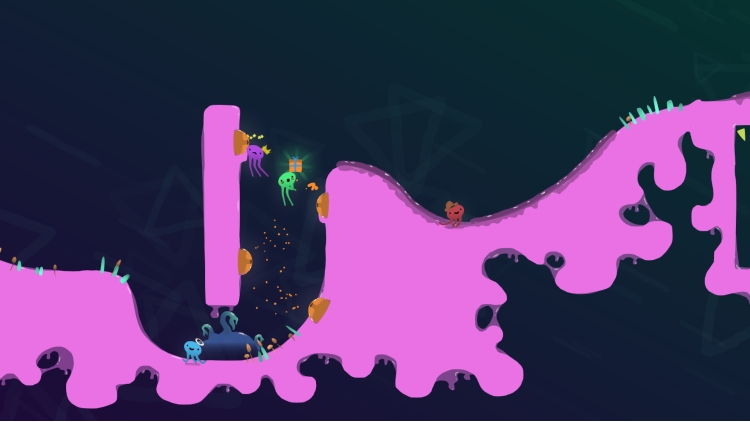
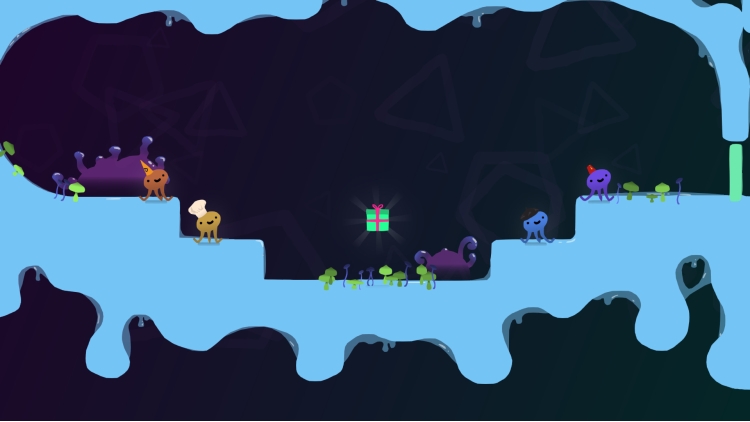




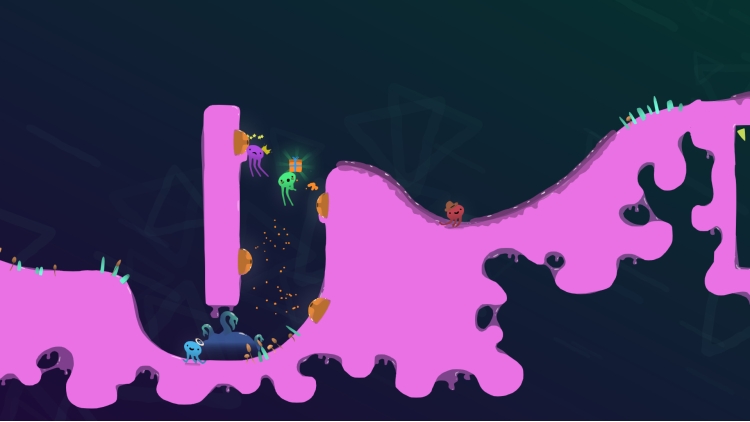

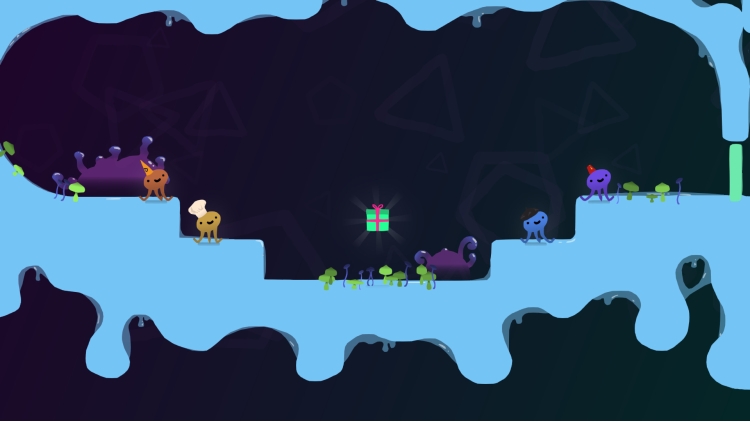
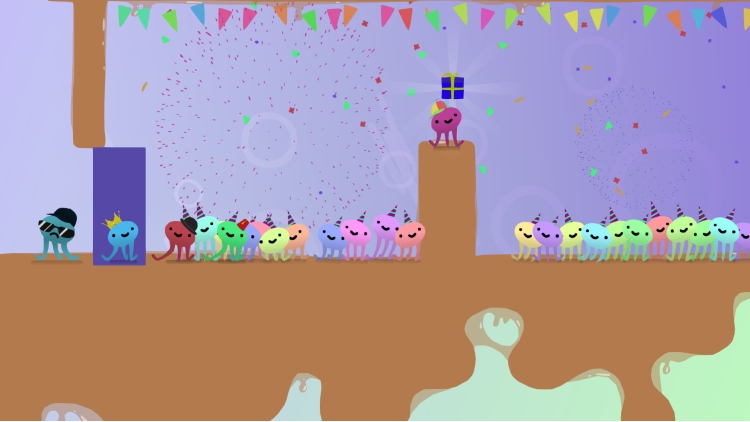

حفلة أخطبوط واحدة، هدية لامعة واحدة، ما يصل إلى 4 مجموعات جاهزة للتسابق من أجل الحق في الحفلة!
*تسابق في طريقك إلى الحفلة*
اتلَوِ وتحرك وتحرك بين أصدقائك!
*لعبة تعدد اللاعبين على الأريكة*
يمكن لما يصل إلى أربعة لاعبين التجمع على الأريكة للاستمتاع بالمتعة التنافسية!
*كن الضيف الأكثر أناقة*
عبر عن مجموعتك الداخلية من خلال ارتداء مجموعة من القبعات المبهجة!
*قاتل من أجل الحاضر*
اركل واضرب واصفع واقفز لتتفوق على أصدقائك في الحفلة!
*جولات متنوعة بلا حدود*
مع مراحل متغيرة باستمرار في كل جولة، لن تلعب نفس السباق مرتين!
*الجميع مدعوون*
يمكن لسكان البحر والمشاة على الأرض ومحبي القطط واللاعبين من جميع الأعمار الانضمام إلى مطاردة المجموعات البرية هذه!
©slampunks 2018. تم النشر بواسطة PQUBE Limited
يمكنك شراء لعبة Muddledash للكمبيوتر الشخصي سريعًا بأي طريقة آمنة وبأفضل الأسعار عبر متجر التجزئة الرسمي mena.etail.market
©slampunks 2018. Published by PQUBE Limited
1)
Download & install the Steam client on your
computer from here.
2)
Open the Steam client, register and login. Then,
locate the Games tab on the top menu. Click that and select “Activate a Product
on Steam..”

3)
Enter your code that is showed on the orders page
of eTail. Market and and follow the steps showed to activate your game.

4)
The game can be monitored now and you can see it
on the "Library" section on Steam. You can download and install the
game now.
5)
If you need more information and support, you
can click here: https://help.steampowered.com/en/wizard/HelpWithSteam
 90%
اضافة للسلة
90%
اضافة للسلة
 15%
إنتهى من المخزن
15%
إنتهى من المخزن
 90%
اضافة للسلة
90%
اضافة للسلة
 60%
اضافة للسلة
60%
اضافة للسلة
 اضافة للسلة
 اضافة للسلة
 90%
اضافة للسلة
90%
اضافة للسلة
