

NASCAR Heat 4 Gold Edition
15%


 إنتهى من المخزن
 الصفحة الرئيسية
 PC Games
Nicolas Eymerich - The Inquisitor - Book 1 : The Plague
PC Games
Nicolas Eymerich - The Inquisitor - Book 1 : The Plague

 إنتهى من المخزن
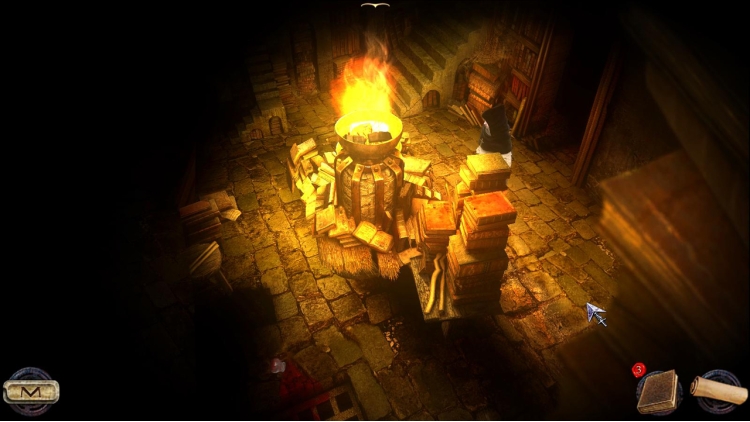
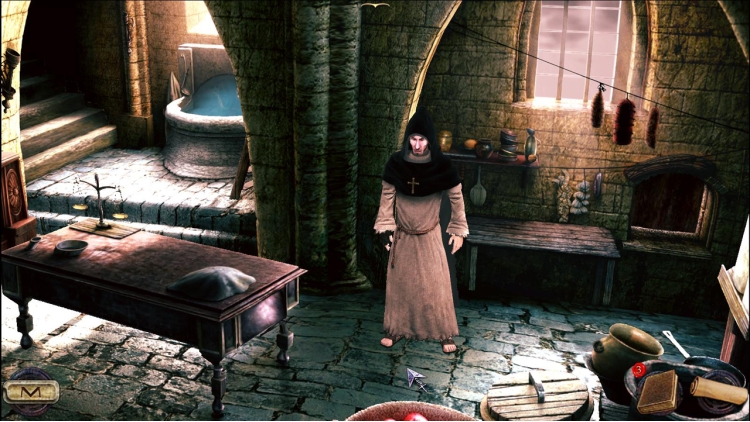
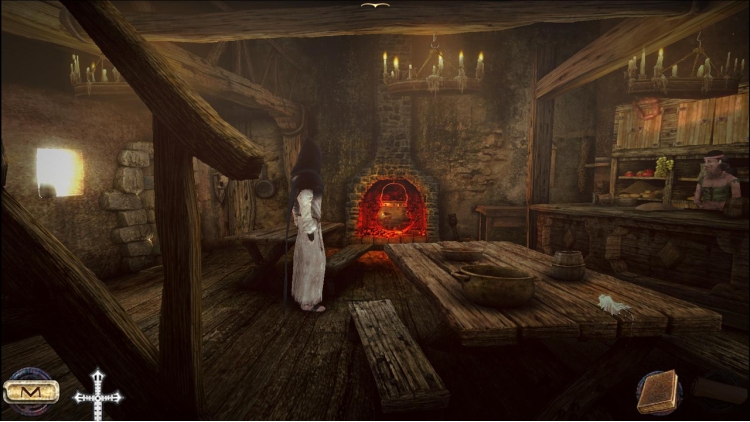
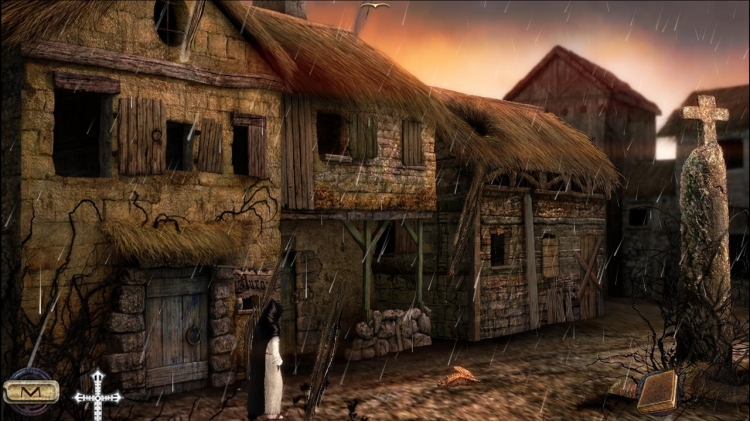
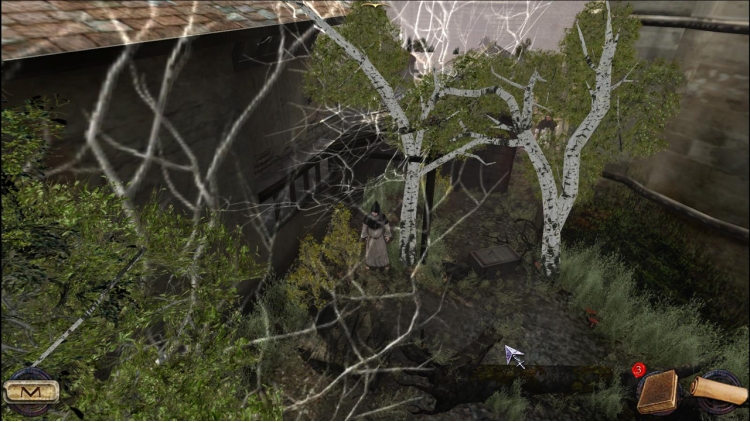
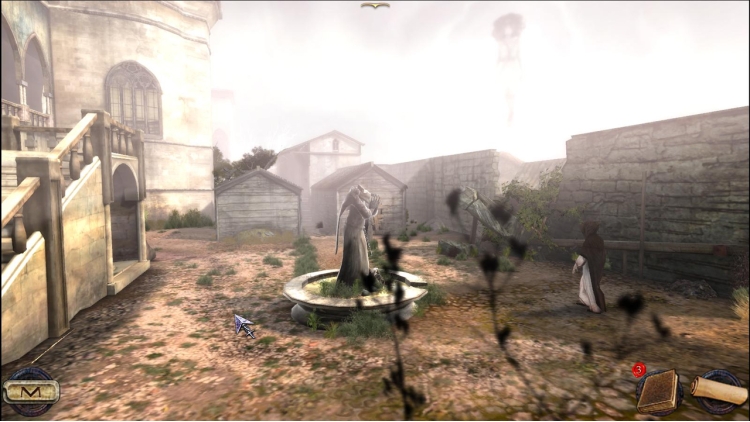

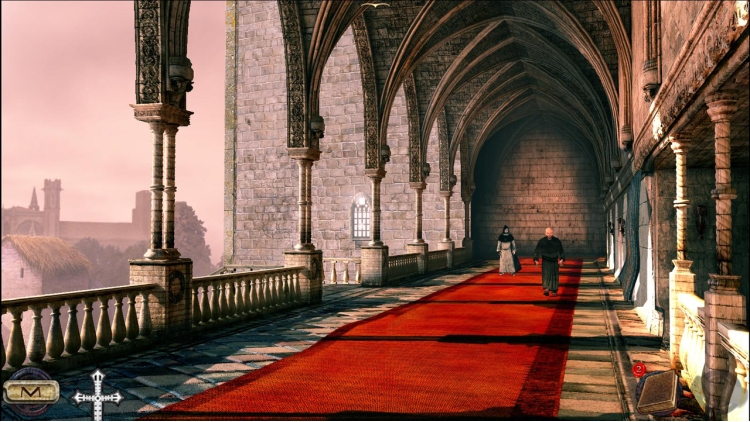
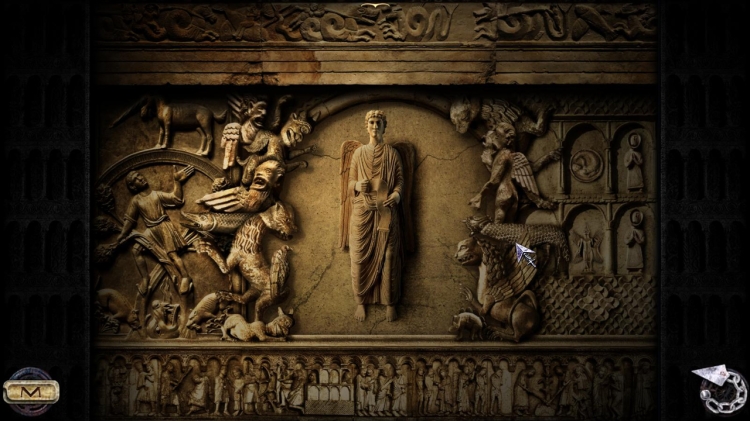
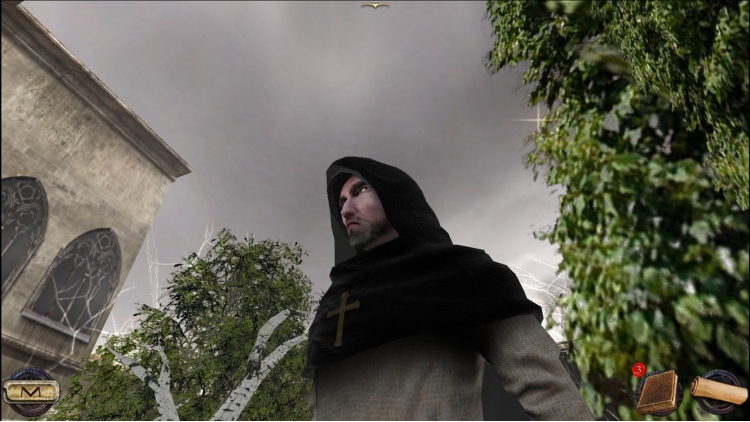
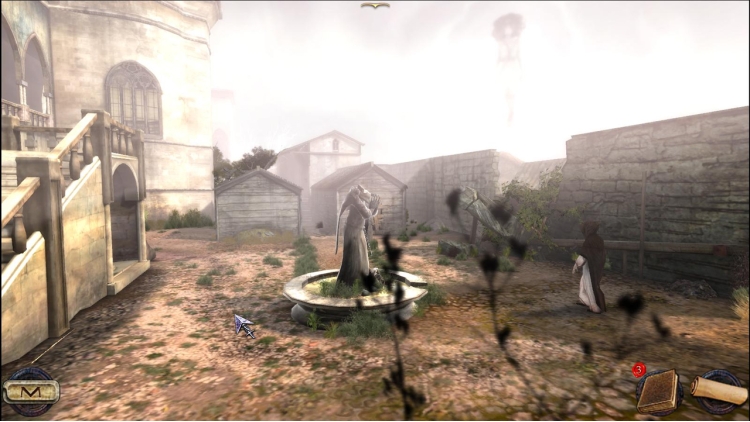
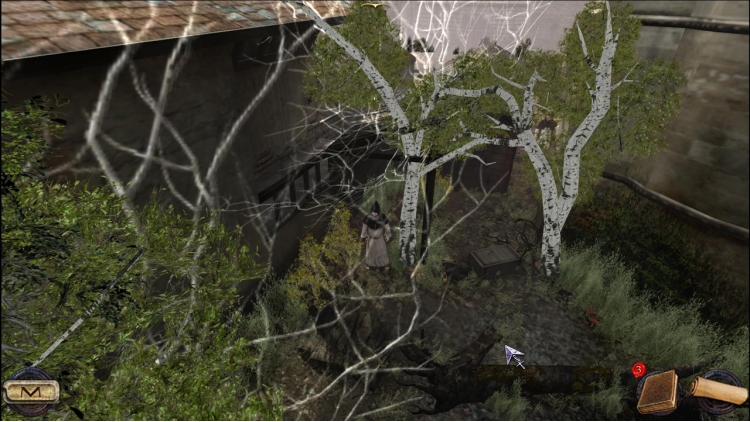
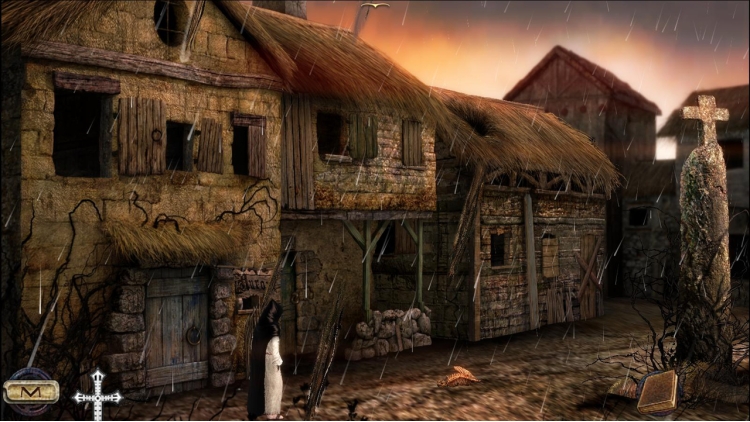
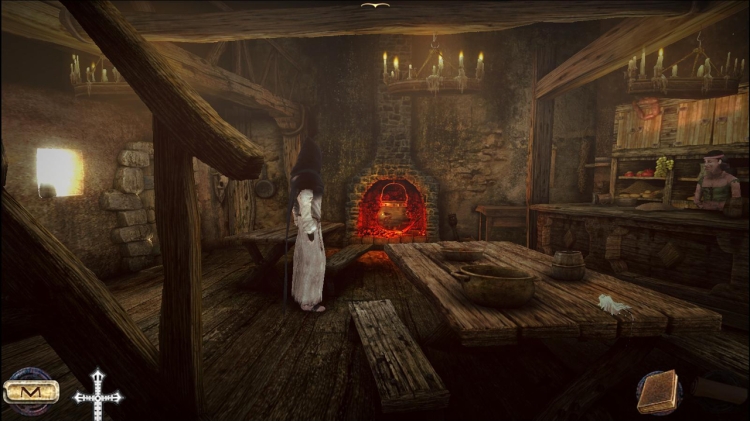
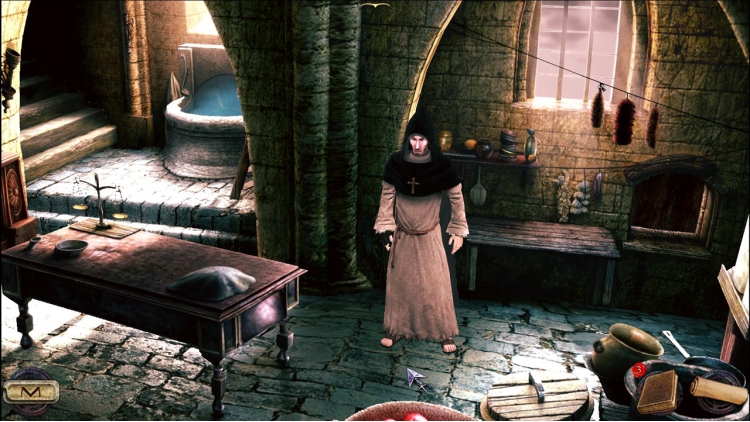
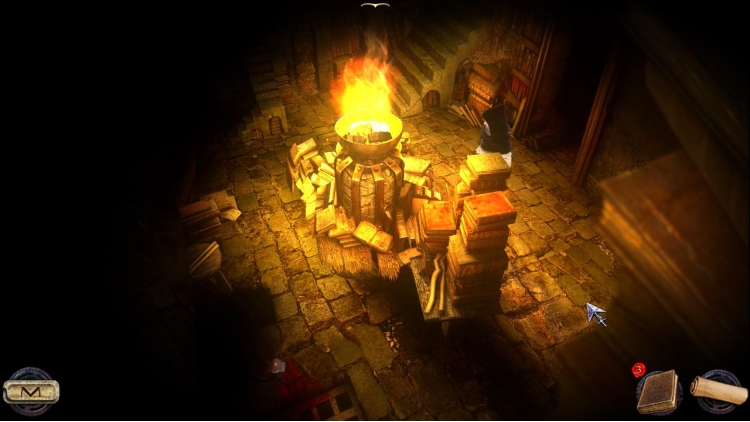
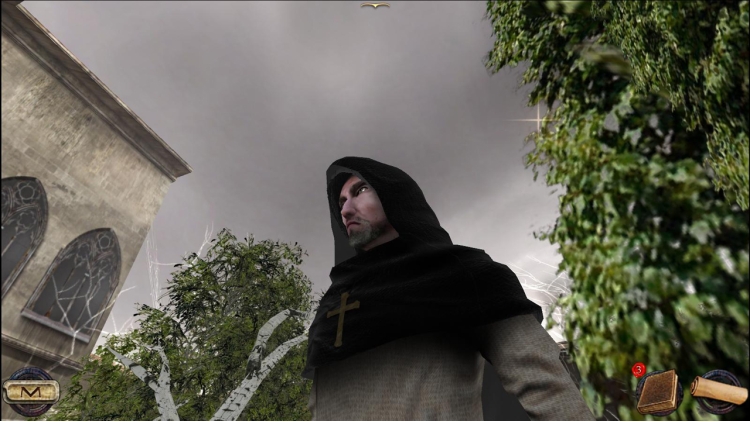
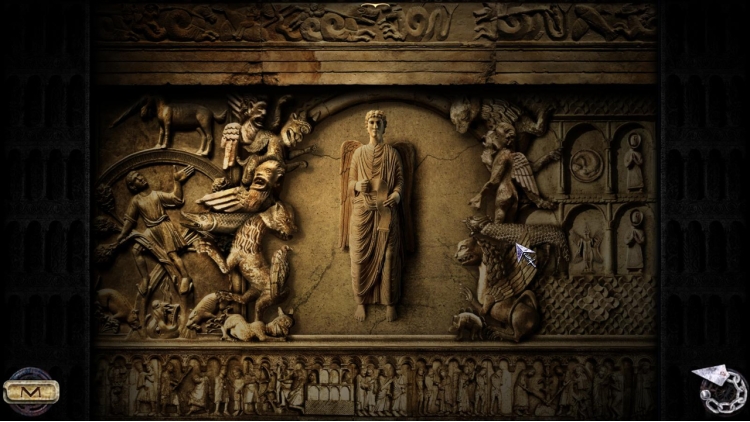
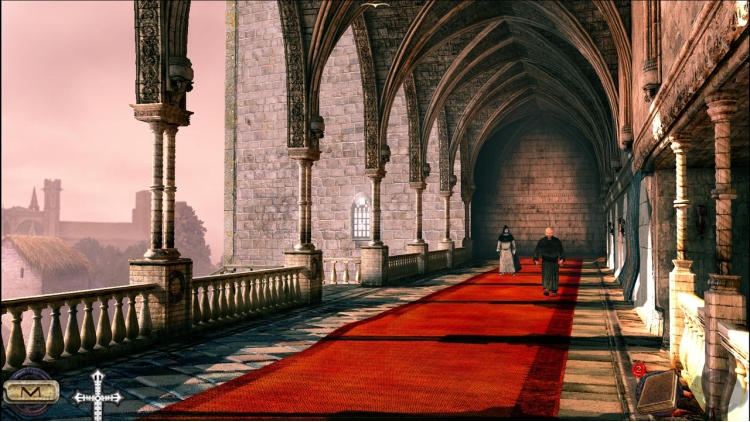

إرادة من فولاذ، وقلب من حجر، وذكاء حاد كالسكين، وحكمة عميقة مثل النسيان.
يتم استدعاء إيمريش للتحقيق في قضية غامضة. شيء يتجاوز الهرطقة، ويكشف عن وجه جديد للشر. يجب عليه التعامل مع عدد كبير من المهام الشاقة واتخاذ العديد من الخيارات المؤلمة. تنتظره مخلوقات رهيبة، ولكن بإصراره الشديد سيتغلب على الطاعون الأكثر فتكًا من أسوأ كابوس محتمل.
العب بشخصية لا ترحم لتعيش قصة أصلية مستوحاة من رواية Valerio Evangelisti الشهيرة.
النقاط الرئيسية:
العديد من الألغاز والبيئات الفريدة الغنية بالتفاصيل
العديد من بيض عيد الفصح للعثور عليها
المؤثرات الصوتية تغمر الأجواء والموسيقى الأصلية الساحرة
أصوات باللغة الإنجليزية والإيطالية
النصوص باللغات الفرنسية والإنجليزية والإيطالية والألمانية والإسبانية
علاوة:
الأصوات والنصوص باللغة اللاتينية للحصول على أفضل تجربة!
نظام المساعدة الإلهية لإنقاذ اللاعب من التعثر
© 2014 أنومان التفاعلية، 2012-2014 Ticonblu Srl. Microids هي علامة تجارية لشركة Anuman Interactive. كل الحقوق محفوظة. حقوق النشر.
يمكنك شراء لعبة Nicolas Eymerich - The Inquisitor - Book 1 : The Plague للكمبيوتر الشخصي سريعًا بأي طريقة آمنة وبأفضل الأسعار عبر متجر التجزئة الرسمي mena.etail.market
© 2014 Anuman Interactive, 2012-2014 Ticonblu Srl. Microids is a trademark of Anuman Interactive. All Rights reserved. Published by Anuman Interactive.
1)
Download & install the Steam client on your
computer from here.
2)
Open the Steam client, register and login. Then,
locate the Games tab on the top menu. Click that and select “Activate a Product
on Steam..”

3)
Enter your code that is showed on the orders page
of eTail. Market and and follow the steps showed to activate your game.

4)
The game can be monitored now and you can see it
on the "Library" section on Steam. You can download and install the
game now.
5)
If you need more information and support, you
can click here: https://help.steampowered.com/en/wizard/HelpWithSteam
 15%
إنتهى من المخزن
15%
إنتهى من المخزن
 50%
اضافة للسلة
50%
اضافة للسلة
 20%
اضافة للسلة
20%
اضافة للسلة
 90%
اضافة للسلة
90%
اضافة للسلة
 اضافة للسلة
 اضافة للسلة
 60%
اضافة للسلة
60%
اضافة للسلة
 90%
اضافة للسلة
90%
اضافة للسلة
 اضافة للسلة
 90%
اضافة للسلة
90%
اضافة للسلة
