NASCAR Heat 4 Gold Edition
15%


 إنتهى من المخزن
 الصفحة الرئيسية
 PC Games
Pine Hearts
PC Games
Pine Hearts

 اضافة للسلة

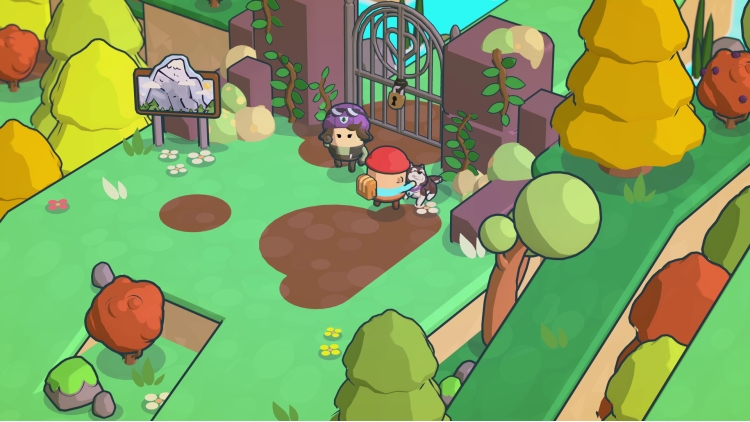
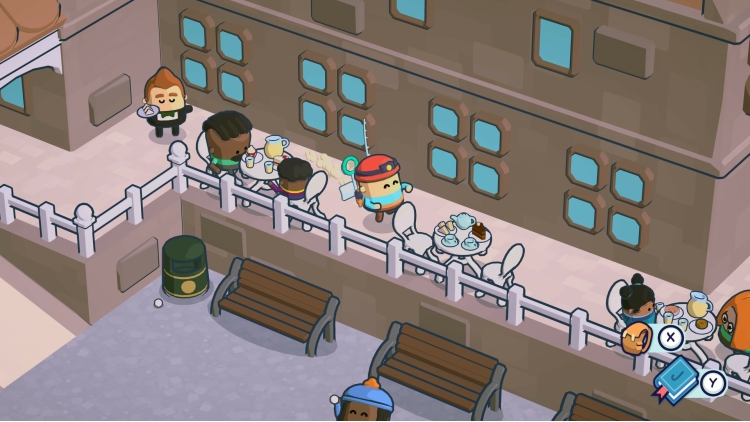
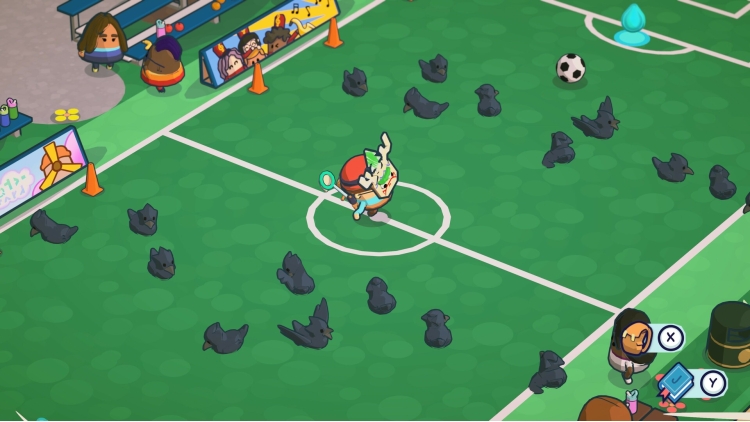
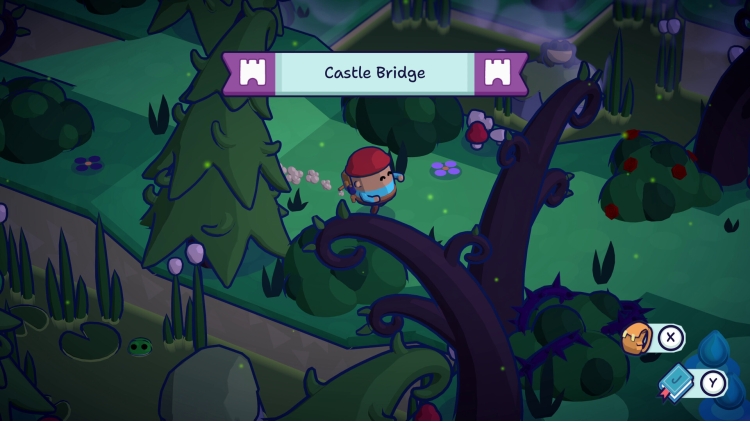
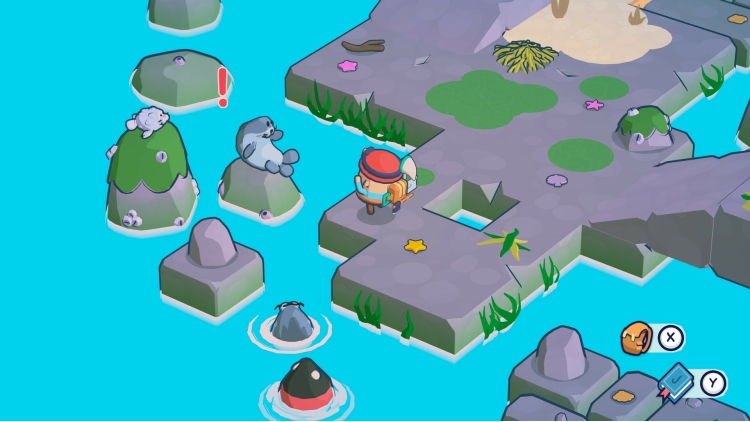
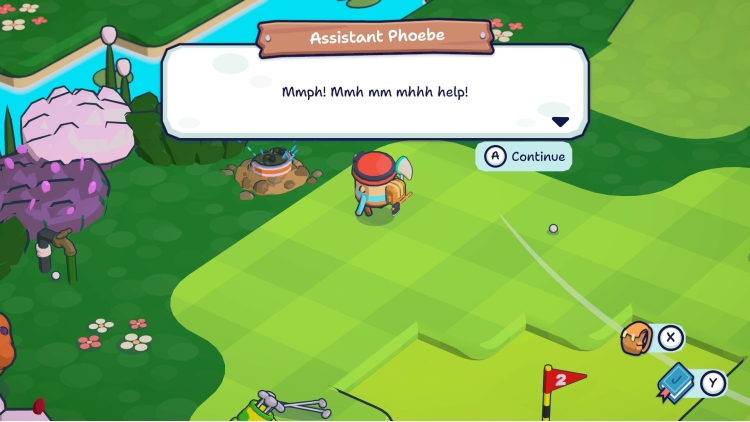
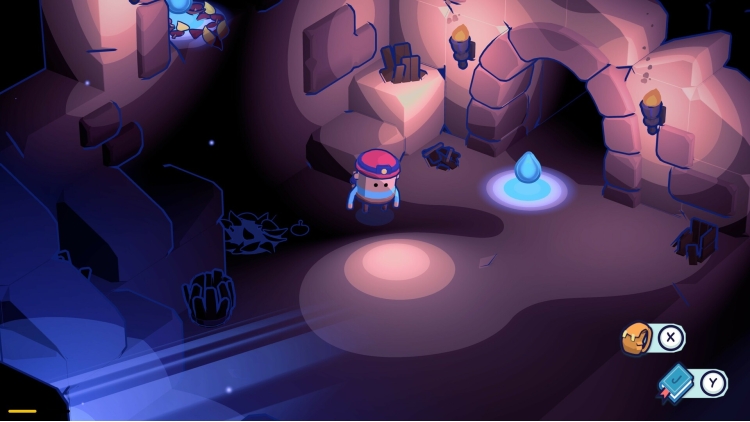
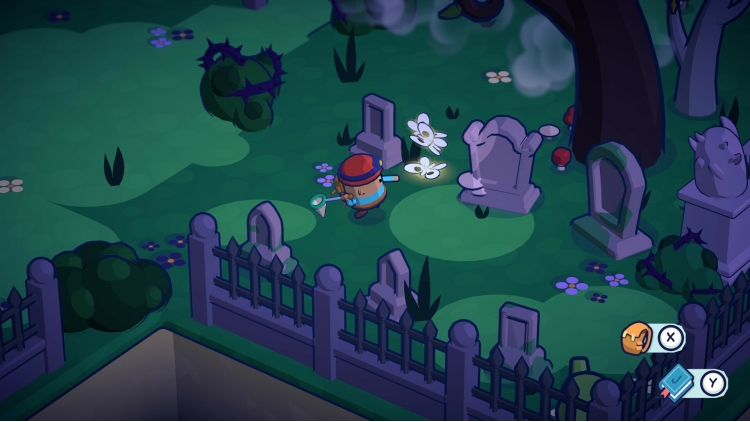
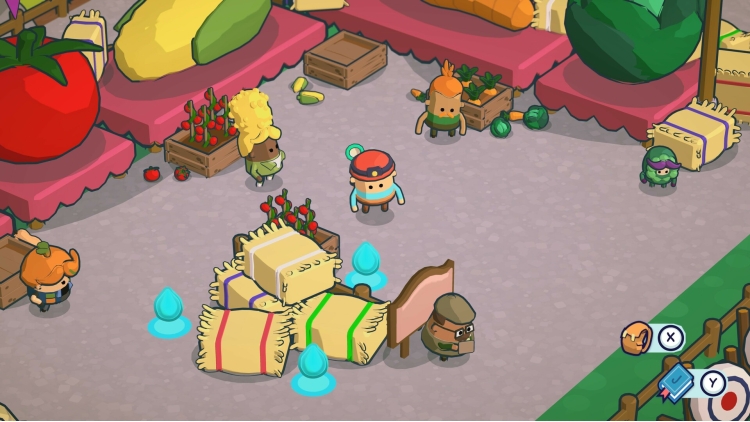
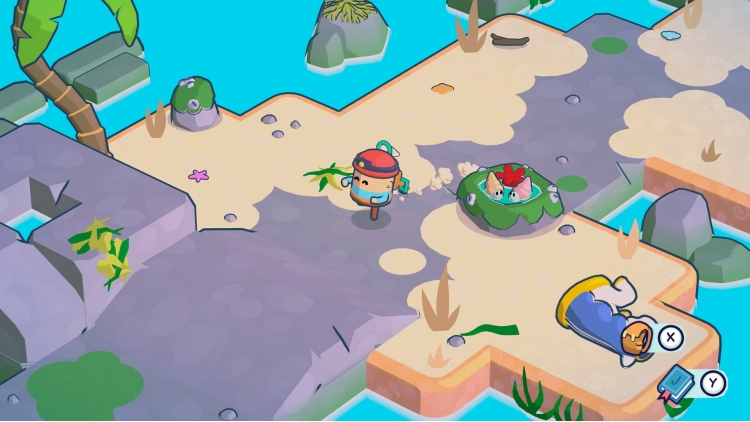
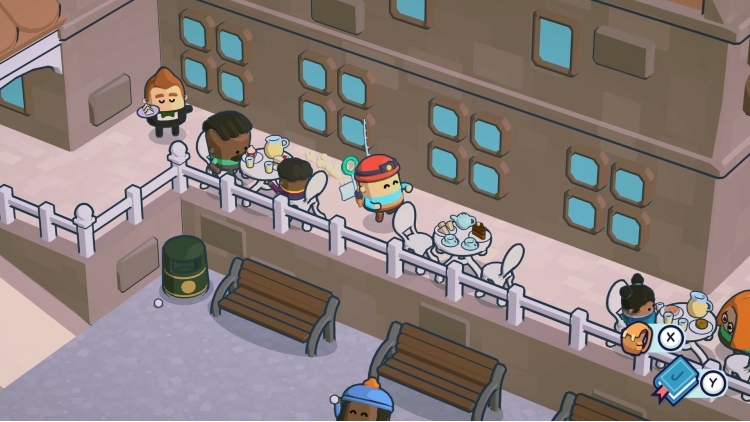
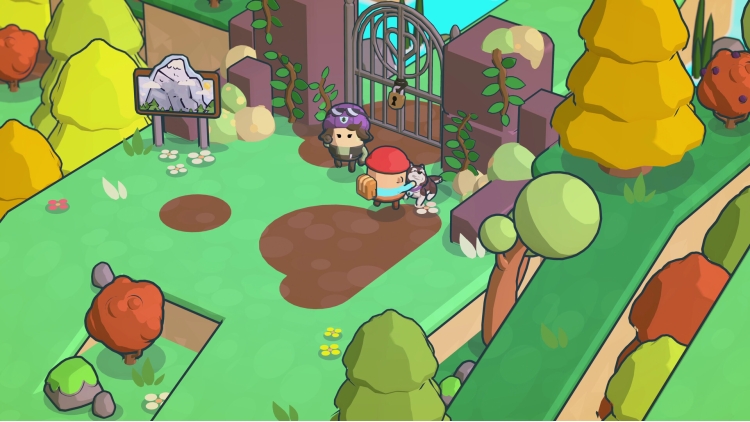
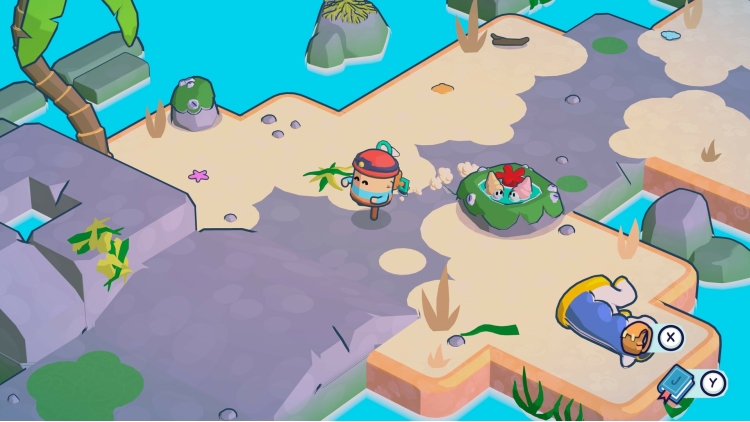
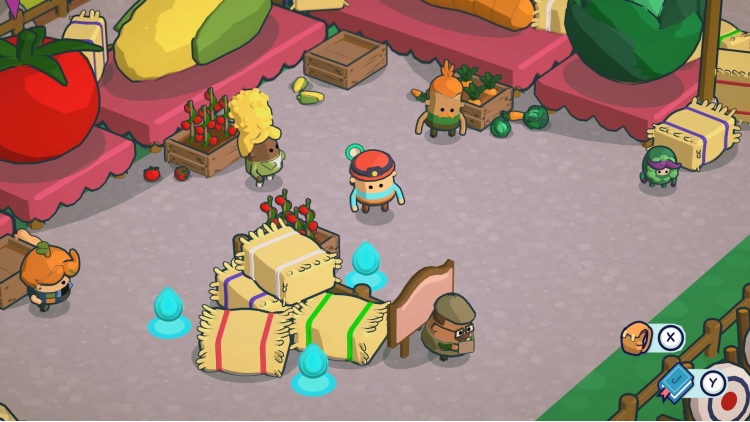
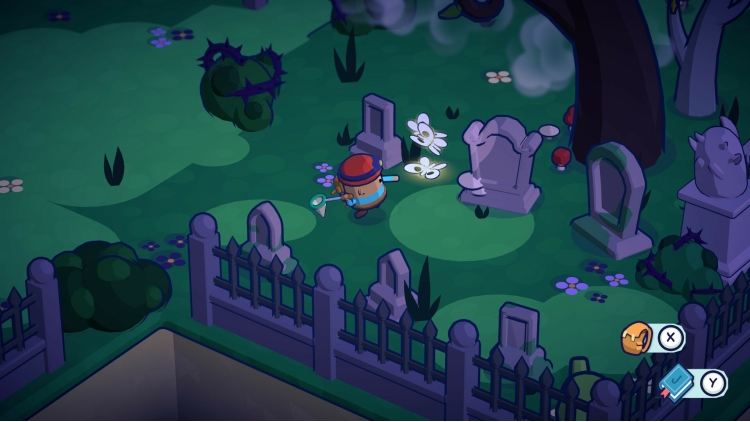
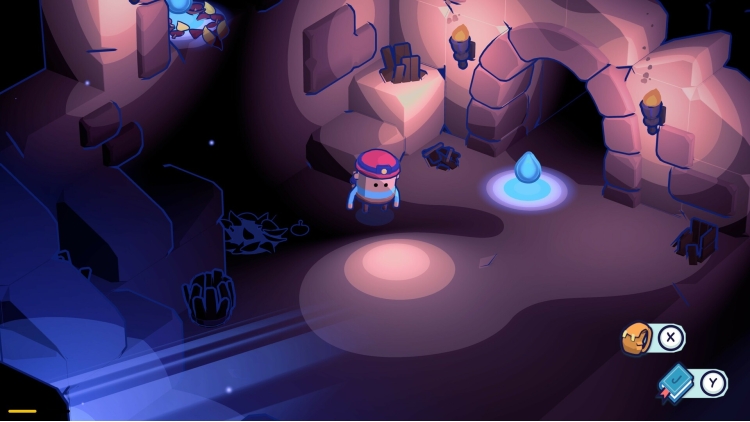
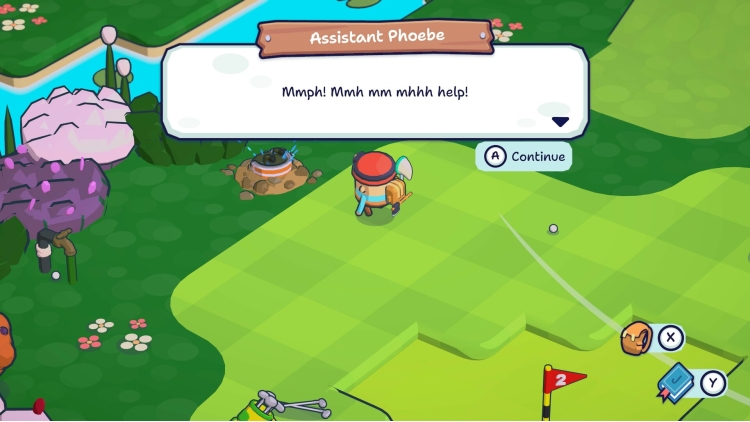
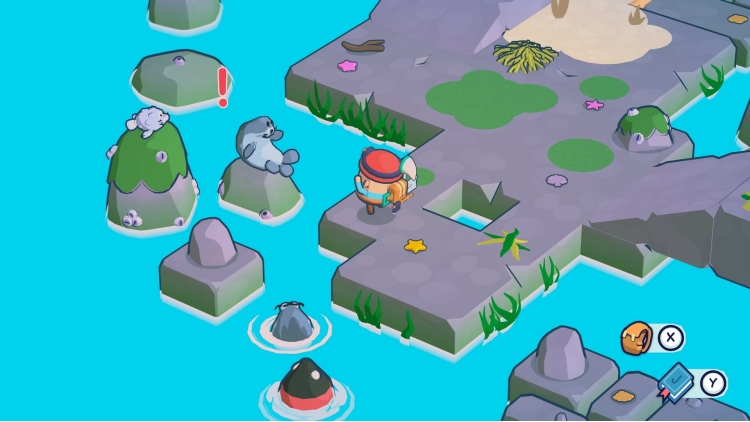
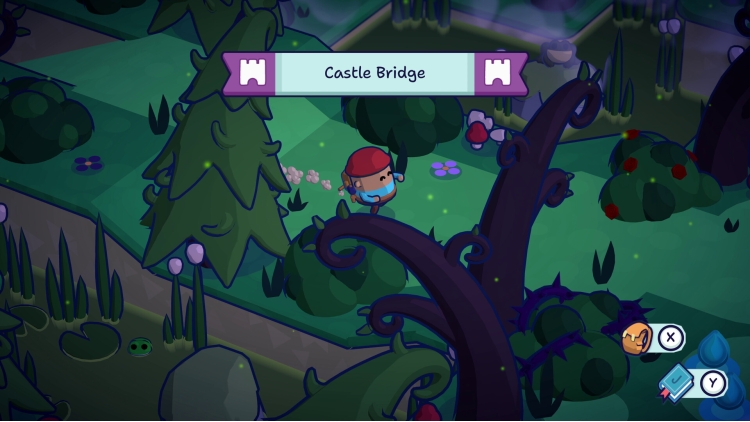
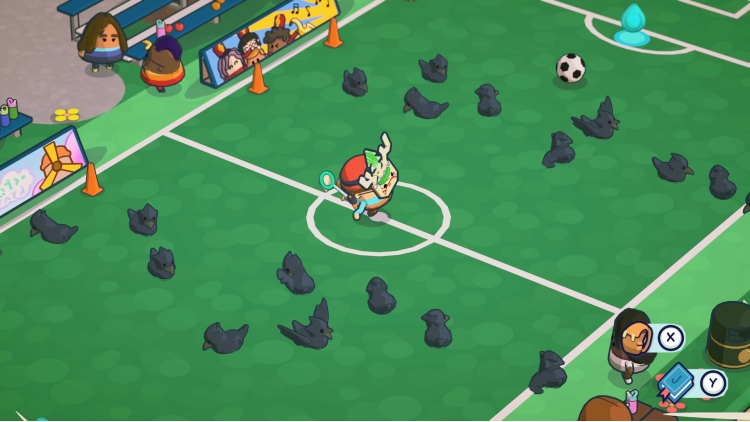
أهلاً بكم في منتزه باين هارتس للكرفانات! بصفتك تايك، ارتدِ حذاء المشي واستكشف مسارات وأنهار هذا العالم الصغير المريح. تجول في أرجاء المنتزه وابحث عن أدوات عملية تساعدك في رحلتك وأنت تدون مذكراتك الموثوقة عن نزهات التلال. استرجع ذكريات تايك في المنتزه قبل سنوات عديدة، واكتشف قصة طفولته المؤثرة.
يمكنك شراء لعبة Pine Hearts للكمبيوتر الشخصي سريعًا بأي طريقة آمنة وبأفضل الأسعار عبر متجر التجزئة الرسمي mena.etail.market
Pine Hearts © 2024 Hyper Luminal Games Ltd®. Published by Secret Mode Limited.Developed by Hyper Luminal Games Ltd®. Hyper Luminal Games, Pine Hearts, and Little Nook are trademarks of Hyper Luminal Games Ltd and may be registered trademarks in certain countries. All rights reserved.SECRET MODE, the SECRET MODE logos and the crossed keys GLHF logo are registered trade marks of Secret Mode Limited
1)
Download & install the Steam client on your
computer from here.
2)
Open the Steam client, register and login. Then,
locate the Games tab on the top menu. Click that and select “Activate a Product
on Steam..”

3)
Enter your code that is showed on the orders page
of eTail. Market and and follow the steps showed to activate your game.

4)
The game can be monitored now and you can see it
on the "Library" section on Steam. You can download and install the
game now.
5)
If you need more information and support, you
can click here: https://help.steampowered.com/en/wizard/HelpWithSteam
 15%
إنتهى من المخزن
15%
إنتهى من المخزن
 اضافة للسلة
 90%
اضافة للسلة
90%
اضافة للسلة
 90%
اضافة للسلة
90%
اضافة للسلة
 90%
اضافة للسلة
90%
اضافة للسلة
 اضافة للسلة
 60%
اضافة للسلة
60%
اضافة للسلة
 50%
اضافة للسلة
50%
اضافة للسلة