Joe Danger 2: The Movie
90%


 اضافة للسلة
 الصفحة الرئيسية
 PC Games
Shady Part of Me
PC Games
Shady Part of Me
 اضافة للسلة

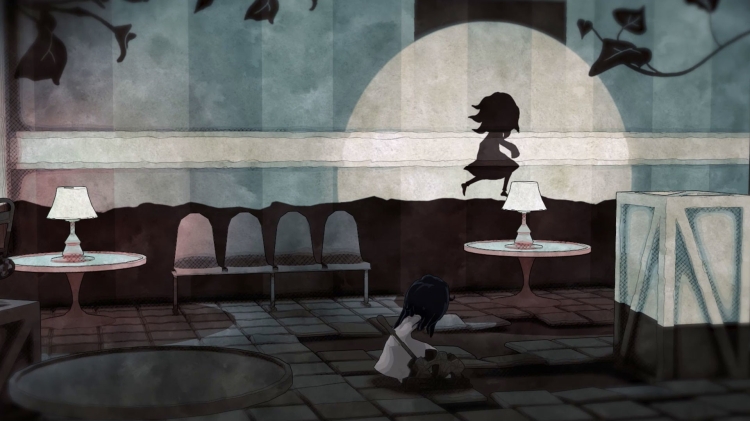
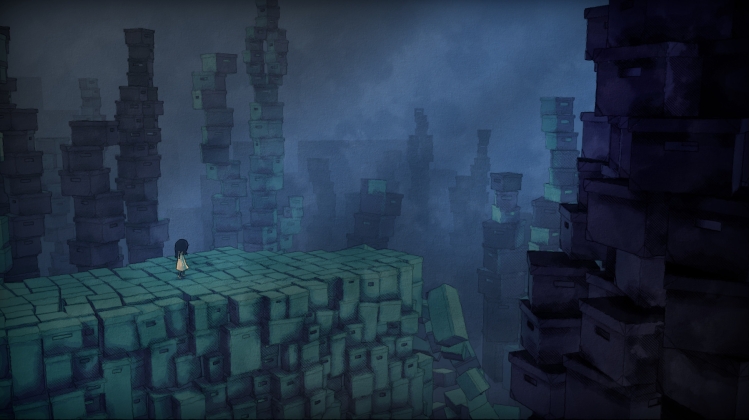
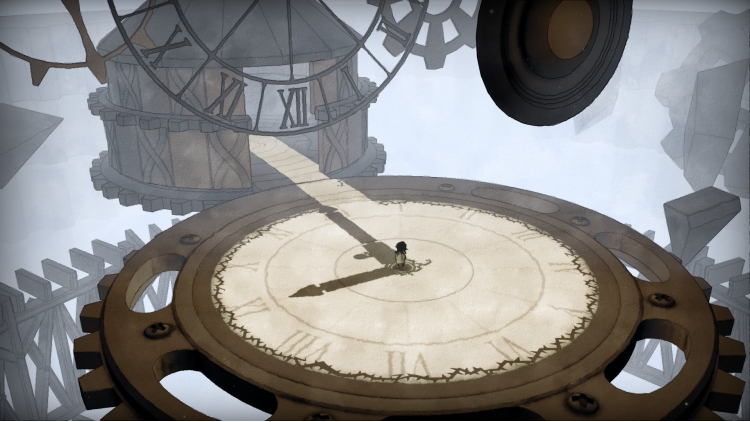
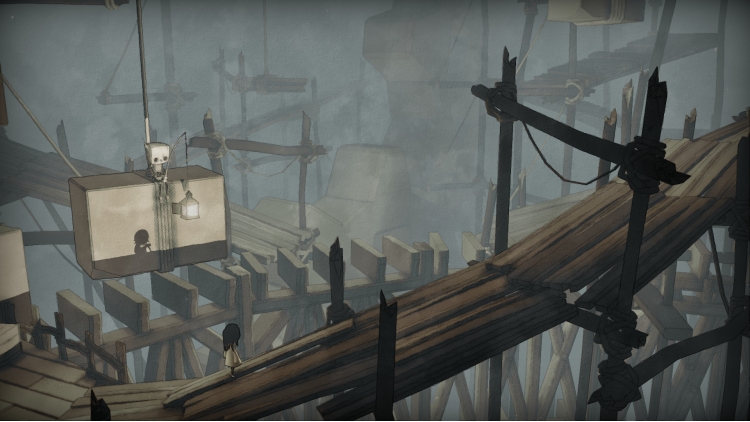
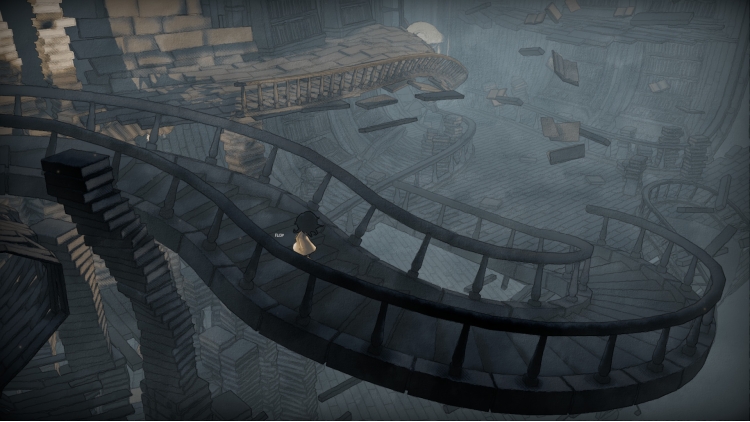
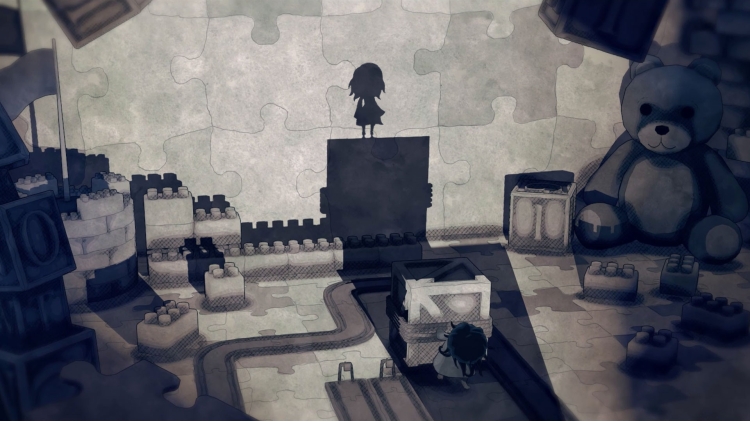
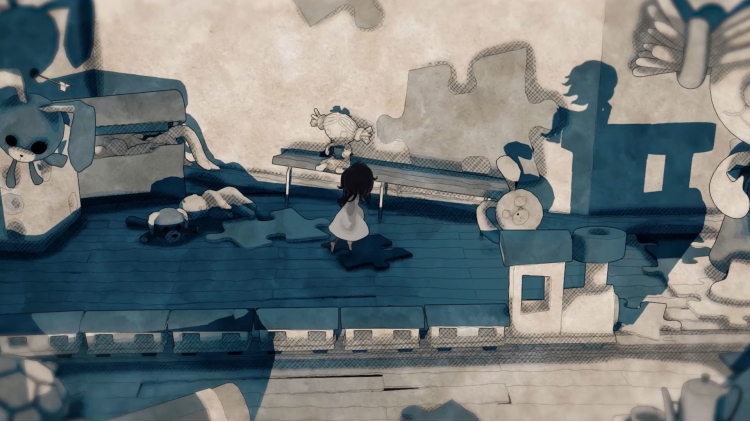
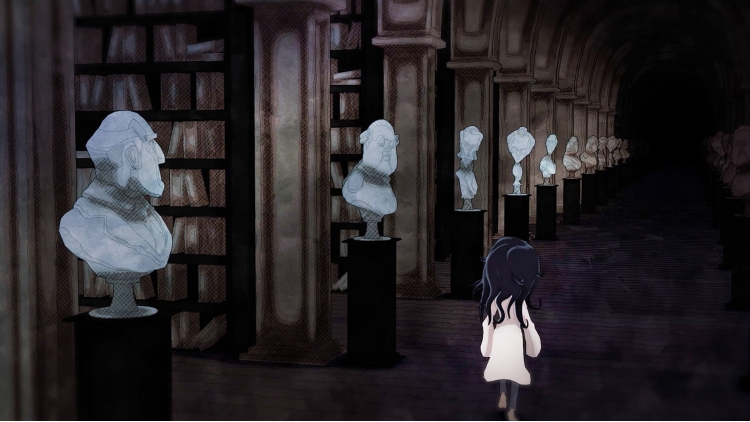
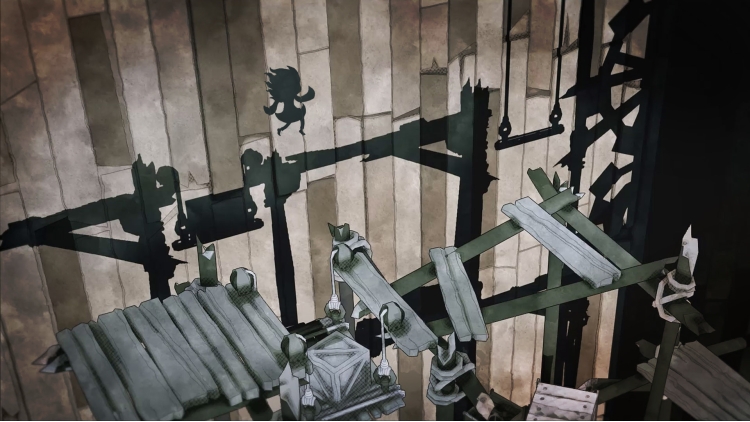
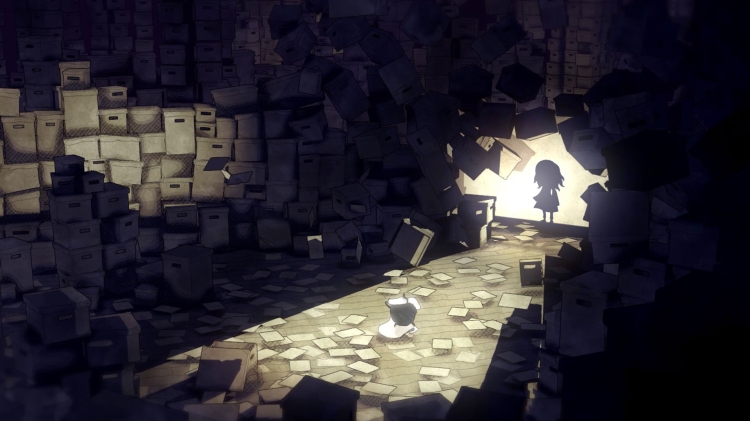
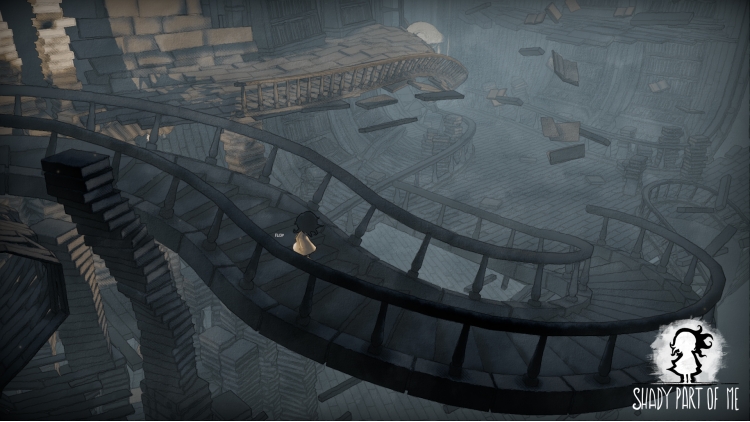
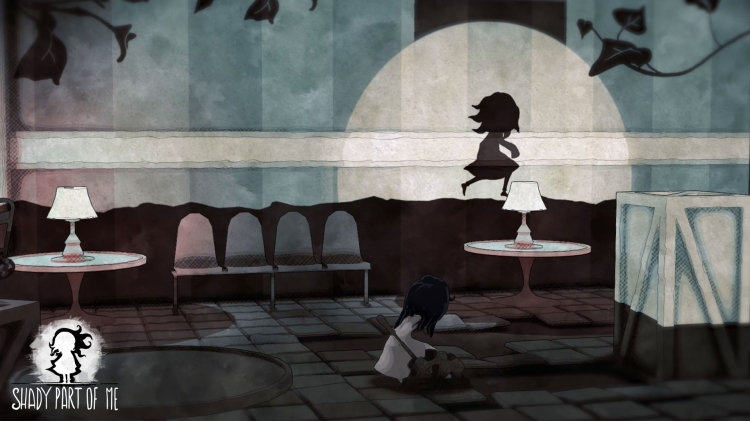
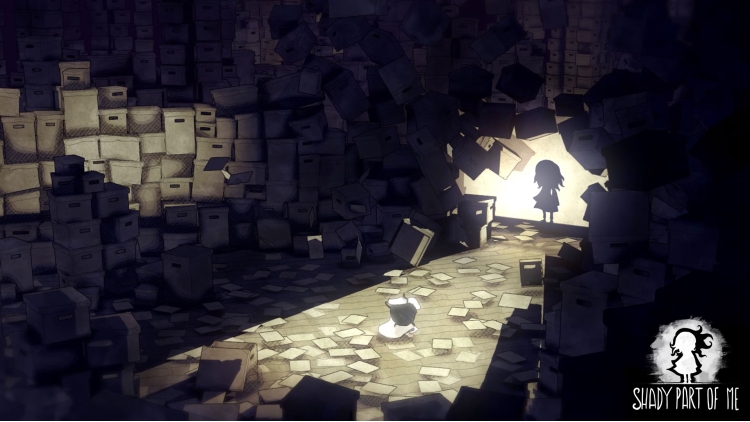
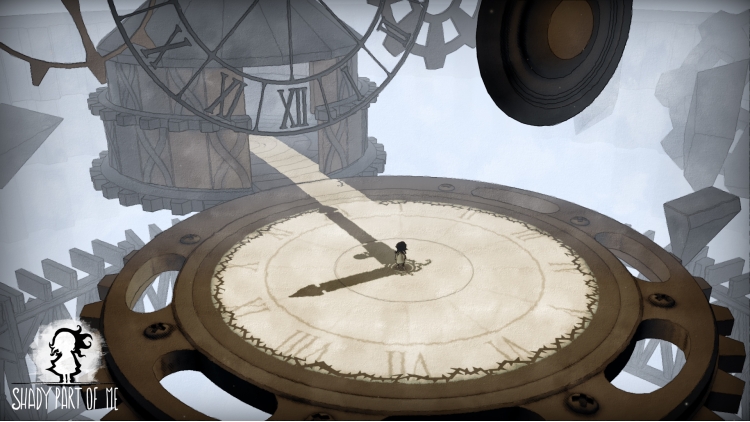
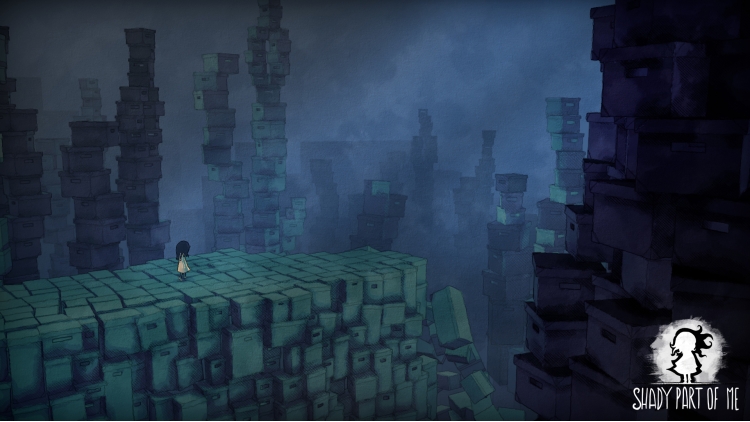
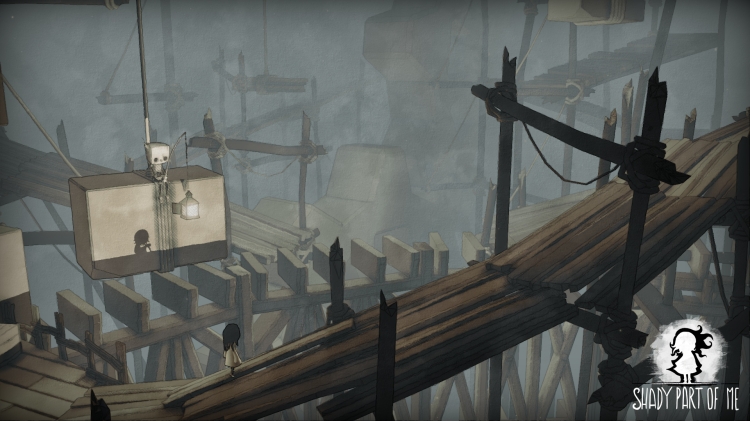
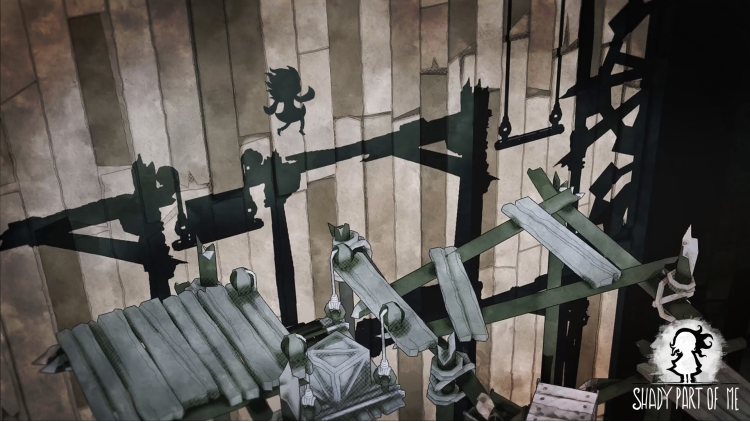
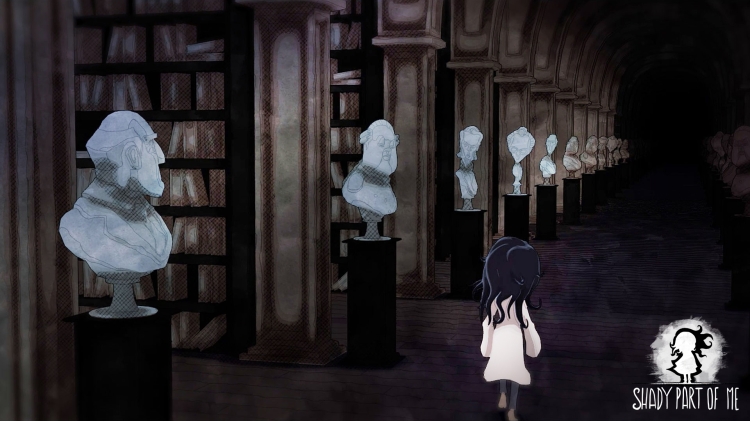
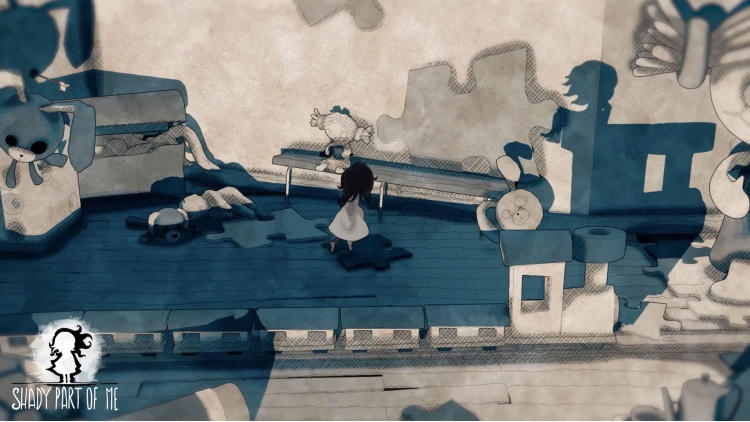
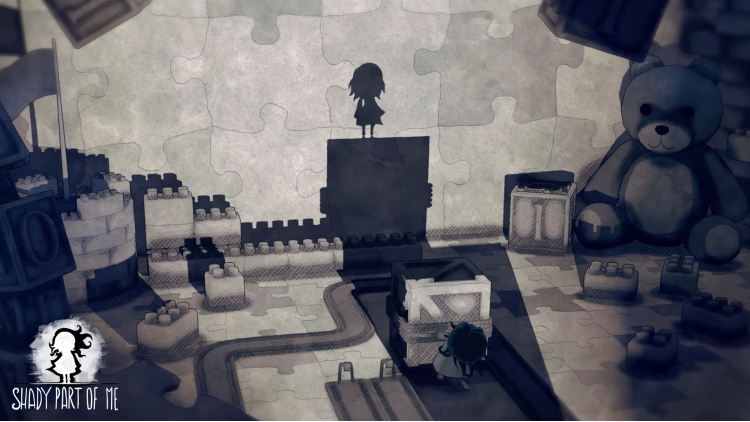
تأخذك Shady Part of Me في رحلة وجدانية في عالم من ضرب الأحلام.بإخراج فني مذهل، وأداء صوتي ساحر لـ Hannah Murray (من Game of Thrones وSkins).
ستأخذ دوري فتاة صغيرة وظلها. عليكما التغلب على عقبات نفسية ضمن عوالم أحلام خيالية في إطار قصة مؤثرة مليئة بالمفاجآت والتعقيدات. يجب على كلتا الشخصيتين تعلم التعاون وتطوير الذات للتقدم في رحلة محركة للعواطف.
• العب بالضوء والظلال، وبدل بين تجربتي اللعب ثنائية الأبعاد وثلاثية الأبعاد كما تريد.
• ستساعدك قدرتك على الرجوع بالزمن على اجتياز مختلف المواقف.
• استكشف بيئات اللعب الخيالية المصورة بطابع الألوان المائية.
• حل الألغاز المعقدة لفك شفرة الحلم.
• جرب خوض رحلة تأملية قي قصة لم يسبق لها مثيل.
© 2020 Shady Part of Me. Developed by Douze Dixièmes and published by Focus Entertainment. All rights reserved.
يمكنك شراء لعبة Shady Part of Me للكمبيوتر الشخصي سريعًا بأي طريقة آمنة وبأفضل الأسعار عبر متجر التجزئة الرسمي mena.etail.market
© 2020 Shady Part of Me. Developed by Douze Dixièmes and published by Focus Entertainment. All rights reserved.
1)
Download & install the Steam client on your
computer from here.
2)
Open the Steam client, register and login. Then,
locate the Games tab on the top menu. Click that and select “Activate a Product
on Steam..”

3)
Enter your code that is showed on the orders page
of eTail. Market and and follow the steps showed to activate your game.

4)
The game can be monitored now and you can see it
on the "Library" section on Steam. You can download and install the
game now.
5)
If you need more information and support, you
can click here: https://help.steampowered.com/en/wizard/HelpWithSteam
 90%
اضافة للسلة
90%
اضافة للسلة
 اضافة للسلة
 اضافة للسلة
 اضافة للسلة
 اضافة للسلة
 60%
اضافة للسلة
60%
اضافة للسلة
 90%
اضافة للسلة
90%
اضافة للسلة
 90%
اضافة للسلة
90%
اضافة للسلة
 اضافة للسلة
 15%
إنتهى من المخزن
15%
إنتهى من المخزن