No Man's Sky
60%


 اضافة للسلة
 الصفحة الرئيسية
 PC Games
Sintopia
PC Games
Sintopia
 اضافة للسلة

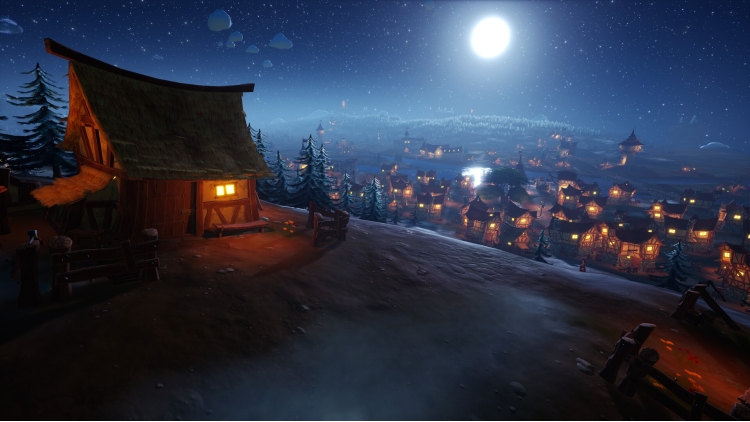
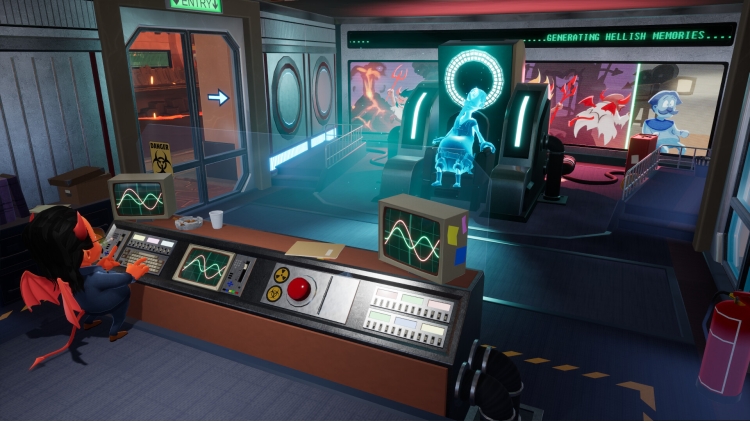
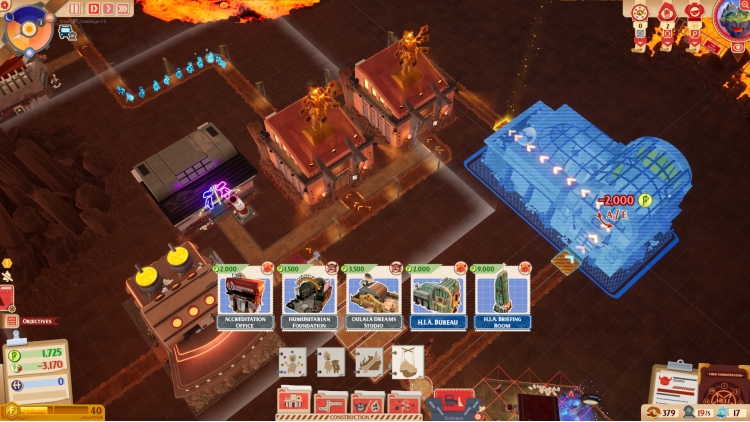
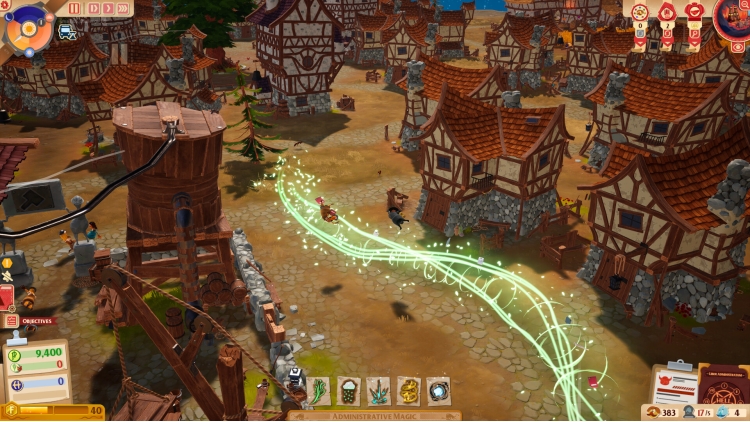
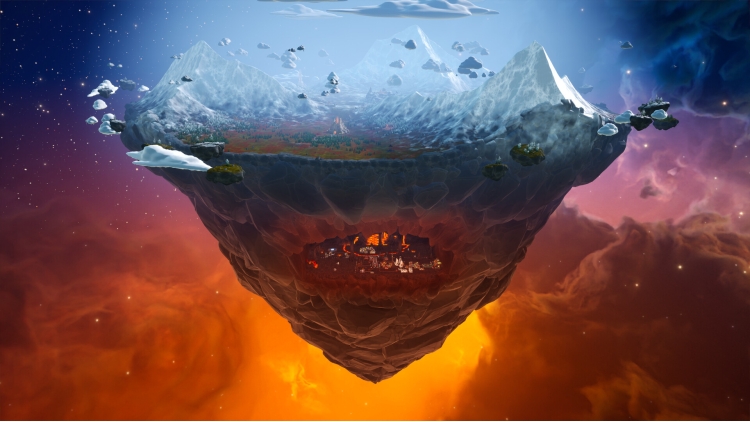
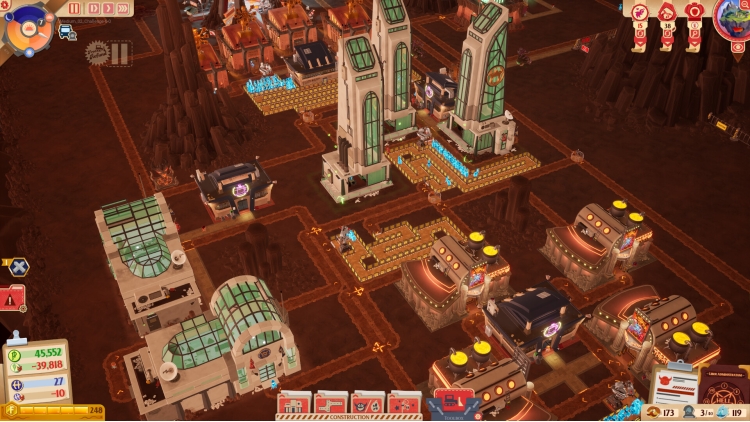
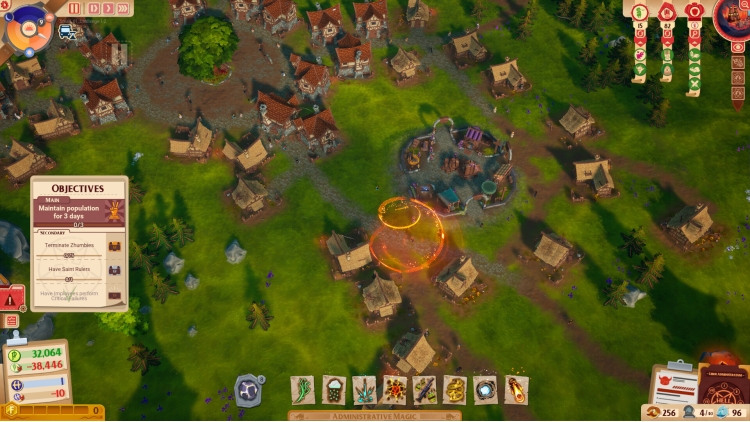
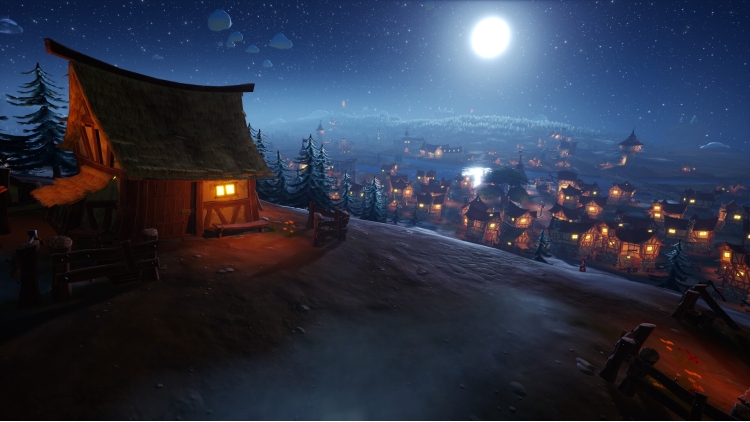
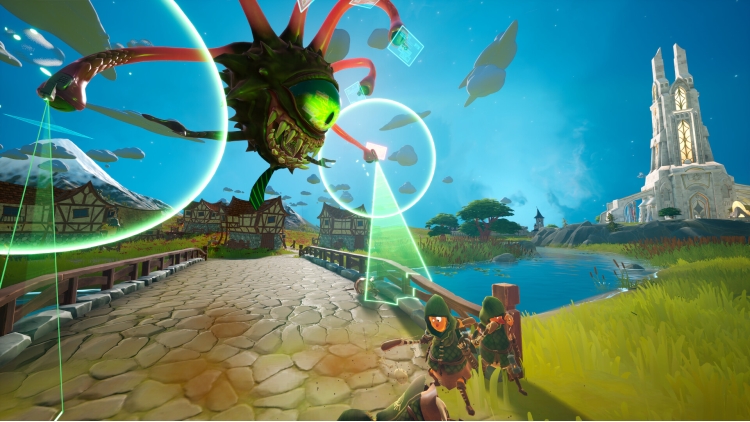
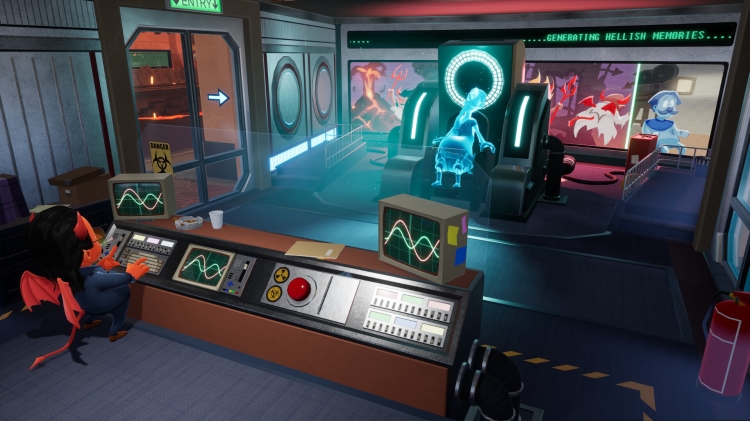
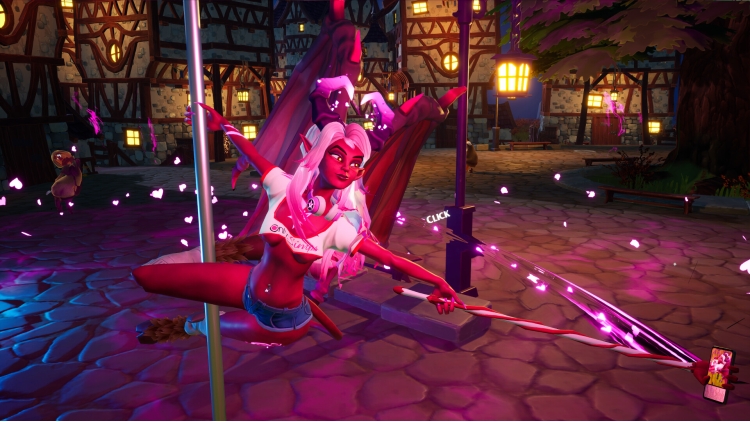
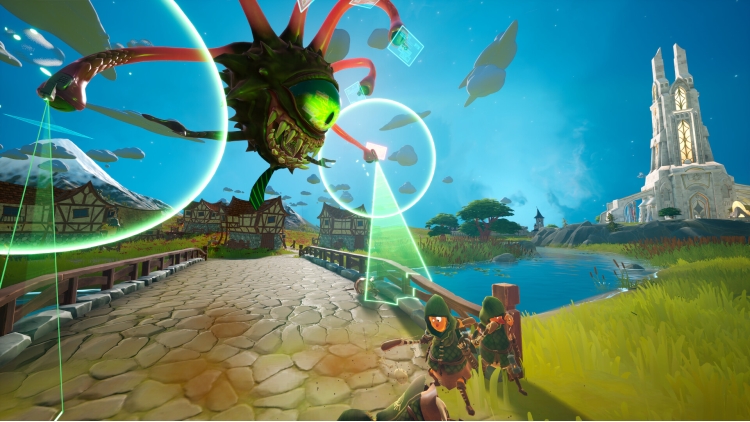
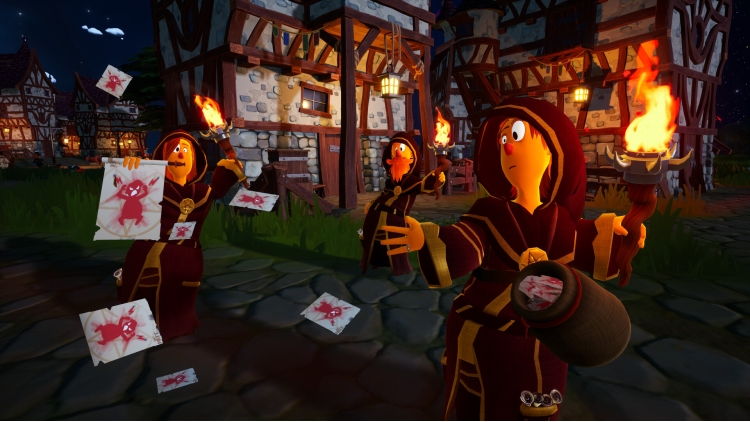
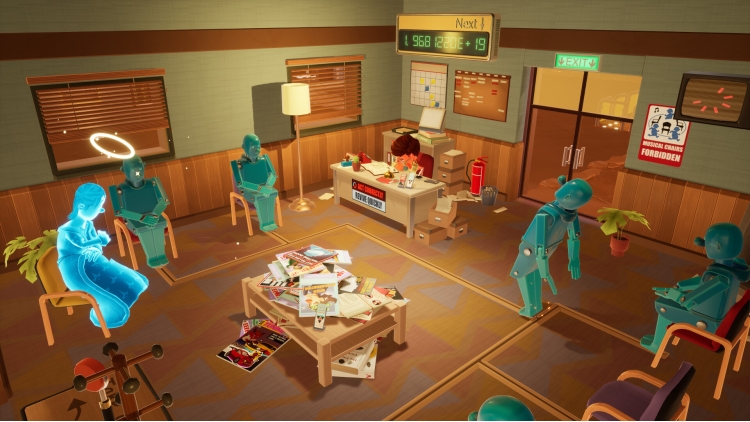
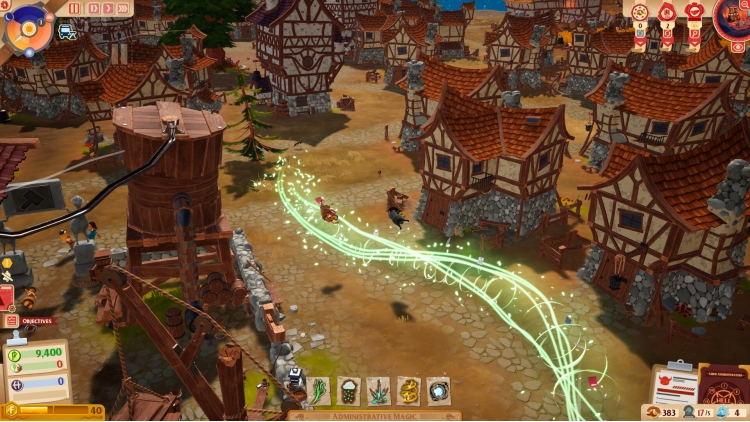
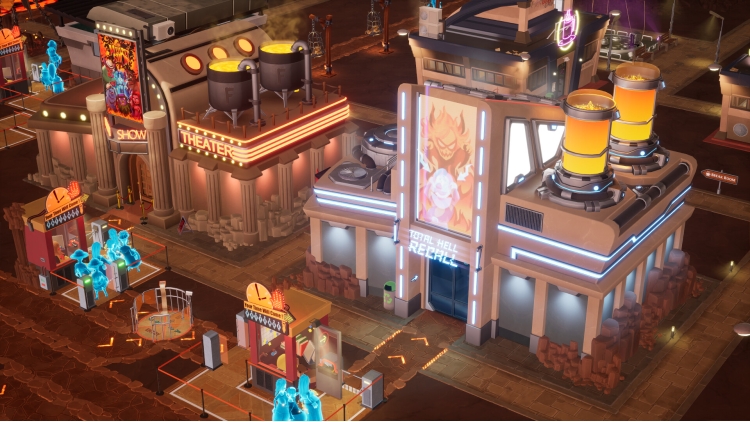
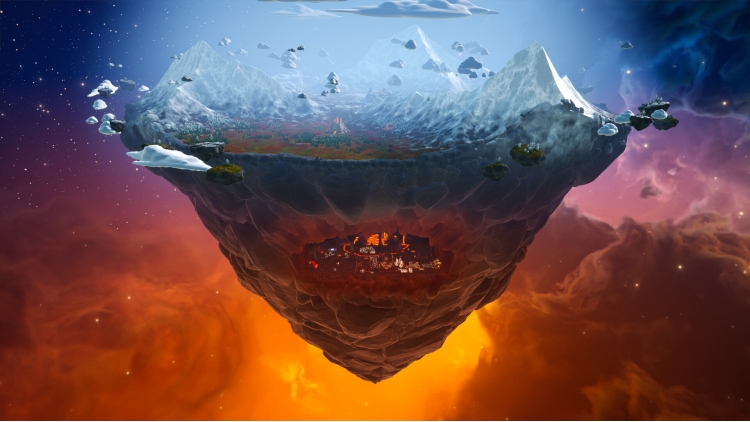
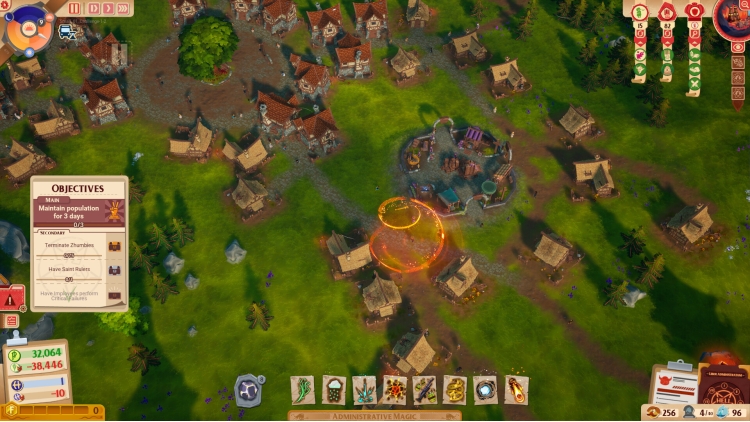
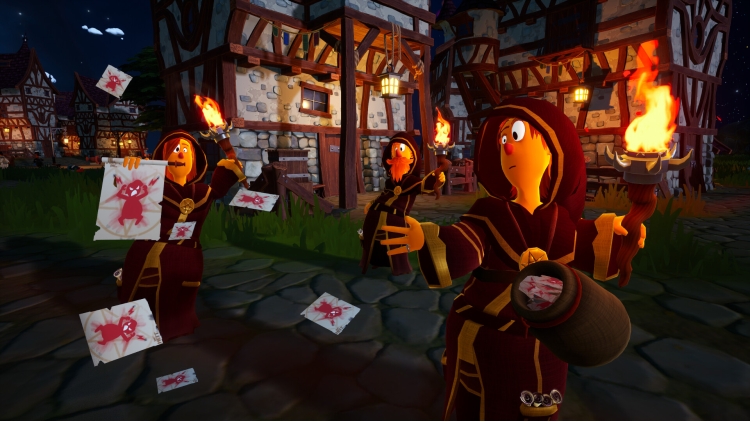
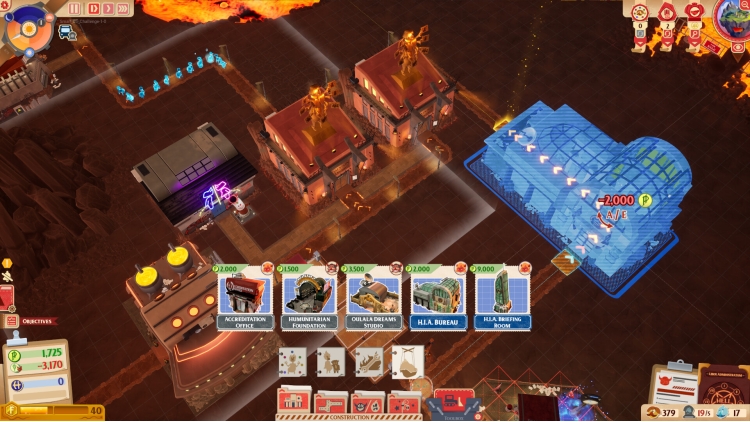
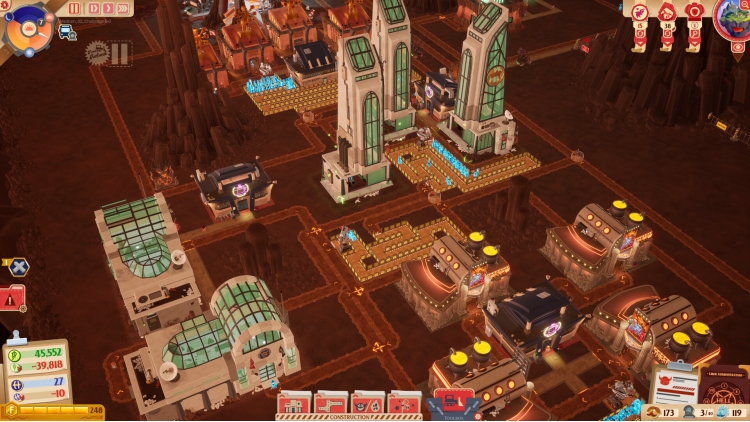
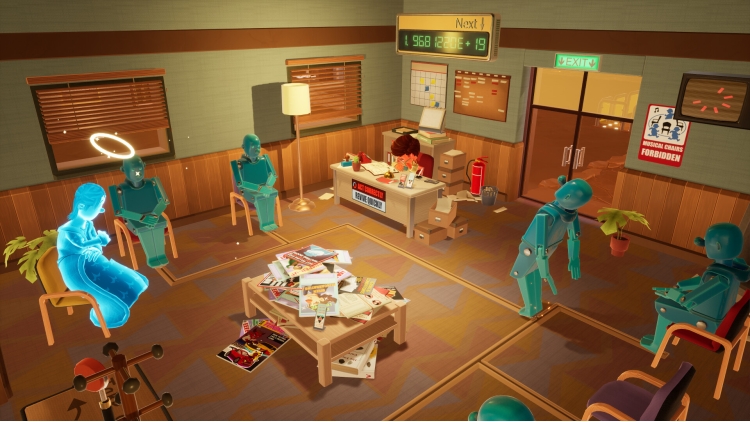
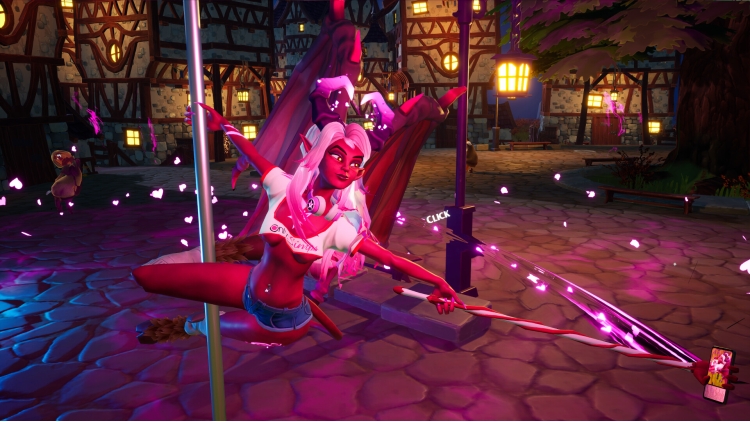
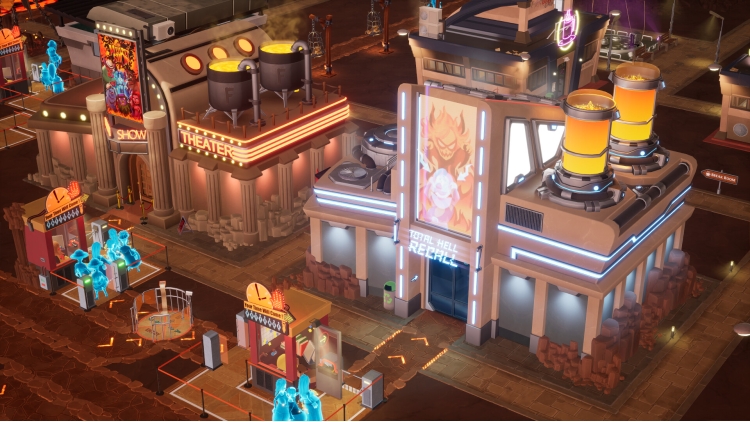
الجحيم مكتظ. البيروقراطية أبدية. وأنتَ المسؤول. سينتوبيا هي لعبة محاكاة استراتيجية وإدارية ذات طابع كوميدي سوداوي، حيث تدير أكثر مرافق العقاب اختلالًا في العالم السفلي. بصفتك مديرًا متوسطًا مُرَقّى حديثًا في شركة الجحيم، مهمتك بسيطة: "إعادة تأهيل" الخطاة، وإحياء الصالحين، وتحويل اللعنة الأبدية إلى آلة عمل مُحسّنة.
ابنِ مرافق لمعالجة الخطايا، وأتقن أتمتتها، وأدر "موظفين" جهنميين، وحافظ على ازدهار العالم العلوي... أو أظهر للعالم السفلي من هو المسؤول حقًا باستعراض قوتك الإلهية. شكّل إمبراطوريتك في العالم السفلي عبر طبقات متعددة من الجحيم، وقرّر أي نوع من الآلهة تريد أن تكون... رحيمًا، كفؤًا، أم تافهًا بشكل لذيذ.
سينتوبيا © Piraknights، نُشرت بترخيص من Team17 Digital Limited.
يمكنك شراء لعبة Sintopia للكمبيوتر الشخصي سريعًا بأي طريقة آمنة وبأفضل الأسعار عبر متجر التجزئة الرسمي mena.etail.market
Sintopia © Piraknights, published under licence by Team17 Digital Limited.
1)
Download & install the Steam client on your
computer from here.
2)
Open the Steam client, register and login. Then,
locate the Games tab on the top menu. Click that and select “Activate a Product
on Steam..”

3)
Enter your code that is showed on the orders page
of eTail. Market and and follow the steps showed to activate your game.

4)
The game can be monitored now and you can see it
on the "Library" section on Steam. You can download and install the
game now.
5)
If you need more information and support, you
can click here: https://help.steampowered.com/en/wizard/HelpWithSteam
 60%
اضافة للسلة
60%
اضافة للسلة
 15%
إنتهى من المخزن
15%
إنتهى من المخزن
 90%
اضافة للسلة
90%
اضافة للسلة
 20%
اضافة للسلة
20%
اضافة للسلة
 90%
اضافة للسلة
90%
اضافة للسلة
 50%
اضافة للسلة
50%
اضافة للسلة
 اضافة للسلة
 90%
اضافة للسلة
90%
اضافة للسلة
 اضافة للسلة
