Jurassic World Evolution: Herbivore Dinosaur Pack
$4.99


 اضافة للسلة
 الصفحة الرئيسية
 PC Games
Snowrunner - 5-Year Anniversary Edition
PC Games
Snowrunner - 5-Year Anniversary Edition

 اضافة للسلة

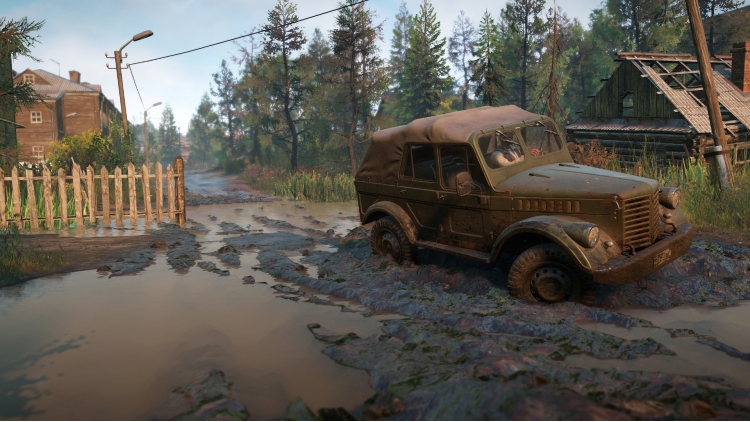
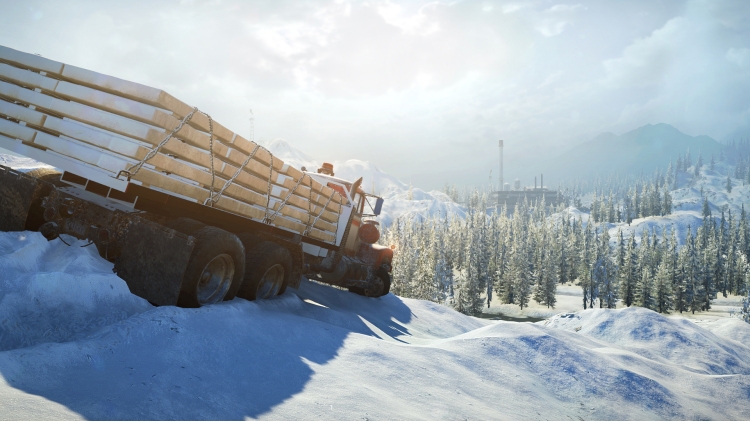
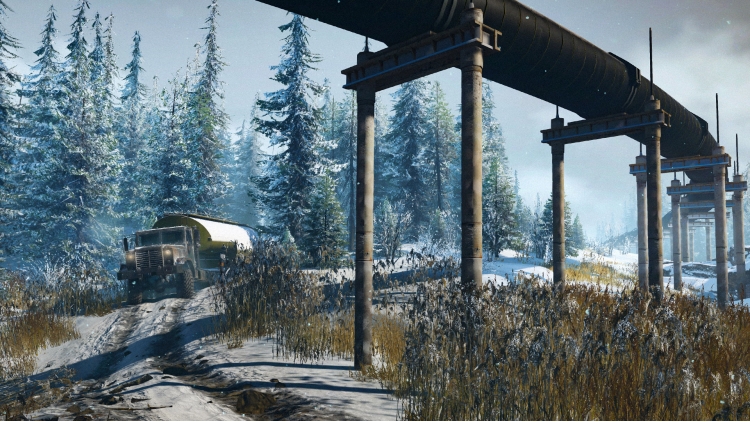
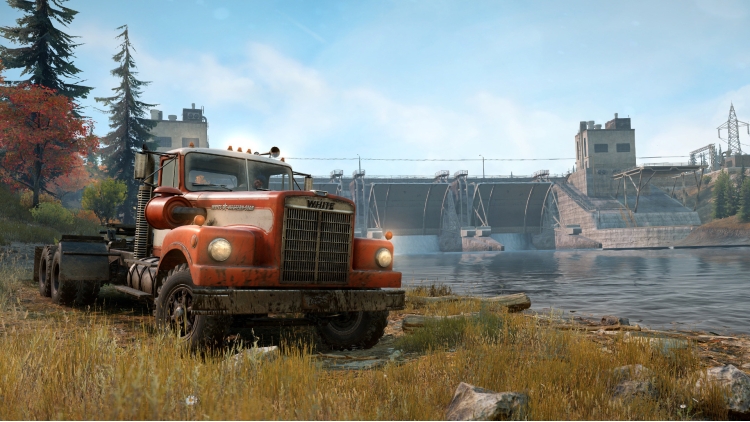
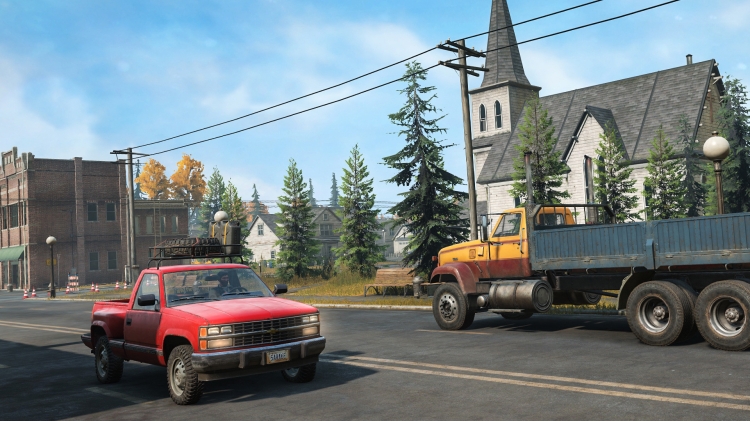
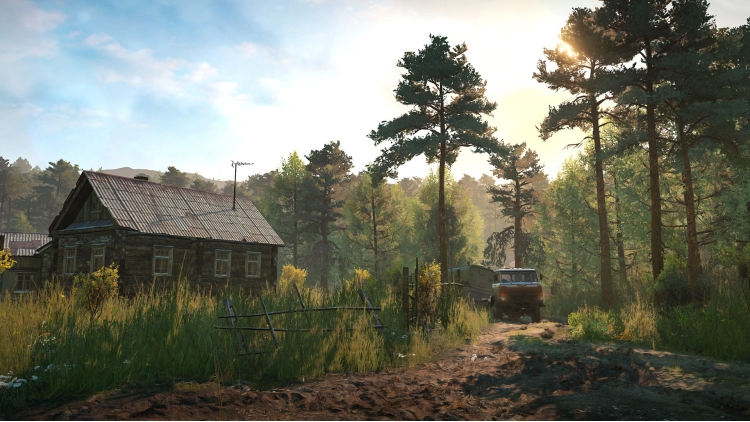
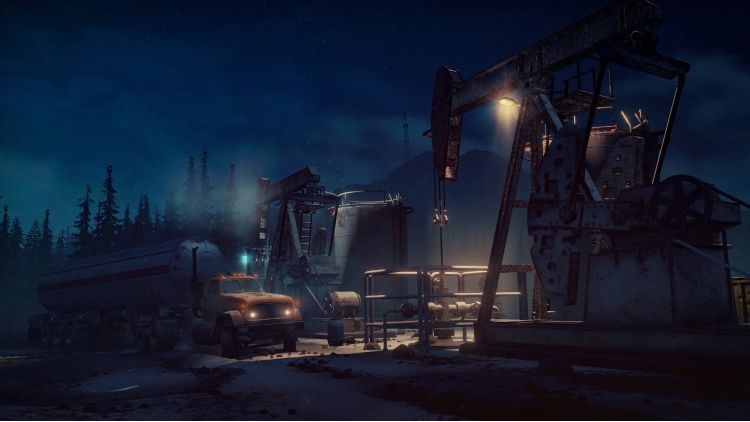
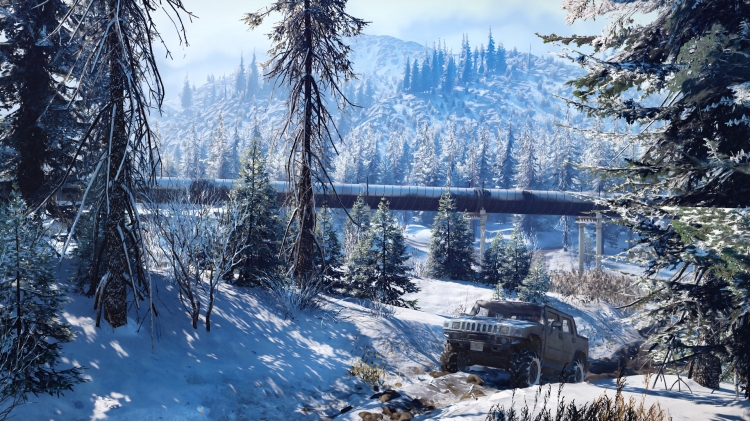
يتضمن إصدار الذكرى السنوية الخامسة من SnowRunner اللعبة الأساسية بالإضافة إلى بطاقات الأعوام 1 و2 و3 و4 و5.
لنستعد لخوض التجربة المذهلة للقيادة على الطرق الوعرة!
تتيح لك SnowRunner قيادة مركبات قوية بينما تتغلب على بيئات مفتوحة قاسية تتميز بأكثر تقنيات محاكاة التضاريس تقدمًا. يمكنك قيادة أكثر من 80 مركبة من علامات تجارية مثل Ford وChevrolet وFreightliner بينما تترك أثرك في عالم شرس مفتوح.
عليك التغلب على الوحل والمياه الجارفة والثلج والبحيرات المتجمدة بينما تتولى تنفيذ مهامّ وعقود خطرة. يمكنك زيادة أسطولك وتخصيصه بعدد من الترقيات والملحقات التي تشمل أنبوب العوادم للمياه الغزيرة أو العجلات المزودة بسلاسل للتغلب على الثلج.
● يمكنك القيادة بمفردك أو مع لاعبين آخرين في وضع تعاوني من 4 لاعبين!
● يمكنك مواجهة بيئات قاسية بمحرك شديد التطور فيزيائيًا
● توجد أكثر من 80 مركبة فريدة يمكنك فتحها وترقيتها وتخصيصها
● عليك إكمال عشرات المهام الصعبة في عالم مترابط
© 2021 SnowRunner. Havok software is © 2021 Microsoft. All trademarks belong to their respective owners and are used by Focus Home Interactive under license. All rights reserved.
يمكنك شراء لعبة Snowrunner - 5-Year Anniversary Edition للكمبيوتر الشخصي سريعًا بأي طريقة آمنة وبأفضل الأسعار عبر متجر التجزئة الرسمي mena.etail.market
© 2021 SnowRunner. Havok software is © 2021 Microsoft. All trademarks belong to their respective owners and are used by Focus Home Interactive under license. All rights reserved.
1)
Download & install the Steam client on your
computer from here.
2)
Open the Steam client, register and login. Then,
locate the Games tab on the top menu. Click that and select “Activate a Product
on Steam..”

3)
Enter your code that is showed on the orders page
of eTail. Market and and follow the steps showed to activate your game.

4)
The game can be monitored now and you can see it
on the "Library" section on Steam. You can download and install the
game now.
5)
If you need more information and support, you
can click here: https://help.steampowered.com/en/wizard/HelpWithSteam
 اضافة للسلة
 90%
اضافة للسلة
90%
اضافة للسلة
 اضافة للسلة
 15%
إنتهى من المخزن
15%
إنتهى من المخزن
 90%
اضافة للسلة
90%
اضافة للسلة
 اضافة للسلة
 60%
اضافة للسلة
60%
اضافة للسلة
 اضافة للسلة
 90%
اضافة للسلة
90%
اضافة للسلة
 اضافة للسلة