Kill it with Fire
$14.99


 اضافة للسلة
 الصفحة الرئيسية
 PC Games
Squad 44: Supporter Edition Upgrade
PC Games
Squad 44: Supporter Edition Upgrade
 اضافة للسلة




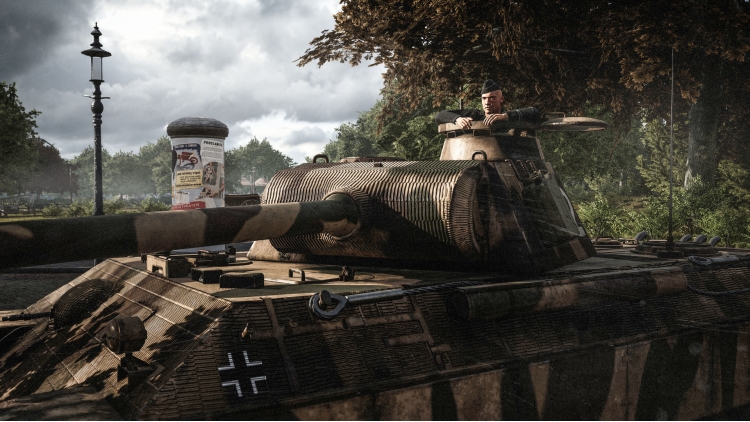
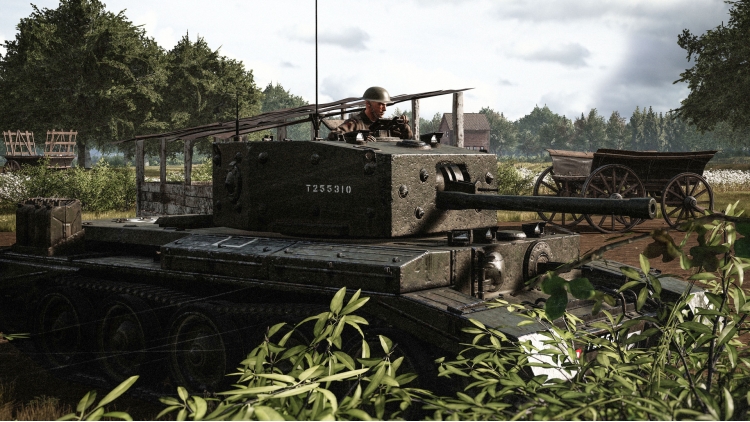
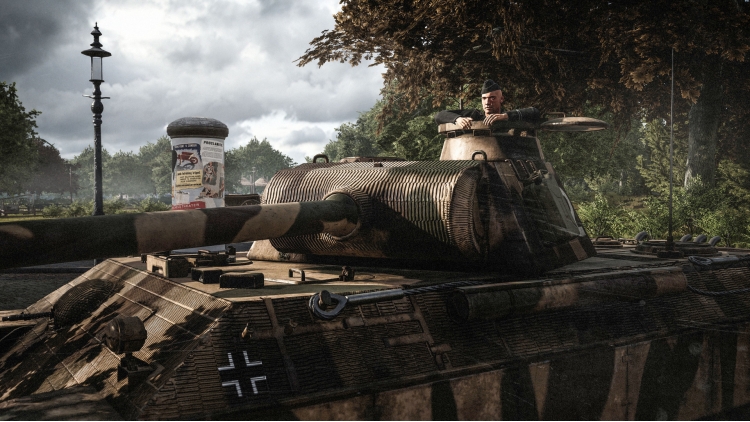



ارتقِ من الإصدار القياسي إلى الإصدار الداعم واحصل على كتاب الموسيقى التصويرية الأصلي وكتاب الفنون الرقمية، الذي يضم أكثر من 100 صفحة من فنون الأسلحة والمركبات والبيئة.
الموسيقى التصويرية الأصلية من تأليف سكوت توبين تتضمن...
TRACK LIST
1 Main Theme 3:41
2 Departure 0:53
3 Leap of Faith 2:01
4 Noon 2:57
5 Zero Hour 0:51
6 Letters from Home 2:42
7 The 101st 2:34
8 Pendulum 2:50
يمكنك شراء لعبة Squad 44: Supporter Edition Upgrade للكمبيوتر الشخصي سريعًا بأي طريقة آمنة وبأفضل الأسعار عبر متجر التجزئة الرسمي mena.etail.market
1)
Download & install the Steam client on your
computer from here.
2)
Open the Steam client, register and login. Then,
locate the Games tab on the top menu. Click that and select “Activate a Product
on Steam..”

3)
Enter your code that is showed on the orders page
of eTail. Market and and follow the steps showed to activate your game.

4)
The game can be monitored now and you can see it
on the "Library" section on Steam. You can download and install the
game now.
5)
If you need more information and support, you
can click here: https://help.steampowered.com/en/wizard/HelpWithSteam
 اضافة للسلة
 90%
اضافة للسلة
90%
اضافة للسلة
 90%
اضافة للسلة
90%
اضافة للسلة
 60%
اضافة للسلة
60%
اضافة للسلة
 90%
اضافة للسلة
90%
اضافة للسلة
 اضافة للسلة