Joe Danger + Joe Danger 2: The Movie Bundle
90%


 اضافة للسلة
 الصفحة الرئيسية
 PC Games
Tales of Seikyu - Early Access
PC Games
Tales of Seikyu - Early Access

 اضافة للسلة

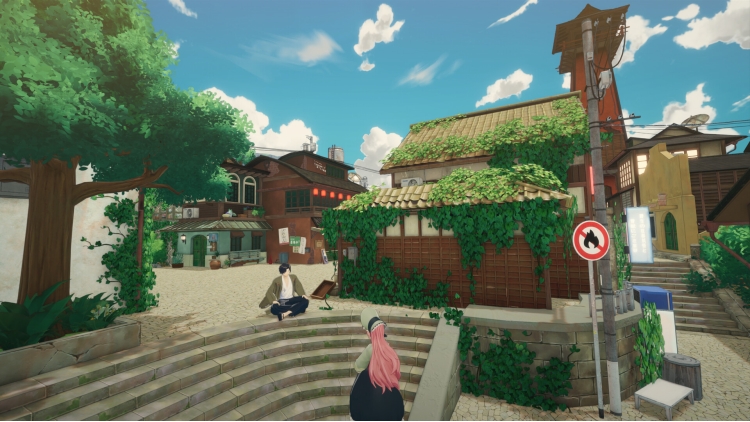
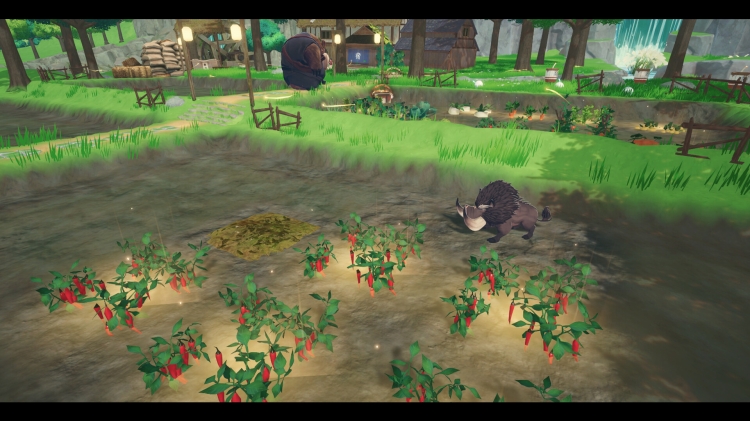
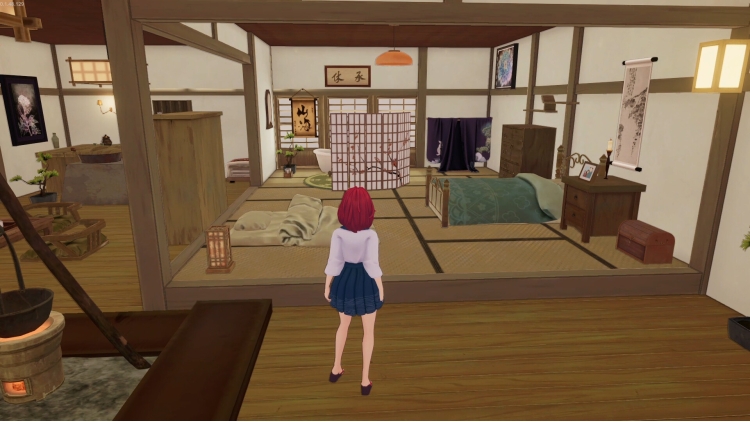
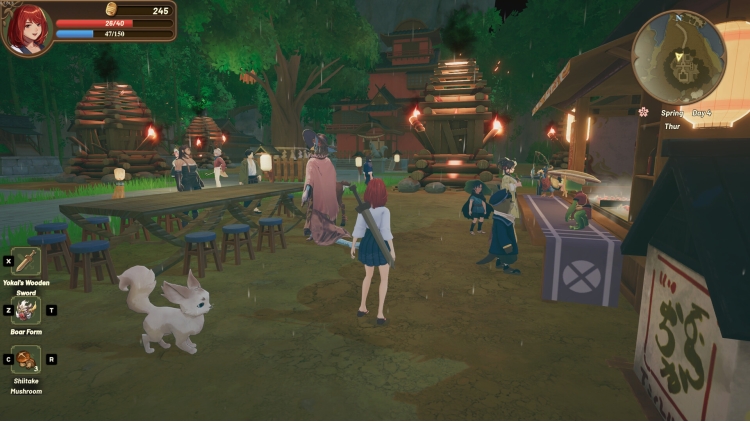
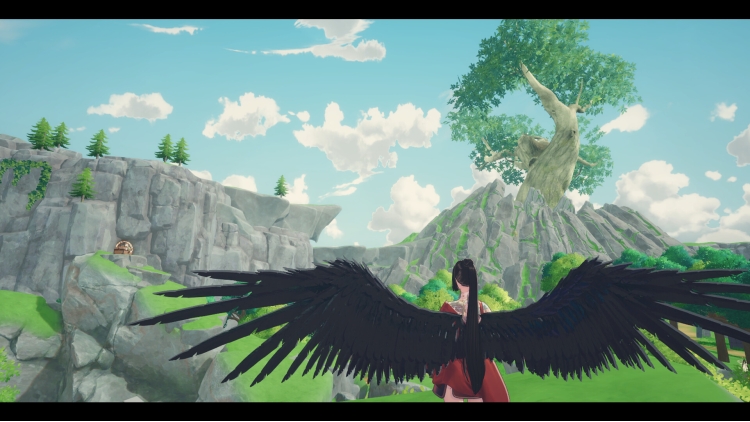
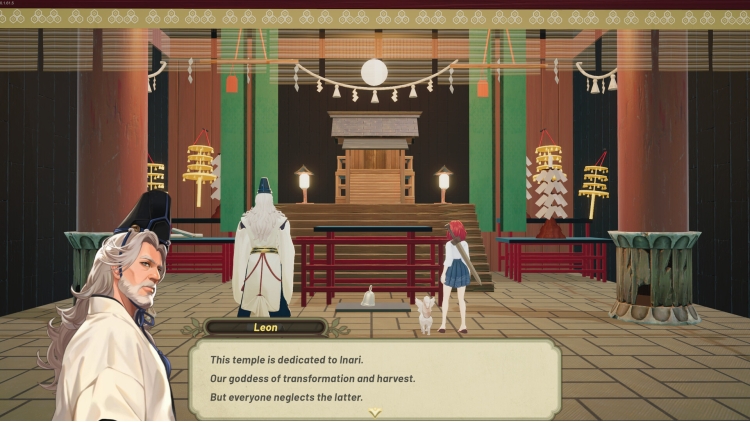
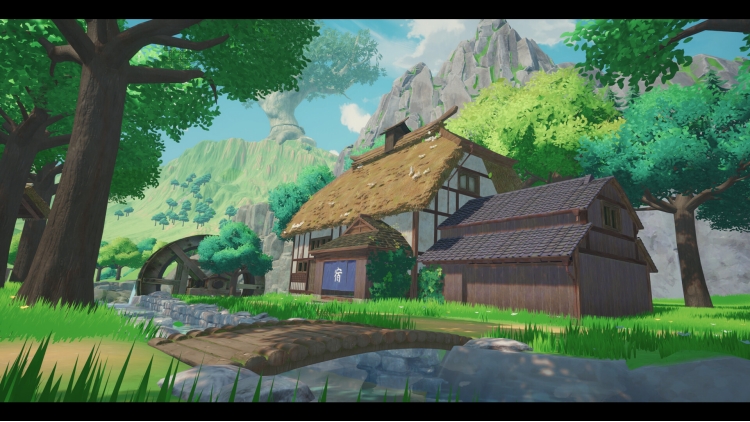
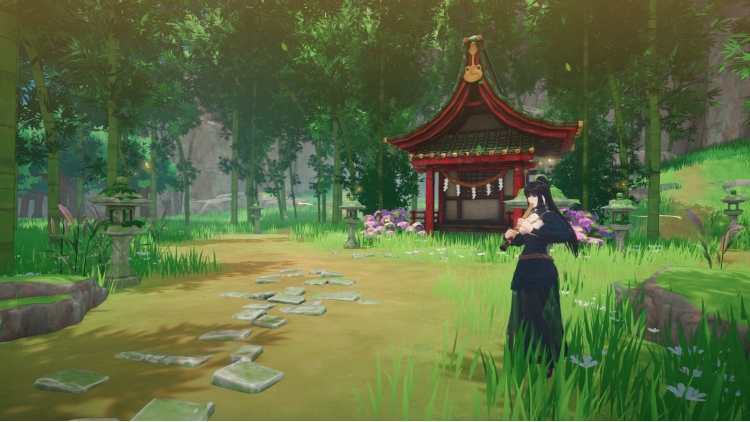
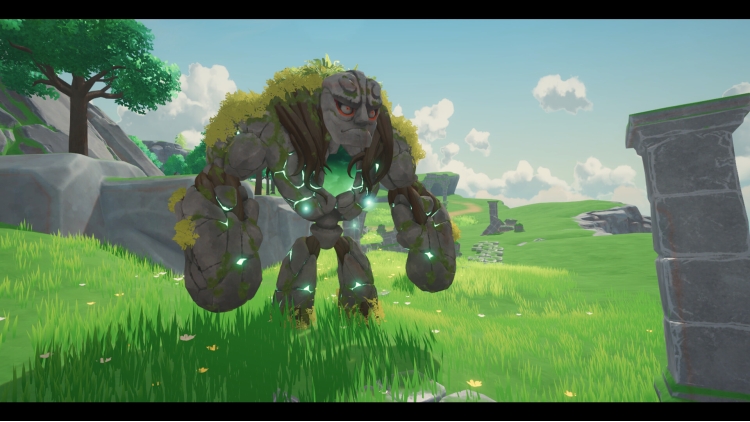

أهلاً بك في حياتك الجديدة الساحرة في عالم ساحر مليء بالعجائب والمغامرات!
سيكيو - ملاذ جزيرةٍ بعيدٍ عن عالم البشر - ملاذٌ يعجّ بسكان اليوكاي الذين يُعبّرون عن أنفسهم بحريةٍ في هيئة بشرية. استقرّ في وطنك، وساهم في توسيع مدينتك، واكتشف أسرار هذه الجزيرة وعائلتك المفقودة منذ زمن!
ميزات اللعبة
يمكنك شراء لعبة Tales of Seikyu - Early Access للكمبيوتر الشخصي سريعًا بأي طريقة آمنة وبأفضل الأسعار عبر متجر التجزئة الرسمي mena.etail.market
Copyright 2025 ACE Entertianment. All rights reserved. Published by Fireshine Games.
1)
Download & install the Steam client on your
computer from here.
2)
Open the Steam client, register and login. Then,
locate the Games tab on the top menu. Click that and select “Activate a Product
on Steam..”

3)
Enter your code that is showed on the orders page
of eTail. Market and and follow the steps showed to activate your game.

4)
The game can be monitored now and you can see it
on the "Library" section on Steam. You can download and install the
game now.
5)
If you need more information and support, you
can click here: https://help.steampowered.com/en/wizard/HelpWithSteam
 90%
اضافة للسلة
90%
اضافة للسلة
 50%
اضافة للسلة
50%
اضافة للسلة
 90%
اضافة للسلة
90%
اضافة للسلة
 اضافة للسلة
 90%
اضافة للسلة
90%
اضافة للسلة
 اضافة للسلة
 20%
اضافة للسلة
20%
اضافة للسلة
 60%
اضافة للسلة
60%
اضافة للسلة
 15%
إنتهى من المخزن
15%
إنتهى من المخزن
