Kill it with Fire
$14.99


 اضافة للسلة
 الصفحة الرئيسية
 PC Games
The Crow's Eye
PC Games
The Crow's Eye
 اضافة للسلة

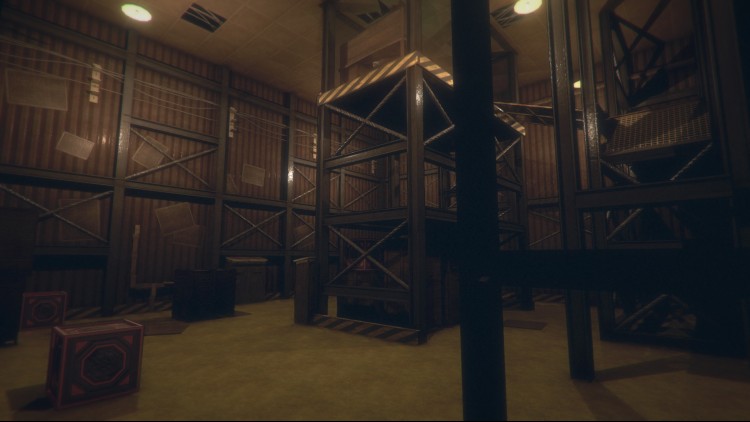
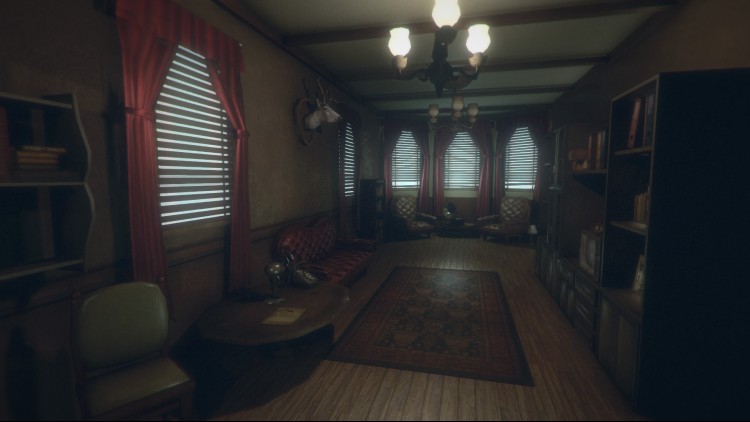
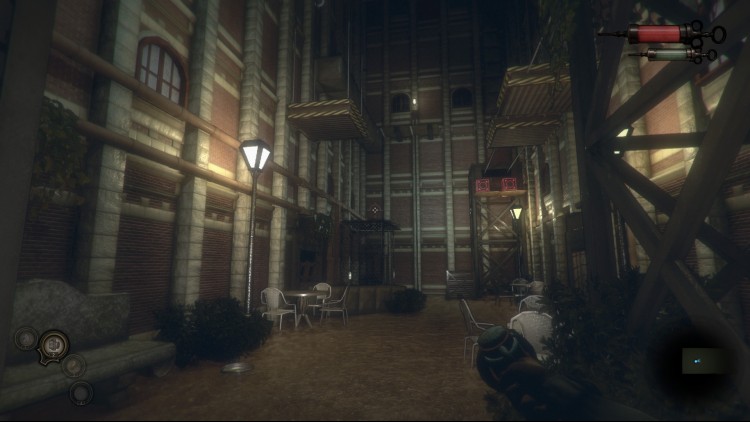
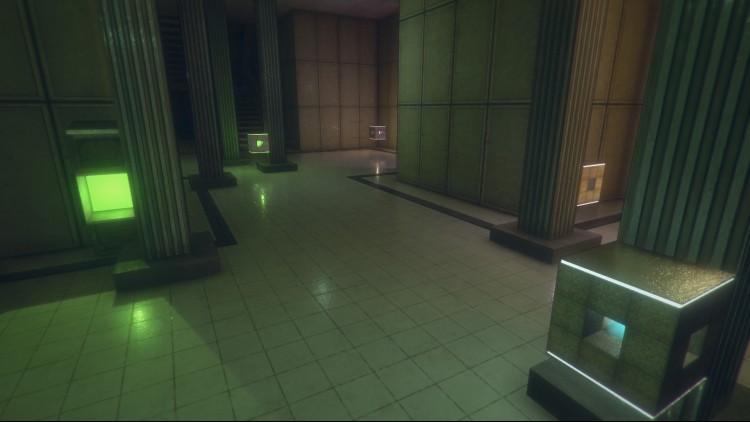
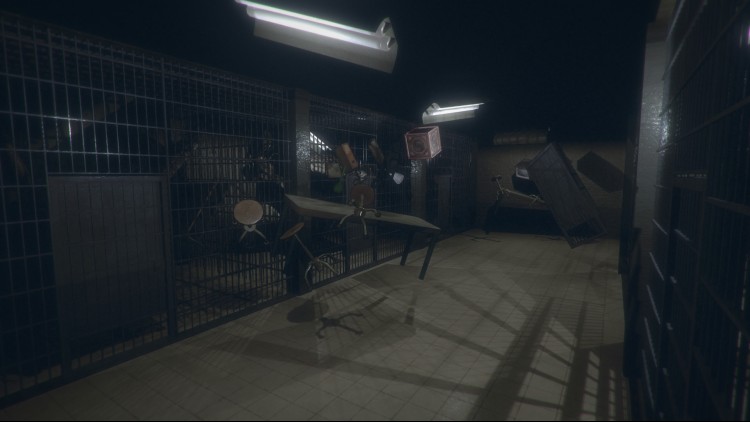
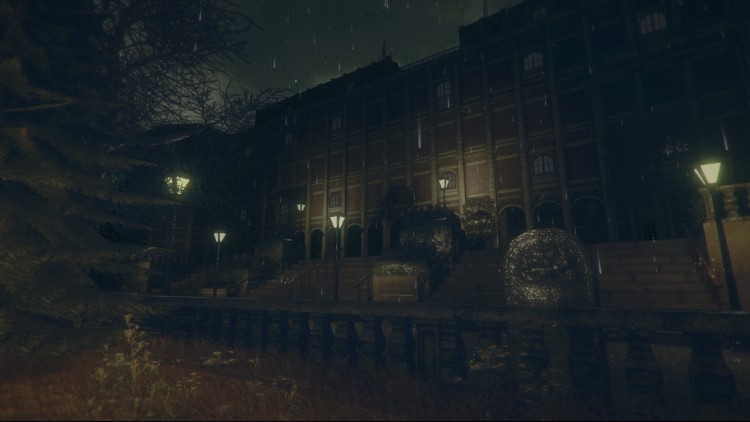
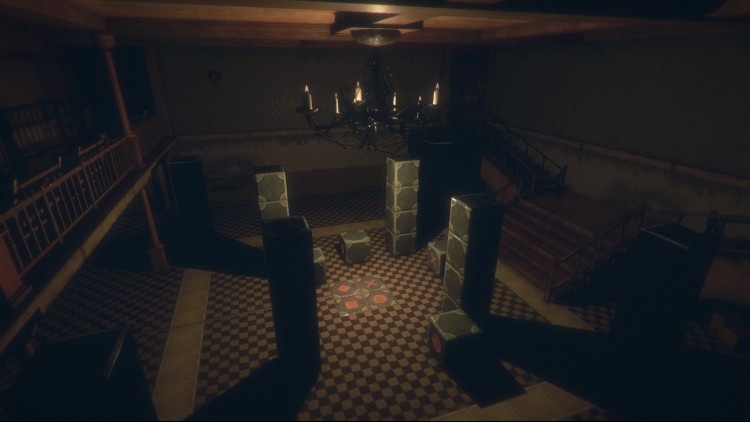
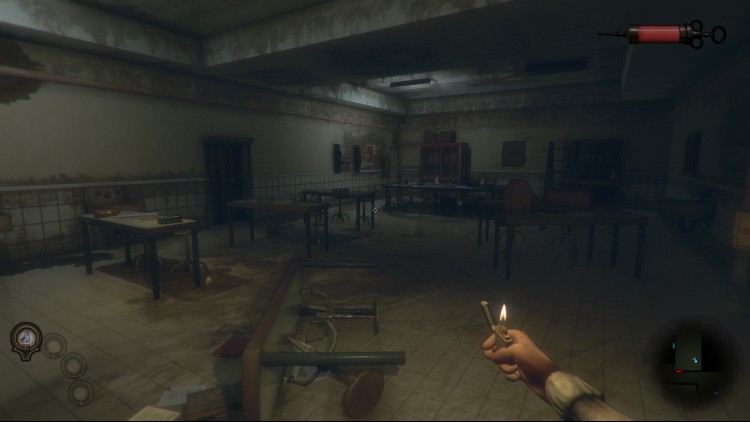
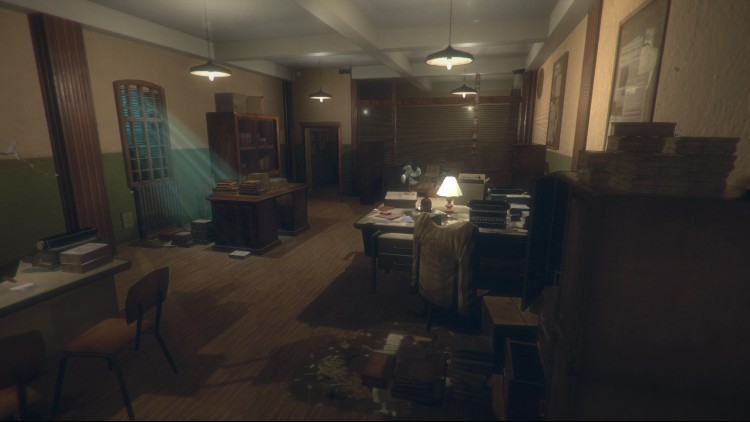
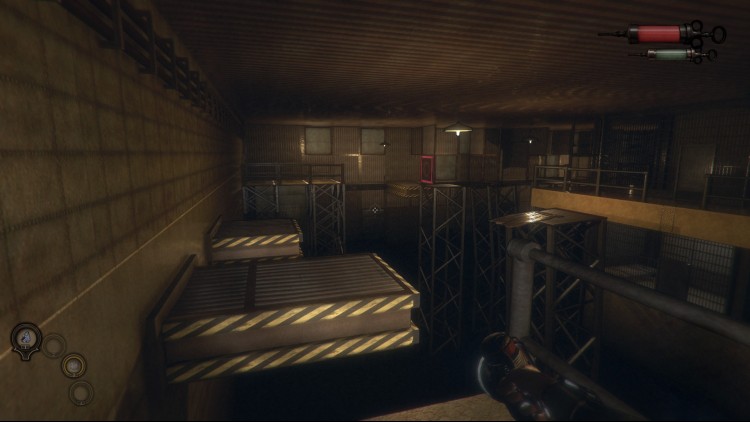
أهلاً بكم في جامعة الطب والعلوم التطبيقية في كراوزوود. أنا ويليام هولتويك، رئيس ومؤسس هذه الجامعة. لقد تم اختيار كل واحد منكم لما يتمتع به من كفاءة وذكاء وتميز. ورغم كل هذه الصفات، لا تظنوا أن الأمر سيكون سهلاً. خلال فترة دراستكم هنا، ستتعلمون أن الأخلاق ليست سوى عبء آخر يفرضه المجتمع لعرقلة تقدمنا.
هل أنتم مستعدون الآن لتغيير حياتكم؟ هل ترغبون في التخلص من التعاسة واتخاذ القرار الصائب؟ اليوم هو اليوم الذي ستتجاوزون فيه الإيمان والجهل والتحيز - فالإيمان لا يقوم على المنطق أو التجربة. اليوم ستفهمون لماذا تبرر الغاية الوسيلة.
في كراوزوود، نُقدّر السعي وراء المعرفة والارتقاء بالحياة البشرية. نسعى لتجاوز ما نعتقد أنه ممكن بشريًا. لكل فرد هنا دور قيّم يؤديه، وأعضاء هيئة التدريس لدينا متحمسون للمشاركة الفعّالة في اختباراتكم وتجاربكم ونحن نمضي قدمًا نحو المستقبل. كيف لا يرغب أحدٌ في أن يكون جزءًا من هذا التطور المثير؟
يبدو الأمر ممتعًا، أليس كذلك؟ هيا، سأكون من المتابعين.
© ٢٠٢١ ألعاب أكوبارا
يمكنك شراء لعبة The Crow's Eye للكمبيوتر الشخصي سريعًا بأي طريقة آمنة وبأفضل الأسعار عبر متجر التجزئة الرسمي mena.etail.market
© 2021 Akupara Games
1)
Download & install the Steam client on your
computer from here.
2)
Open the Steam client, register and login. Then,
locate the Games tab on the top menu. Click that and select “Activate a Product
on Steam..”

3)
Enter your code that is showed on the orders page
of eTail. Market and and follow the steps showed to activate your game.

4)
The game can be monitored now and you can see it
on the "Library" section on Steam. You can download and install the
game now.
5)
If you need more information and support, you
can click here: https://help.steampowered.com/en/wizard/HelpWithSteam
 اضافة للسلة
 60%
اضافة للسلة
60%
اضافة للسلة
 90%
اضافة للسلة
90%
اضافة للسلة
 90%
اضافة للسلة
90%
اضافة للسلة
 15%
إنتهى من المخزن
15%
إنتهى من المخزن
 50%
اضافة للسلة
50%
اضافة للسلة
 20%
اضافة للسلة
20%
اضافة للسلة
 اضافة للسلة
 90%
اضافة للسلة
90%
اضافة للسلة