Elite Dangerous: Odyssey Deluxe Edition
$44.99


 اضافة للسلة
 الصفحة الرئيسية
 PC Games
The Day I Became a Bird
PC Games
The Day I Became a Bird
 اضافة للسلة

"عندما تتحدث، يبدو صوتها كزقزقة العصافير..."
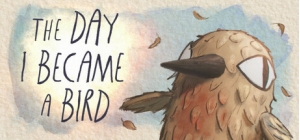
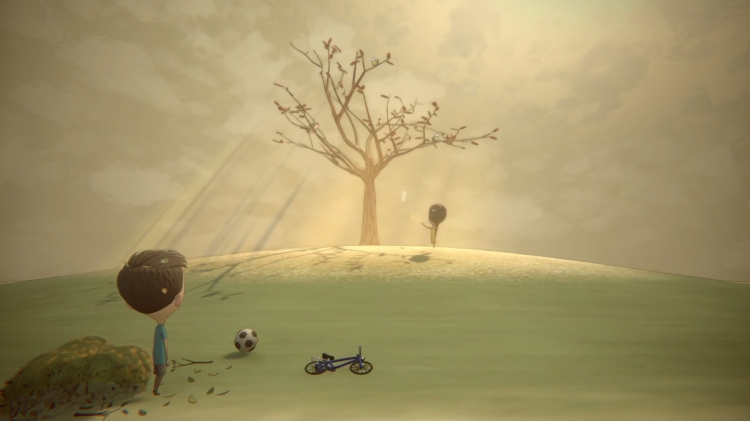
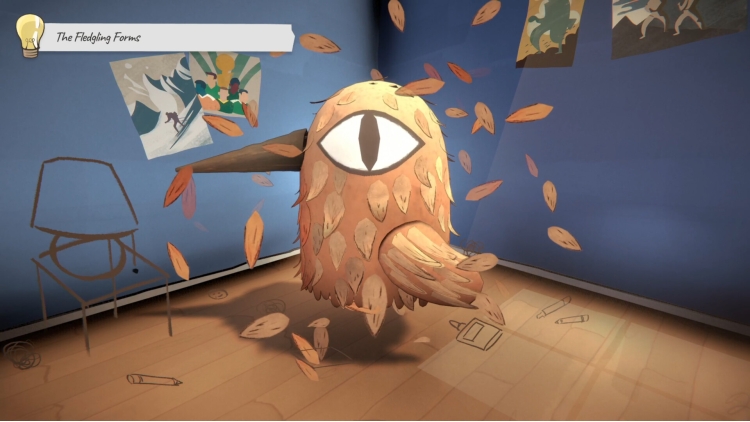
"اليوم الذي أصبحت فيه طائرًا" هي لعبة مغامرات سردية دافئة ومتقنة الصنع. تروي قصة فرانك الرقيقة، الصبي الصغير، في رحلته الأولى المليئة بالمشاعر الرقيقة، والتعبير البريء عن الذات، والإبداع الصادق. قصة مناقير وريش وزقزقة عصافير عذبة.
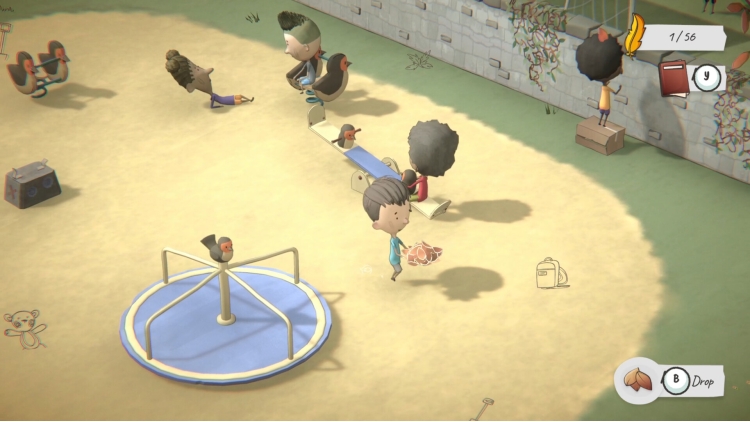
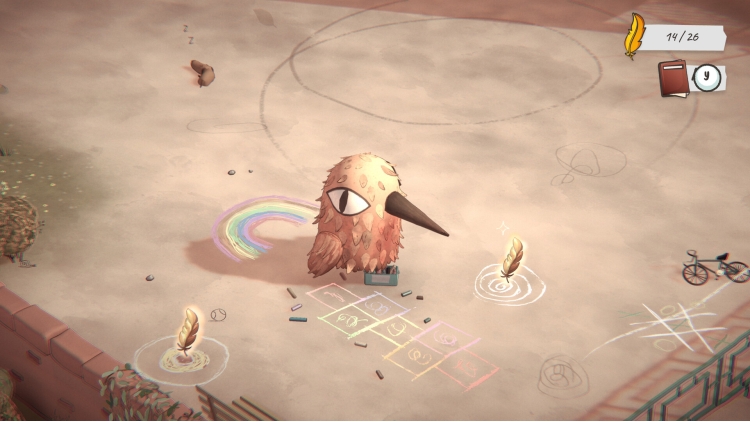
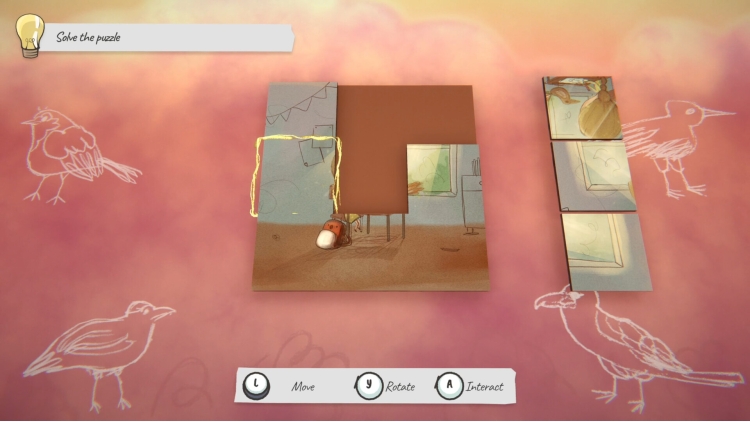
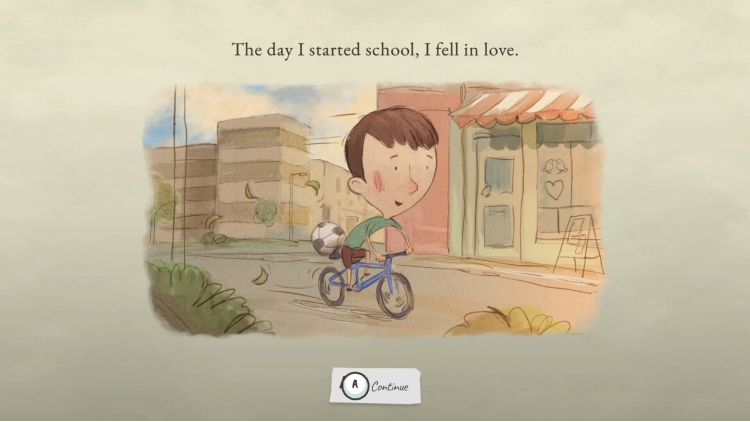
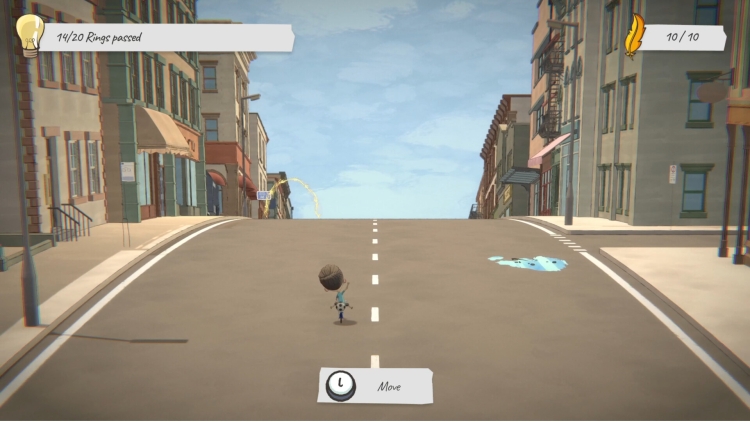
في هذه القصة التفاعلية قبل النوم، تابع فرانك في لحظات من حياته - ركوب الدراجة إلى المدرسة، والجري في الحديقة، وحل الألغاز، وصنع الذكريات، واكتشاف مشاعر جديدة تجاه زميلته سيلفيا.
ساعد فرانك على معرفة المزيد عنها، واكتشاف اهتماماتها، وفي النهاية وضع خطة لجذب انتباهها.
انضم إلينا في رحلة دافئة وحنينية إلى الطفولة، هذه اللعبة مُخصصة للرومانسيين الطموحين. دع قلبك يخفق، وانشر جناحيك، وحلّق عاليًا.
يمكنك شراء لعبة The Day I Became a Bird للكمبيوتر الشخصي سريعًا بأي طريقة آمنة وبأفضل الأسعار عبر متجر التجزئة الرسمي mena.etail.market
1)
Download & install the Steam client on your
computer from here.
2)
Open the Steam client, register and login. Then,
locate the Games tab on the top menu. Click that and select “Activate a Product
on Steam..”

3)
Enter your code that is showed on the orders page
of eTail. Market and and follow the steps showed to activate your game.

4)
The game can be monitored now and you can see it
on the "Library" section on Steam. You can download and install the
game now.
5)
If you need more information and support, you
can click here: https://help.steampowered.com/en/wizard/HelpWithSteam
 اضافة للسلة
 90%
اضافة للسلة
90%
اضافة للسلة
 90%
اضافة للسلة
90%
اضافة للسلة
 15%
إنتهى من المخزن
15%
إنتهى من المخزن
 50%
اضافة للسلة
50%
اضافة للسلة
 90%
اضافة للسلة
90%
اضافة للسلة
 80%
اضافة للسلة
80%
اضافة للسلة
 60%
اضافة للسلة
60%
اضافة للسلة
