Elite Dangerous: Odyssey Deluxe Edition
$44.99


 اضافة للسلة
 الصفحة الرئيسية
 PC Games
Zero-G Gunfight
PC Games
Zero-G Gunfight
 اضافة للسلة


IARC
ESRB (US & Canada)
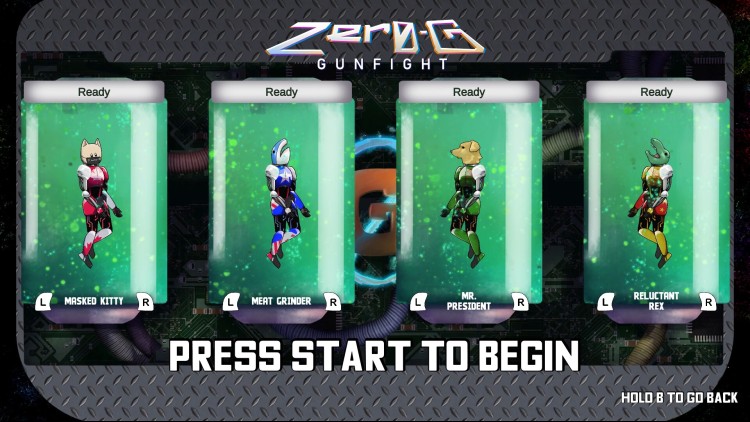
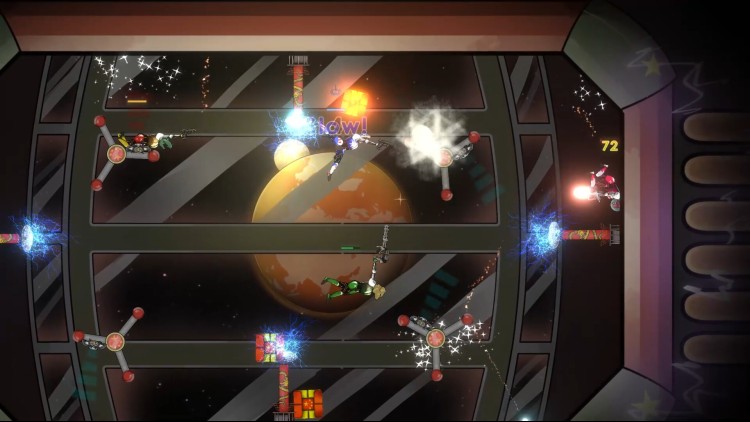
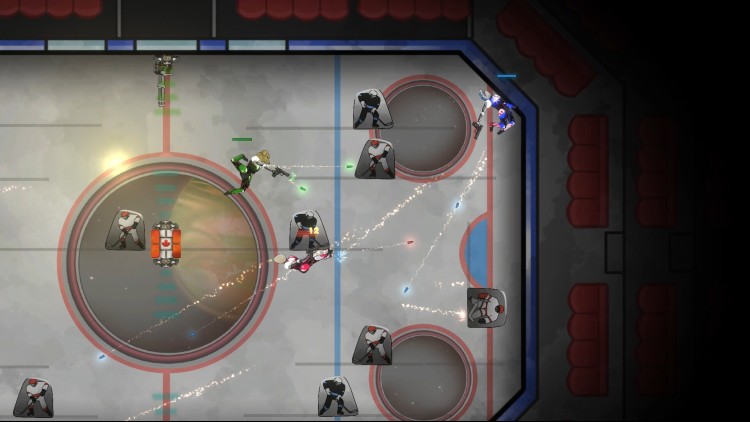
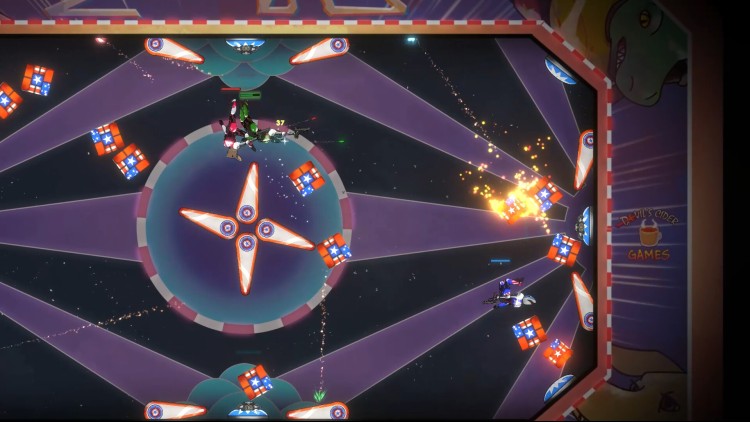
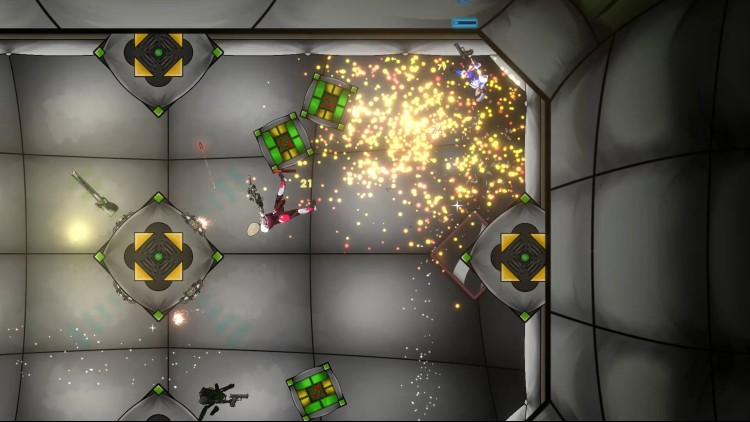
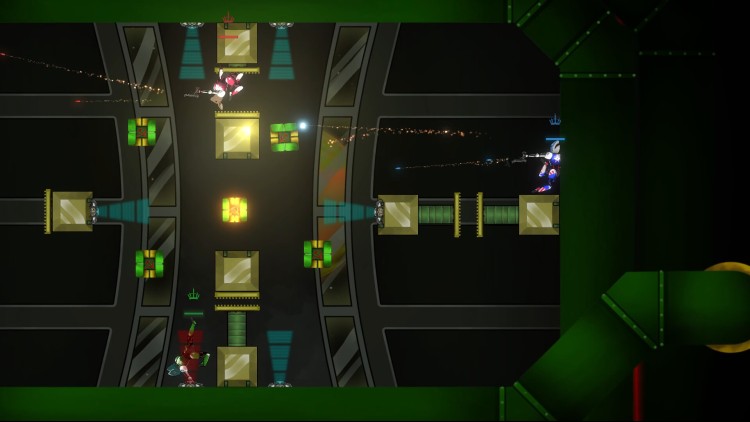
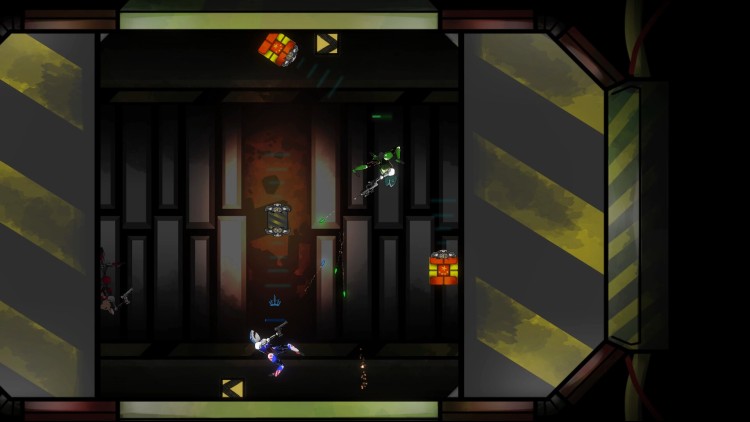
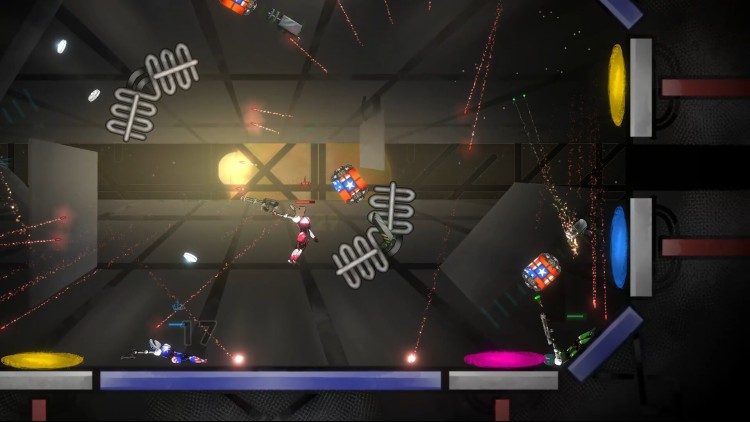
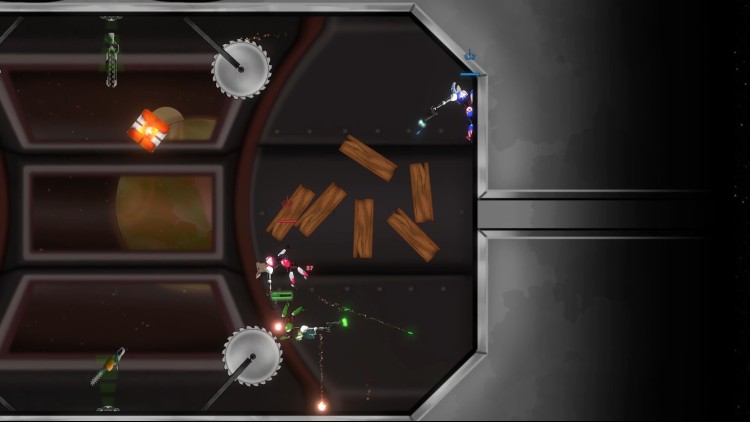
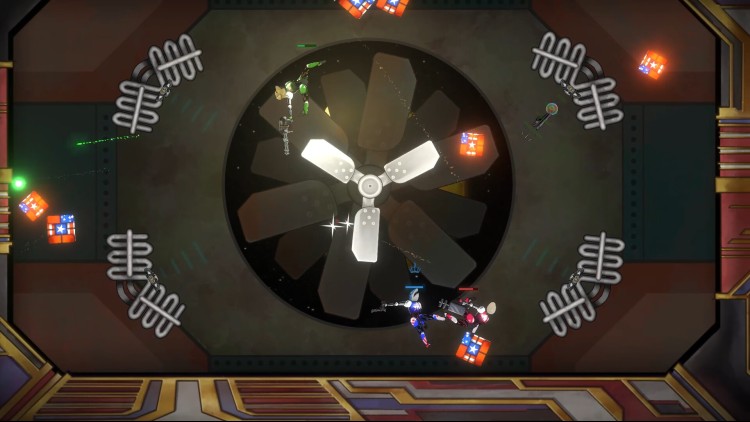
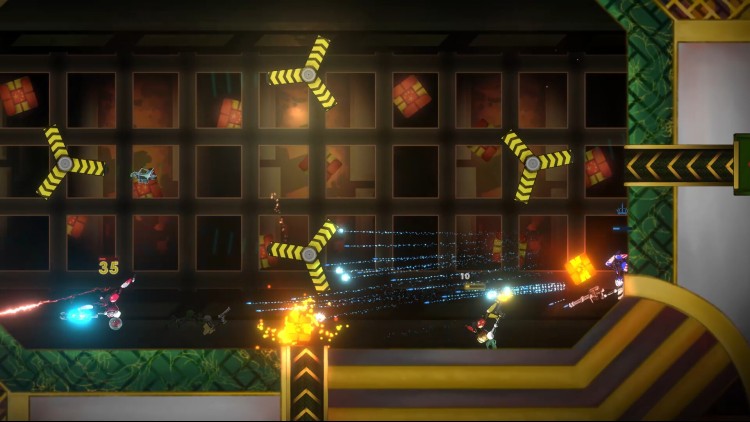
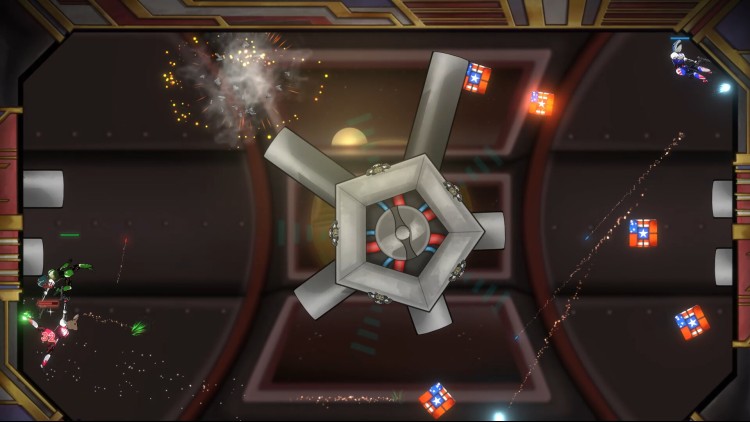
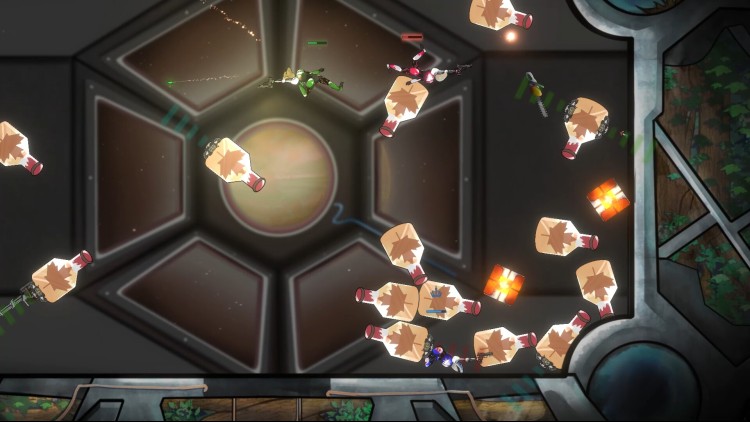
انتهت الحرب العالمية الثالثة في إبادة كاملة. الدول القليلة الباقية التي نجحت في الوصول إلى الفضاء استغرقت وقتًا لعق جراحها وإعادة بنائها. ومع ذلك ، فإن عقودًا من السلام الهش تتداعى ويتم تعبئة أسلحة الحرب مرة أخرى لأن حتى الفضاء الشاسع ليس كبيرًا بما يكفي لتحقيق السلام.
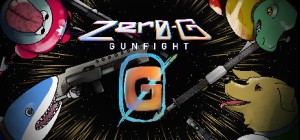
حارب أصدقائك في ساحات Zero-G Gunfight سريعة الخطى والمحمومة. اختر بنادق مختلفة تغير طريقة حركتك وتقاتل. دودج رصاص العدو وتجنب المخاطر الفريدة وأنت تسعى جاهدة لتكون آخر من يقف وتقرب أمتك خطوة واحدة من التفوق بين المجرات!
© 2022 Devil's Cider Games Inc
يمكنك شراء لعبة Zero-G Gunfight للكمبيوتر الشخصي سريعًا بأي طريقة آمنة وبأفضل الأسعار عبر متجر التجزئة الرسمي mena.etail.market
© 2022 Devil's Cider Games Inc
1)
Download & install the Steam client on your
computer from here.
2)
Open the Steam client, register and login. Then,
locate the Games tab on the top menu. Click that and select “Activate a Product
on Steam..”

3)
Enter your code that is showed on the orders page
of eTail. Market and and follow the steps showed to activate your game.

4)
The game can be monitored now and you can see it
on the "Library" section on Steam. You can download and install the
game now.
5)
If you need more information and support, you
can click here: https://help.steampowered.com/en/wizard/HelpWithSteam
 اضافة للسلة
 90%
اضافة للسلة
90%
اضافة للسلة
 اضافة للسلة
 50%
اضافة للسلة
50%
اضافة للسلة
 90%
اضافة للسلة
90%
اضافة للسلة
 20%
اضافة للسلة
20%
اضافة للسلة
 15%
إنتهى من المخزن
15%
إنتهى من المخزن
 60%
اضافة للسلة
60%
اضافة للسلة
 90%
اضافة للسلة
90%
اضافة للسلة